How List Crawling Works (and How to Use It for Better Data Results)
Do you need to collect a list of data — like emails, products, or business names — from multiple websites? No doubt that doing it by hand can take forever. That’s where list crawling concept comes very helpful.
Basically, List crawling automates data collection so you can quickly gather accurate, structured information from across the web. Whether you’re a marketer, researcher, or business owner, this process can save hours of manual work and help you make smarter decisions.
Let’s break it down in this comprehensive guide — what list crawling is, how it works, and how you can use it to get cleaner, more useful data every time.

🧠 What Is List Crawling (in Simple Terms)?
List crawling is the process of automatically collecting data that’s arranged in lists on websites — things like product names, job listings, or contact details.
Instead of copying and pasting one entry at a time, a crawler (a small automated program) visits each web page, identifies the structured data, and extracts it for you.
For example:
Imagine you want to create a spreadsheet of all hotels in Goa from various travel websites. A crawler can visit those pages, grab the hotel names, ratings, and prices, and neatly organize them for you in minutes.
It’s that simple — automation replaces repetition.
💡 Why List Crawling Matters
In today’s data-driven world, information is power. But only if you can collect and use it effectively.
Here’s why list crawling is such a game-changer:
- Saves time: What takes hours manually can be done in minutes automatically.
- Improves accuracy: Crawlers don’t make copy-paste mistakes.
- Scales easily: Collect data from hundreds of sites, not just one.
- Keeps data fresh: You can schedule crawls to keep your lists up to date.
- Supports better decisions: Structured data helps identify trends and insights faster.
Simply put, list crawling turns raw web content into usable, decision-ready data.
⚙️ How List Crawling Works (Step-by-Step)
Let’s walk through how the process happens in practice.
1. Define Your Goal
Everything starts with a clear purpose.
Ask yourself: What do I want to achieve with this crawl?
Examples:
- Build a contact list of marketing agencies
- Compare prices of laptops from online stores
- Collect research data from multiple blogs
When your goal is clear, the rest of the process becomes easier and more focused.
2. Choose the Right Sources
Next, identify the websites that contain the data you want.
Tips for choosing sources:
- Look for websites with structured, easy-to-read lists or tables
- Focus on reputable sites that regularly update their content
- Always check their robots.txt file or terms of use to ensure you’re allowed to crawl
For example, if you’re gathering job listings, you might start with platforms like Indeed or Glassdoor.
3. Crawl the Pages
This is where the crawler goes to work.
Think of a crawler as a digital explorer. It starts on a webpage, scans its content, and follows links to gather similar information on other pages.
Behind the scenes, it looks at the site’s HTML structure to find patterns — like product listings, titles, or prices — and then extracts that data according to your setup.
Even if you’re not technical, tools like Octoparse, ParseHub, or WebHarvy make this step simple with point-and-click interfaces.
4. Extract and Store the Data
Once the crawl is complete, the tool saves your extracted data in a structured format — often as a CSV, Excel, or JSON file.
For example:
| Product Name | Price | Rating |
|---|---|---|
| Apple MacBook Air | ₹1,09,900 | 4.8 |
| Dell Inspiron 15 | ₹68,999 | 4.3 |
You now have usable, organized data that can be filtered, sorted, or analyzed instantly.
5. Clean the Data
Raw data is rarely perfect. There might be duplicates, missing fields, or inconsistent formatting.
Before using it, clean the data:
- Remove duplicates
- Standardize text (like using the same format for addresses or phone numbers)
- Fill or remove empty fields
You can do this easily with Excel, Google Sheets, or tools like OpenRefine.
6. Analyze and Apply the Results
Now comes the fun part — using the data for insights or action.
Examples:
- Businesses use crawled lists to find new leads or monitor competitors
- Researchers gather data to identify market trends
- E-commerce teams track product prices or availability
Clean, organized data turns into actionable intelligence that directly supports your goals.

🔍 Example: How a Small Business Uses List Crawling
Let’s make this real.
A local digital marketing agency wanted to find potential clients — specifically, small businesses without an online presence.
Here’s how they did it:
- Goal: Collect contact details of small businesses in Delhi.
- Sources: Online directories and local listing websites.
- Tool Used: Octoparse (no coding needed).
- Process: Crawled 200+ pages, extracted names, phone numbers, and categories.
- Result: A clean list of 3,000 verified business contacts in one day.
By automating the process, they saved almost two weeks of manual effort — and gained a powerful lead database overnight.
🧰 Best Tools for List Crawling (No-Code and Code Options)
| Tool | Type | Skill Level | Why It’s Useful |
|---|---|---|---|
| Octoparse | No-code | Beginner | Simple drag-and-drop interface |
| ParseHub | No-code | Intermediate | Great for structured websites |
| WebHarvy | No-code | Beginner | Detects patterns automatically |
| Scrapy | Code-based | Advanced | High customization with Python |
| BeautifulSoup | Code-based | Advanced | Ideal for fine-tuned extraction |
👉 If you’re new, start with a visual tool like Octoparse. If you’re technical, Scrapy or BeautifulSoup offers full control.
⚖️ Ethical and Legal Side of List Crawling
Crawling is powerful — but it comes with responsibilities.
Here are a few rules to follow:
- ✅ Respect robots.txt — it tells you what’s allowed to crawl.
- ✅ Avoid collecting private or personal data.
- ✅ Limit your crawl rate to prevent overloading websites.
- ✅ Use data only for legitimate, lawful purposes.
Ethical list crawling protects your reputation and keeps you on the right side of regulations like GDPR.
💬 Practical Tips for Better Data Results
Want cleaner, faster, and more accurate results? Keep these best practices in mind:
1. Start Small
Begin with a few pages, test your setup, and expand gradually. It’s easier to fix small issues before scaling.
2. Schedule Regular Crawls
Websites change all the time. Set automatic schedules to keep your data fresh and up to date.
3. Validate Your Data
Always double-check your results. A few random checks can help ensure accuracy before full analysis.
4. Combine with Other Data
Merge crawled lists with your CRM or analytics tools to find deeper insights.
5. Monitor Performance
Some sites change layout often. Review your crawler’s performance to ensure it still extracts correctly.
⚠️ Common Mistakes to Avoid
Even seasoned users sometimes make these errors:
- ❌ Crawling too fast — can get your IP blocked.
- ❌ Ignoring site structure — leads to messy data.
- ❌ Forgetting to clean data — results in duplicates and errors.
- ❌ Collecting restricted data — could cause legal trouble.
Avoid these, and your list crawling will run smoothly every time.
📊 How List Crawling Improves Data Quality
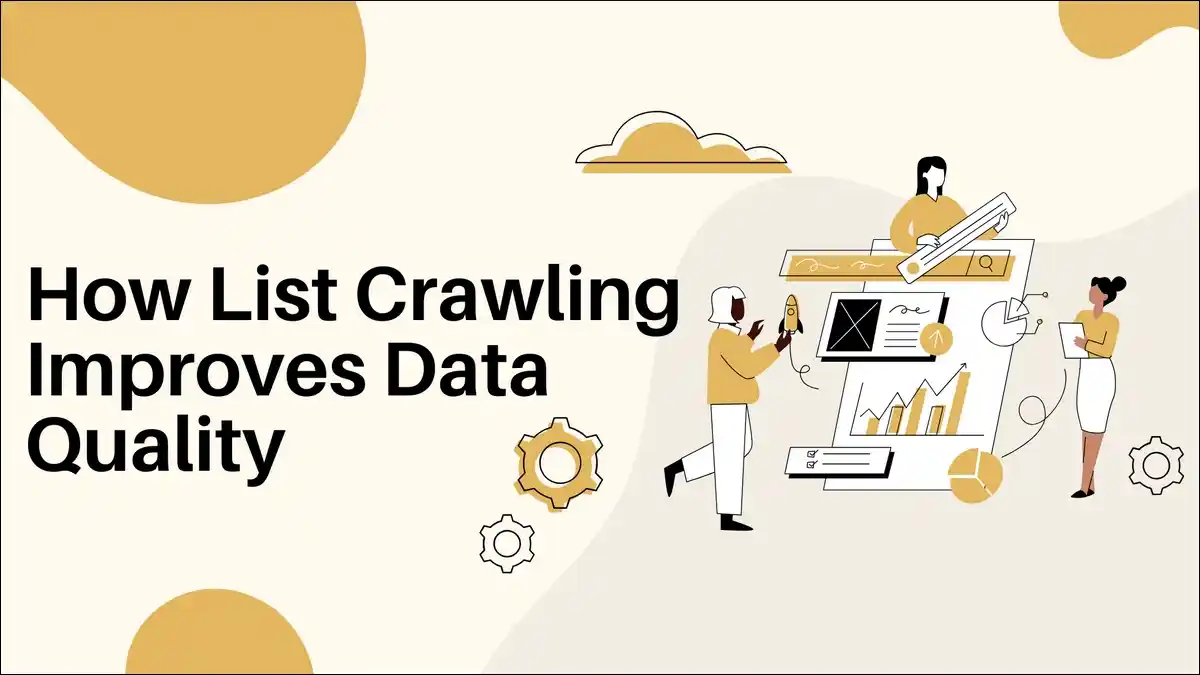
Let’s be clear — list crawling isn’t just about quantity. It’s about quality.
Here’s how it helps you get better data:
- Consistency: Every crawl follows the same extraction rules.
- Comprehensiveness: Collects data you might miss manually.
- Reusability: The same crawler can be reused for future projects.
- Objectivity: Automation removes human bias and error.
When done right, it turns chaotic web data into a clean, reliable dataset you can trust.
❓ Frequently Asked Questions (FAQs)
Web scraping is a broad term for any automated data extraction. List crawling focuses specifically on gathering structured list data — such as product listings, contacts, or job boards.
Yes, when done ethically. Avoid private data, follow website policies, and comply with data protection laws.
Absolutely. No-code tools like Octoparse or ParseHub let anyone build crawlers using drag-and-drop steps.
Use moderate speeds, randomize request times, and avoid excessive page loads. Always stay polite to the site’s servers.
It depends on how frequently the site updates. For dynamic data (like prices), weekly or daily. For static data (like company directories), monthly may be enough.
🏁 Final Thoughts: Turn Data Into Opportunity
List crawling is one of the smartest ways to gather useful data — fast, accurate, and scalable.
It helps you skip the manual grind and focus on what really matters: using that data to make informed decisions.
Whether you’re a business tracking competitors, a researcher collecting insights, or a marketer building lead lists, list crawling turns scattered web information into actionable intelligence.
Start small. Stay ethical. Keep your data clean.
And soon, you’ll see how much easier it becomes to make confident, data-backed decisions — powered by the web itself.