InSnoop: Does It Really Work for Anonymous Instagram Stories?
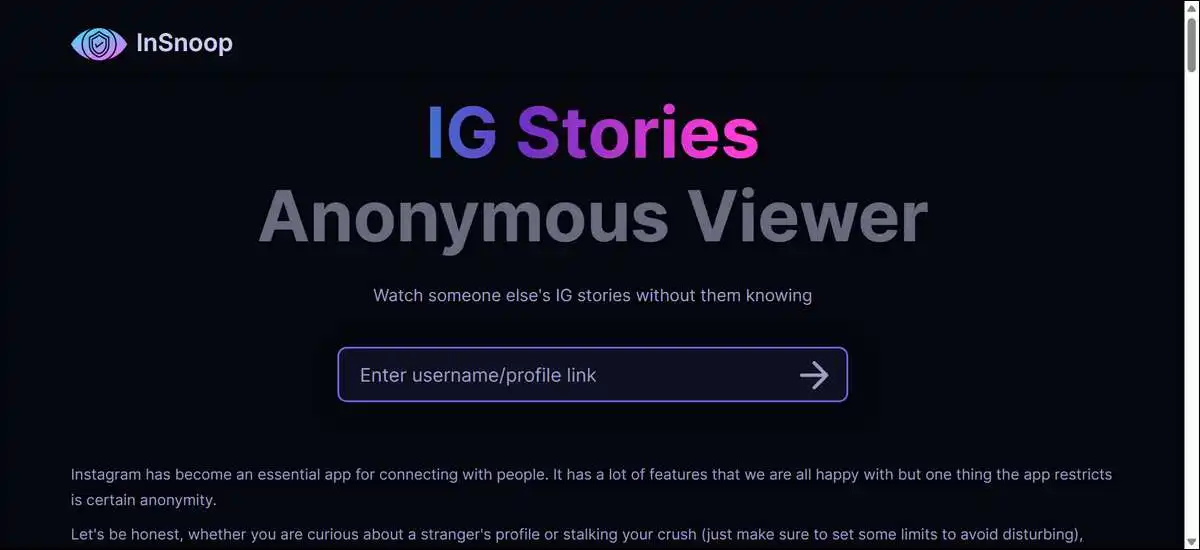
Do you want to see someone’s Instagram stories without letting them know?
Here’s a tool for you: InSnoop lets you view public Instagram stories without your name showing in the viewer list. It works through proxy servers for many accounts, and performance can vary with Instagram’s updates, though.
You might find it useful for quick checks on public content. There’s no login or app required. While results aren’t guaranteed every time, but it often delivers what it promises.
Key findings
- InSnoop works for many public stories when the servers respond.
- Anonymity holds in most casual tests, but it’s not absolute.
- Reliability fluctuates, so you’ll benefit from backup tools.
- Safety depends on your habits and the tool’s limited transparency.
- Better options exist if you need it more often or want broader features.
These points come from direct tests and recent 2026 reviews. Now let’s break this down so you can see exactly where it shines and where it falls short.
What Is InSnoop and How Does It Work?
InSnoop is a free browser-based tool that fetches public Instagram stories and highlights through its own servers.
Your view request doesn’t come from your Instagram account or IP address, so Instagram usually doesn’t register your username in the seen list.
It also supports downloads of photos as JPEG files and videos as MP4 files. You can use it on desktop, tablet, or phone browsers without installing anything.
That’s part of why these tools stay popular. Instagram Stories have grown into a major part of daily platform use. In 2026, reports showed roughly 562 million daily active story users, up about 12 percent from the year before. Stories now take up a large share of time spent on Instagram overall.
Many people want to check stories without boosting engagement numbers or appearing in viewer lists. Viewer lists signal interest, and anonymous tools address that need for public accounts only.
How to use InSnoop step by step
You can follow these numbered steps on any device with a browser.
- Open your browser and go to insnoop.com. Stick to the main domain to avoid copycat sites.
- Type the public Instagram username or paste the full profile link into the search field.
- Click the search button or press Enter.
- Wait for the stories or highlights to load in the viewer.
- Click any story to watch it. You have the option to download individual images or videos right from the display.
- Close the viewer when you’re done. No account data stays on the site from your side.
The whole process usually takes under a minute when the tool responds. It only works on public profiles, though. Private accounts stay out of reach through this method or any legitimate viewer.
Also read:
InSnoop Reliability and Performance in 2026
InSnoop delivers stories successfully in many 2026 tests. It also fails with server errors on other attempts, though. Instagram’s frequent backend changes cause most of these disruptions.
In one of my tests, three full stories loaded without any viewer trace. The next day, the same account returned a server unavailable message. Alternative domains sometimes showed “user not found” errors even for active public profiles. That’s a pattern that shows up across multiple reviews this year.
These hiccups aren’t random. Instagram updates its systems regularly to detect and block scrapers and proxies. The servers that power tools like InSnoop get flagged over time. High traffic on popular viewers can add to the occasional overloads.
You can’t predict exact uptime in advance. The tool may work well for days, then drop for hours. That’s why keeping two or three similar viewers bookmarked reduces frustration when one acts up.
Troubleshooting InSnoop when it fails
You can try these steps in order when stories don’t load.
- Refresh the page and try the search again.
- Clear your browser cache and cookies for the site.
- Switch to incognito or private browsing mode.
- Test the official insnoop.com domain again. Avoid unverified mirrors.
- Try a different public username to check if the issue is account-specific.
- Move to a backup viewer if errors continue.
- Wait a few hours and retry, since blocks often lift after Instagram makes adjustments.
These steps resolve many temporary issues. They don’t require any technical skill beyond basic browser actions.
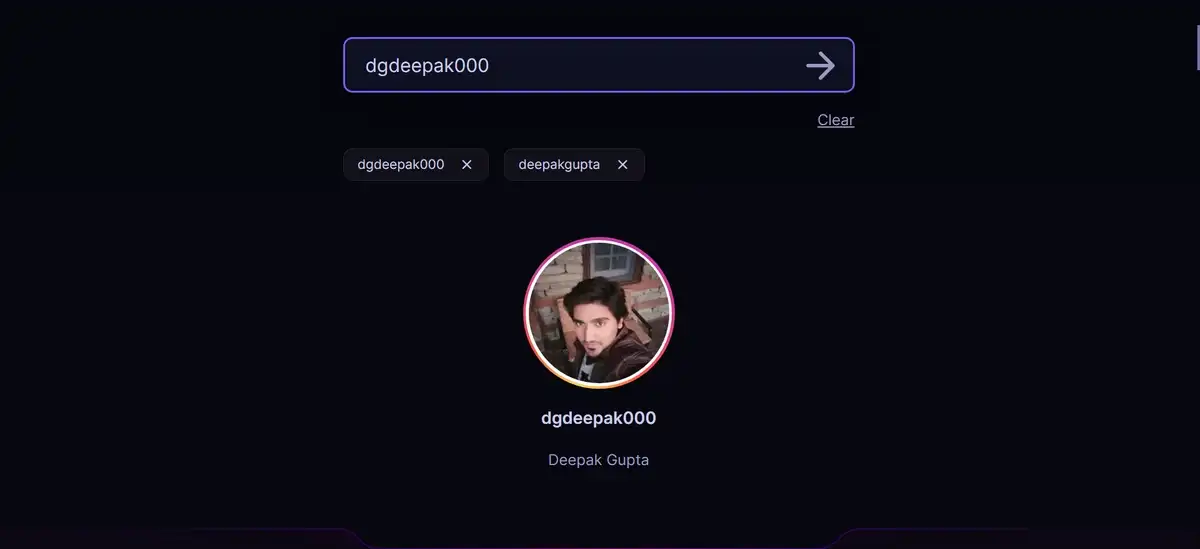
Image placement suggestion: Add a simple flowchart-style image or annotated screenshot showing common error messages and the troubleshooting flow. Alt text: Common InSnoop error messages and step-by-step troubleshooting for 2026 users
Does InSnoop Keep You Anonymous?
InSnoop keeps your name out of most viewer lists through its proxy design. The request reaches Instagram from the tool’s servers rather than your device. This separation works for the majority of casual public story views.
That said, anonymity isn’t complete in every case. Shared cookies from a logged-in Instagram session on the same browser can sometimes leak identity. Advanced detection by Instagram may also flag proxy traffic on certain days.
Tests in 2026 gave the tool roughly a 6 out of 10 rating for reliable anonymity. It performs well enough for occasional personal or professional checks. It just falls short of bulletproof protection.
Best practices to improve anonymity results
You can strengthen your privacy with these habits.
- Use incognito mode for every session.
- Keep Instagram logged out in the same browser.
- Add a reputable ad blocker extension.
- Consider a VPN for extra IP masking during sensitive checks.
- Clear site data after each use.
- Avoid entering any personal information on the viewer page.
These steps reduce common leak points. They add only seconds to your workflow and make a noticeable difference in practice.
Safety, Privacy, and Legal Considerations
InSnoop presents low direct risk to your device or Instagram account. It never asks for login credentials. The site uses SSL encryption for data in transit.
The main concerns come from limited transparency. No detailed public privacy policy appears on the site in clear form. Ownership and data retention practices remain undisclosed in the available information. Your IP address and the usernames you search may get logged by the operator.
Here’s a practical checklist that keeps most sessions low risk.
- Stick to public accounts only.
- Never download or share content without permission where required.
- Use official domains to avoid phishing copies.
- Run current antivirus software on your device.
- Do not install claimed mobile apps for these tools.
- Review your browser permissions after sessions.
- Respect platform terms and individual privacy boundaries.
Following the checklist keeps exposure low. It also aligns with responsible use overall.
Instagram’s terms prohibit automated access and scraping. Casual viewing of public stories through a browser tool rarely triggers enforcement against individual users. The risk stays mainly with the tool operators. You still operate in a gray area when you rely on these services regularly, though.

Head-to-Head Comparison: InSnoop vs Leading Alternatives in 2026
Several browser-based viewers compete in the same space. They share the proxy approach and public account limit. Differences show up in reliability, extra features, and current status after Instagram updates.
The table below summarizes key points from 2026 checks. Status can shift quickly, so you’ll benefit from testing two or three options yourself for your location.
Top Anonymous Instagram Story Viewer Comparison In 2026
| Tool | Stories & Highlights | Other Content | Download Support | Reliability Notes (Mid 2026) | Best Suited For |
|---|---|---|---|---|---|
| InSnoop | Yes | Limited | Yes | Works often but frequent server errors | Quick single account checks |
| StoriesIG | Yes | Reels and posts in some versions | Yes | Mixed. Some regional blocks reported | Users wanting broader content |
| AnonyIG | Yes | Profile and tagged photos | Yes | Generally stable in available regions | Profile research and browsing |
| StealthGram or Dumpor | Yes | Basic profile info | Varies | Functional in recent live checks | Simple one-shot story views |
InSnoop stands out for its minimal interface and lack of login requirement. It loads fast on good days. It just lacks the extra content options some competitors offer.
StoriesIG often ranks high for feature range, yet it faced redirect issues for some US testers in June checks. AnonyIG provides stronger profile exploration in working regions. Newer or lesser-known tools appear and disappear as the niche shifts.
You can bookmark the top two or three that currently load for your location. Rotate between them when one slows down. This approach gives more consistent access than depending on any single tool.
Legitimate Use Cases and Productivity Tips
Professionals and individuals use these viewers for practical reasons. A marketing team can monitor competitor story activity without following every account. Researchers or journalists can review public content from sources who block direct follows.
People without an Instagram account can still stay updated on public stories from friends or public figures. Someone blocked by an account can check stories through the tool when needed. These scenarios stay within public content boundaries.
You can build a simple workflow that fits your needs. Bookmark InSnoop and one or two alternatives. Set a recurring calendar reminder for important accounts. Note the usernames you check most often in a private document. Download only what you need and delete files after use.
This method keeps checks efficient and contained. It avoids unnecessary engagement while delivering the information you seek.
Our Verdict
InSnoop works for many public Instagram story views in 2026. It delivers the core promise of anonymous access through its proxy system on successful runs. You can use it effectively for occasional checks on public content.
Its reliability remains inconsistent due to Instagram platform changes. Anonymity performs well in most tests, yet carries no guarantee. Transparency around data handling stays limited.
I’ve found you get the most value by treating InSnoop as one option among several. Pair it with a backup viewer and the safety habits outlined earlier. This combination supports responsible, low-friction access to public stories without over-relying on any single tool.
The tool fills a specific need without requiring an Instagram account or login. It doesn’t replace official features or provide analytics. For users who understand its limits and follow basic precautions, it remains a functional choice in mid-2026.
People Also Ask These Questions
Does InSnoop work in 2026?
InSnoop works for many public stories on good days. Server errors occur regularly, though. Test it directly for your specific needs before relying on it for important checks.
Is InSnoop safe to use?
The tool itself asks for no login data. Risks come mainly from unknown data practices and copy sites. Follow the safety checklist for lower exposure and better privacy protection.
Can InSnoop view private accounts?
No. It accesses only public content. Claims of private access usually indicate unreliable or harmful alternatives that you should avoid completely.
What are the best InSnoop alternatives right now?
StoriesIG, AnonyIG, and StealthGram or Dumpor rank among current functional options in recent checks. Status changes often, so keep more than one available and test them yourself.
Do I need to create an account to use InSnoop?
No account or login is required. You just open the site and search directly for the public username you want to check.