12 Best InDown.io Alternatives For Instagram Reels, Videos & Photos [2026]
These days, many people look for InDown.io alternatives because the tool sometimes fails after Instagram updates or shows too many ads. Other options often give faster results or extra features for public content. If you’re looking for alternative options, in this list we compare 12 practical choices based on recent tests and user reports.
People usually use these tools to save Reels, videos, photos, and Stories from public Instagram accounts. Most work by pasting a link into a website. And none of them require login for basic use on public posts. However, always respect copyright and use downloads only for personal offline viewing.
Key Findings From Our Research:
Web-based tools dominate the space, and they stay free and simple for most users. Desktop and command-line options give you more control when you save often or need bulk downloads.
Monthly Visits of Top Instagram Downloaders (May 2026)
Data based on traffic analysis (May 2026). Higher bars indicate greater popularity.
Traffic reports from May 2026 showed fastdl.app with over 60 million visits. SSSInstagram.com and snapinsta.to also drew tens of millions of monthly visits. This volume points to strong demand for reliable Instagram downloaders.
Most alternatives handle public Reels and videos well and often remove watermarks. Success rates can drop when Instagram changes its site structure. No tool works perfectly every time.
Here are the main takeaways:
- Web tools like FastDL and SnapInsta often process links faster than InDown.io for everyday use.
- Desktop apps can support bulk downloads and subscriptions, but they face ongoing compatibility challenges.
- Command-line tools like yt-dlp offer the highest reliability with no ads.
- Privacy risks exist across free web options due to ads and trackers.
- All tools work best on public content only.
These points come from direct comparisons and reported user experiences. Your results may vary depending on the specific post and current Instagram settings.
Quick Comparison of Top InDown.io Alternatives
Here’s a side-by-side view that can help you pick the right tool quickly. The table below covers 12 options based on features reported in 2026 reviews and tests.
InDown.io Alternatives Comparison Table
| Tool | Type | Main Content Supported | Pricing | Speed | Best For |
|---|---|---|---|---|---|
| FastDL.app | Web | Reels, videos, photos, carousels | Free with ads | Very fast | Quick daily downloads |
| SnapInsta.to | Web | Reels, videos, photos, Stories | Free with ads | Fast | Broad everyday use |
| SSSInstagram.com | Web | Videos, photos, Reels, Stories | Free with ads | Fast | Casual users |
| SaveInsta | Web | Videos, photos, Reels, Stories, highlights | Free with ads | Medium | All-round saving |
| iGram | Web | Videos, photos, Reels, Stories | Free | Medium | Simple clean interface |
| Inflact | Web | Photos, videos, Reels, Stories | Free limited, premium from about $8/month | Medium | Creators needing extras |
| Toolzu.com | Web | Stories, videos, photos, profiles | Free | Medium | Users wanting extra utilities |
| SaveFrom.net | Web | Instagram plus other platforms | Free with ads | Medium | Multi-site needs |
| SnapSave.app | Web | Videos, Reels, photos | Free | Fast | Video-focused users |
| DownloadGram | Web | Instagram content | Free | Medium | Basic reliable option |
| 4K Stogram | Desktop app | Photos, videos, Stories, Reels, bulk | Free with limits, paid upgrades | Varies | Bulk and backup users |
| yt-dlp | Command line | Instagram and 1800+ sites | Free open source | Fast with setup | Advanced and privacy users |
This table draws from multiple 2026 sources including traffic reports and feature tests. Most web tools share similar limits on private accounts and bulk features.
Desktop and command-line choices can add power, though they come at the cost of ease.
Let’s discuss them in brief, going down!
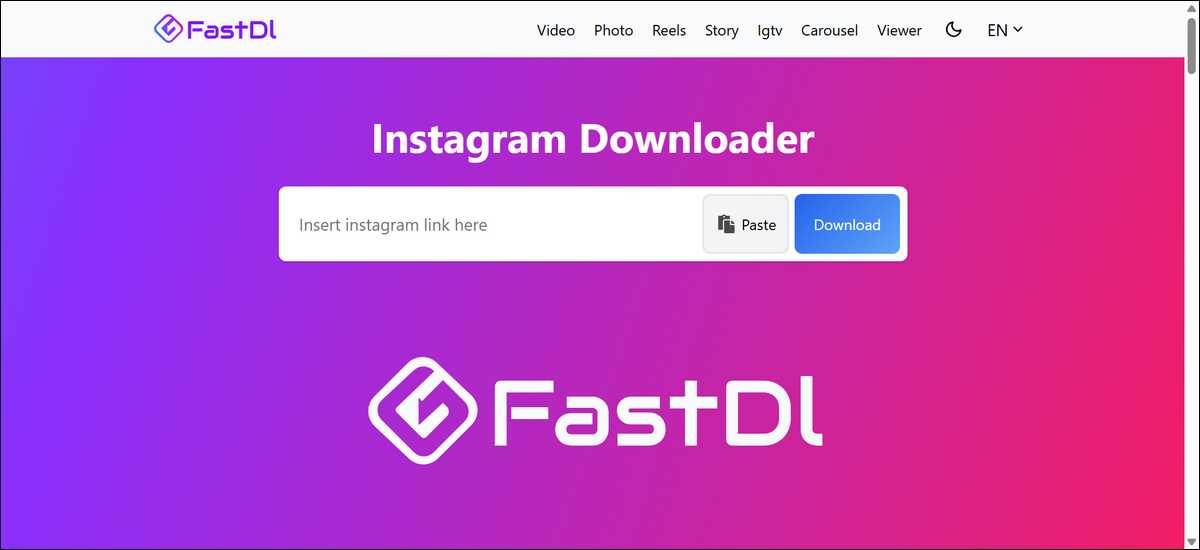
1. FastDL.app Processes Links Faster Than InDown.io
FastDL.app can process Instagram links faster than InDown.io for many everyday tasks. It handles public Reels, videos, photos, and carousels with clean results in most reported tests.
How it works in practice:
- You can copy the Instagram post link.
- Paste it into the FastDL search box.
- Click Download and save the file.
The tool may remove watermarks on Reels in many cases, and you can use it in any browser on phone or computer.
Pros of FastDL.app:
- High speed for standard posts.
- Clean output files in original quality.
- No account creation needed.
Cons of FastDL.app:
- Ads appear on the site.
- Success can drop after Instagram updates.
- No built-in bulk download option.
FastDL.app can beat InDown.io on speed for quick single downloads. It still shares the same core limits as other web tools. Instagram changes can affect it temporarily, just like most alternatives.
- Best for: People who want quick single downloads without extra steps. It suits casual users who save a few Reels or videos per day.
- Troubleshooting tip: If a link fails, you can try refreshing the page or using a different browser. Clearing your cache sometimes helps too.
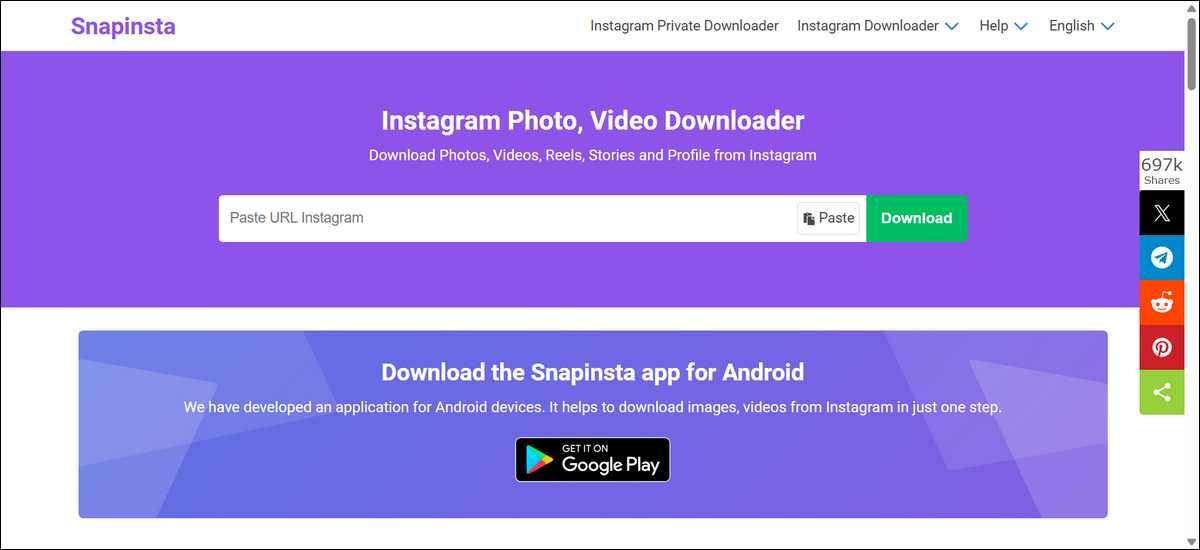
2. SnapInsta.to Can Provide Broad Format Support for Most Public Posts
SnapInsta.to can provide broad format support for Reels, videos, photos, Stories, and carousels from public accounts. It often gives clean results without watermarks on supported content. Many users find the interface straightforward and reliable for daily needs.
How it works:
- You can paste the link from Instagram.
- Let the site process it.
- Choose the format and download.
The tool may handle carousels and profile content in some cases, and you can run it directly in your browser.
Pros of SnapInsta.to:
- Good coverage of common Instagram formats.
- Fast processing for most public posts.
- Works on mobile and desktop.
Cons of SnapInsta.to:
- Ads may show during use.
- Performance varies with Instagram changes.
- Bulk features stay limited on the free version.
SnapInsta.to can match or exceed InDown.io in format variety for many people. It carries the usual web tool caveats around reliability and ads. You might want to test it on your typical content first to see how it performs.
- Best for: Users who save mixed content like Reels plus photos. It fits everyday personal archiving needs.
- Troubleshooting tip: When a download stalls, you can copy the link again and try once more. Some posts need a few attempts after site updates.
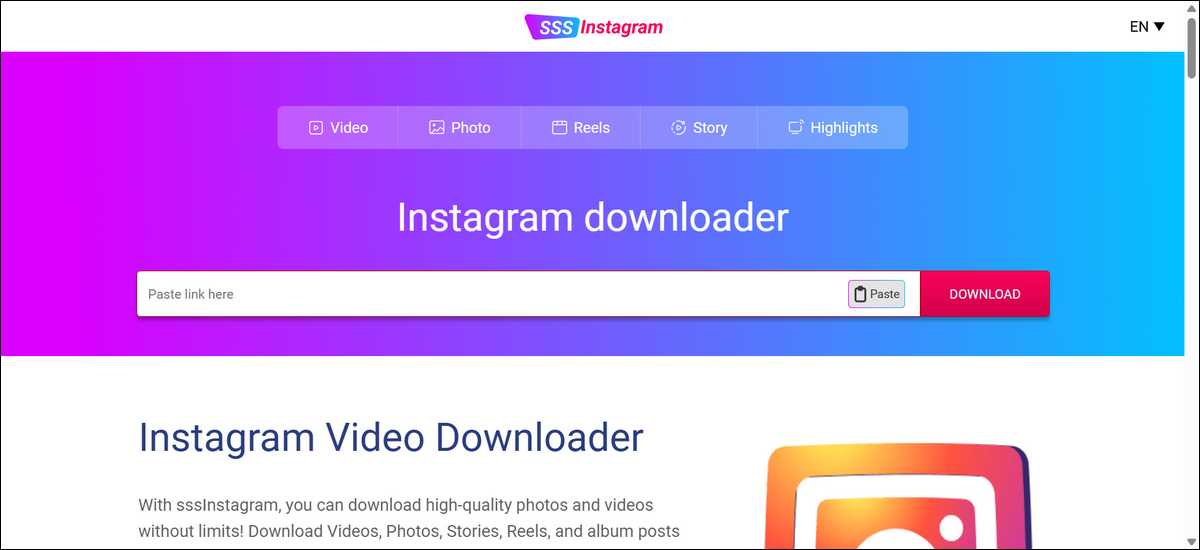
3. SSSInstagram.com Stays Simple and Direct for Casual Saving
SSSInstagram.com stays simple and direct for casual saving of videos, photos, Reels, and Stories. It keeps the process minimal with few extra options. Many casual users appreciate the straightforward approach and quick results on public content.
How it works:
- You can paste your Instagram link.
- Click the search or download button.
- Save the file to your device.
The site may deliver watermark-free Reels and supports albums in basic form.
Pros of SSSInstagram.com:
- Very straightforward interface.
- Quick results on supported public content.
- No signup required.
Cons of SSSInstagram.com:
- Fewer advanced controls than some rivals.
- Ads appear regularly.
- Inconsistent performance after Instagram updates.
SSSInstagram.com can work as a solid backup when InDown.io struggles with basic tasks. It lacks depth for power users but serves simple needs reliably in many tests.
High traffic numbers suggest it meets demand for straightforward downloads.
- Best for: People who want one-click saves without learning curves. It suits occasional downloaders.
- Troubleshooting tip: You can switch networks or try incognito mode if links fail repeatedly. This clears temporary blocks sometimes.
Also read:
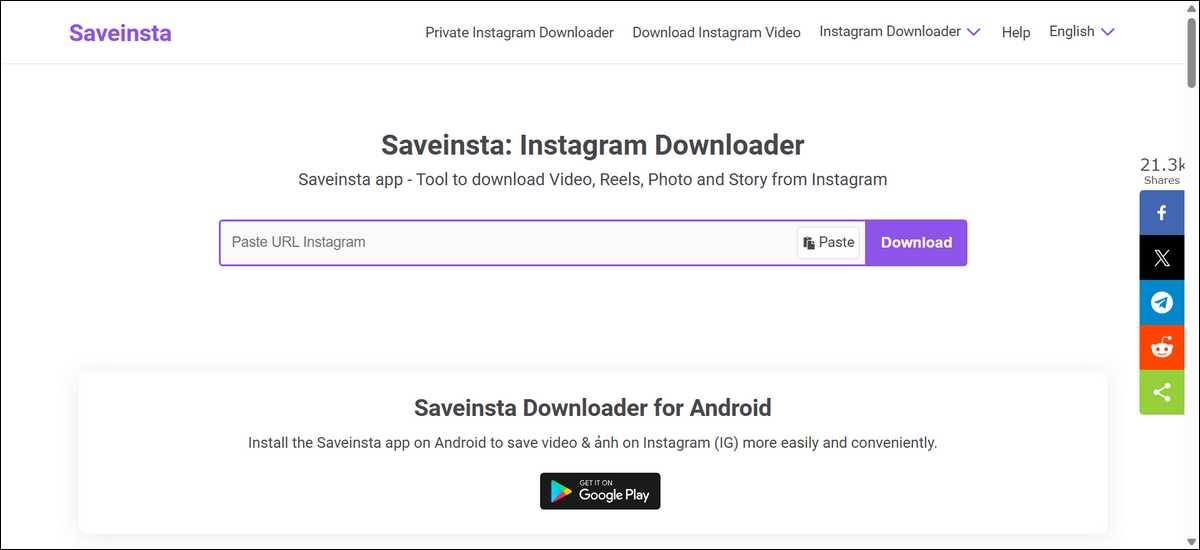
4. SaveInsta Is Another InDown.io Alternative You Could Consider
SaveInsta can cover a wide range of content types from public accounts, including videos, photos, Reels, Stories, IGTV, and highlights. It acts as an all-round option for mixed Instagram saving. Users report decent success rates on standard posts in recent checks.
How it works:
- You can copy the post URL.
- Paste into the SaveInsta box.
- Select download options and save.
The tool may process carousels and multi-image posts. Results usually keep original quality.
Pros of SaveInsta:
- Broad support for Instagram formats.
- Simple workflow for most users.
- No login for public content.
Cons of SaveInsta:
- Speed varies by link and server load.
- Ads interrupt the experience.
- Bulk downloads require workarounds.
SaveInsta can give more format options than basic InDown.io use in many cases. It still depends on public links and can face the same update-related issues. It serves well as a primary or backup tool for varied saving habits.
- Best for: Users who save diverse content including Stories and highlights. It fits people with varied saving habits.
- Troubleshooting tip: For failed Stories, you can ensure the account is public and try the link in a different browser.
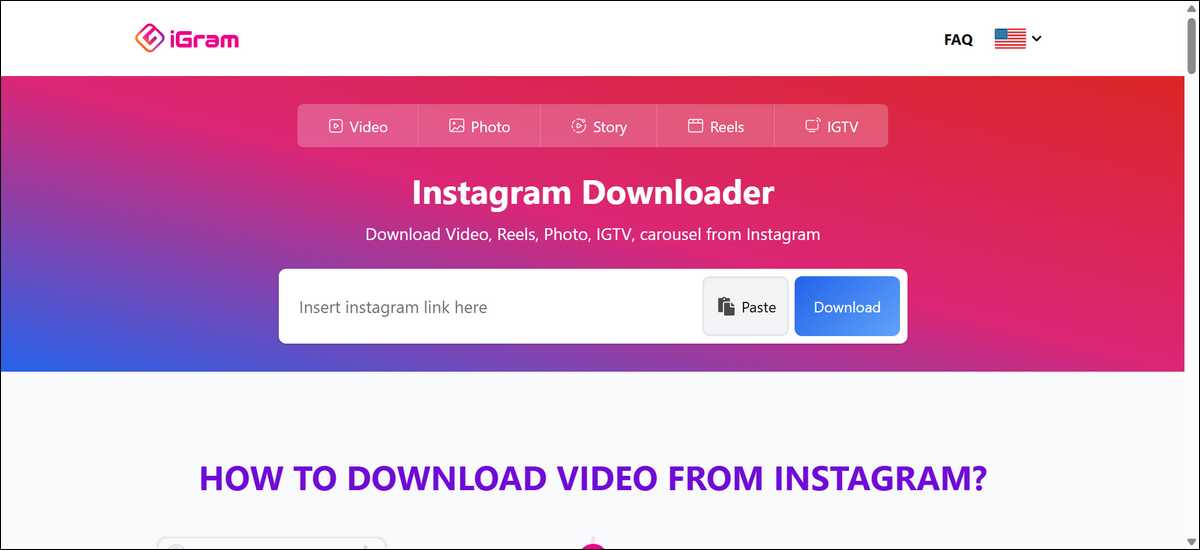
5. iGram Offers a Clean and Minimal Experience for Basic Needs
iGram can offer a clean and minimal experience for basic needs with support for videos, photos, Reels, Stories, and carousels. The interface avoids clutter. Many users like the direct results without extra features.
How it works:
- You can paste the Instagram link.
- Wait for processing.
- Download the file.
It may deliver clean output for public posts. Watermark removal works on Reels often.
Pros of iGram:
- Minimal and clear design.
- Reliable for standard public content.
- Works across devices.
Cons of iGram:
- Fewer extra tools than some competitors.
- Ads present on the site.
- Limited bulk capabilities.
iGram is like a less busy alternative to InDown.io for basic needs. It trades advanced options for simplicity. You might want to test a few links to confirm it fits your workflow.
- Best for: Users who prefer straightforward tools without extra buttons. It suits beginners and minimalists.
- Troubleshooting tip: You can refresh the page or paste the link again if processing takes too long.
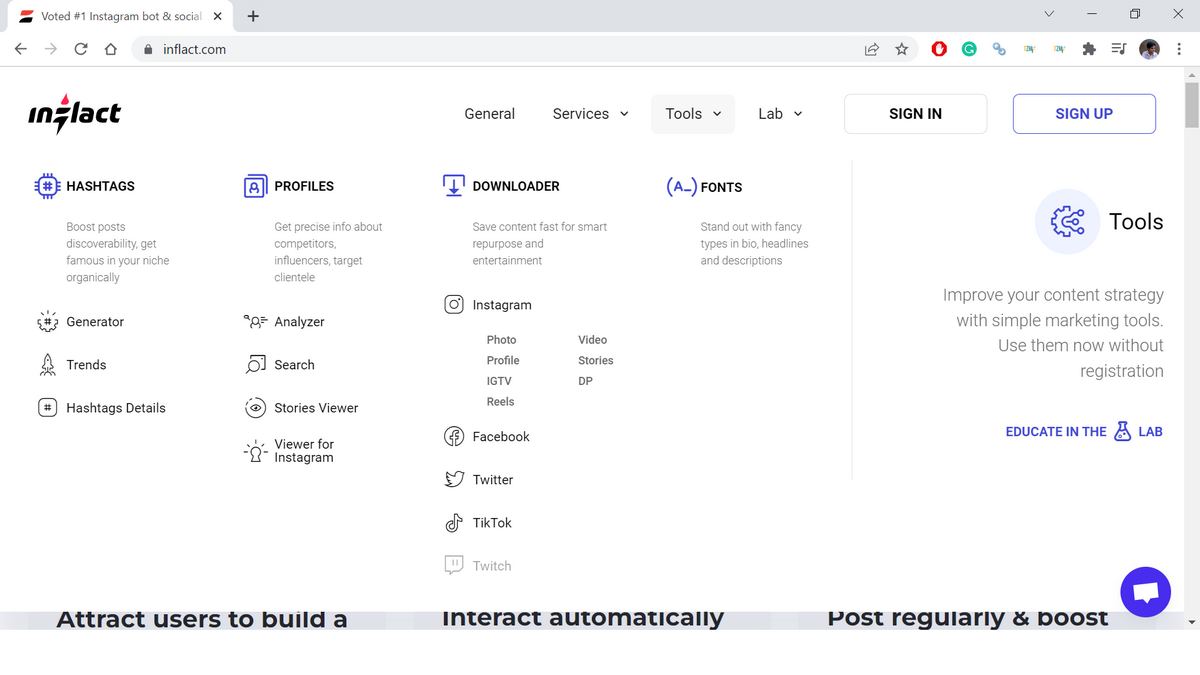
6. Inflact Can Add Extra Tools Beyond Basic Downloads for Some Users
Inflact can add extra tools beyond basic downloads for some users and supports photos, videos, Reels, Stories, and profiles. It includes marketing-related features on top of downloading. The free plan covers basic use with limits.
How it works:
- You can paste the link for simple downloads.
- Use premium options for more volume or analytics.
- Save files directly.
Basic downloads stay free and login-free for public content. Premium unlocks higher limits.
Pros of Inflact:
- Extra Instagram utilities available.
- Decent speed on public posts.
- Option to upgrade for more features.
Cons of Inflact:
- Free plan has usage caps.
- Premium costs add up for heavy users.
- Overkill for simple single downloads.
Inflact can go beyond InDown.io by offering more than pure downloading. The extra tools help some creators but may feel unnecessary for casual saving. You can start with the free tier to test fit.
- Best for: Content creators who want download plus light analytics. It suits users ready to pay for convenience.
- Troubleshooting tip: You can check your usage limits on the free plan before expecting large batches.
Also read:
- 20 Popular Types of Crafts to Sell on Instagram [Make Money]
- Instalooker: Helps to inspect private account on Instagram?
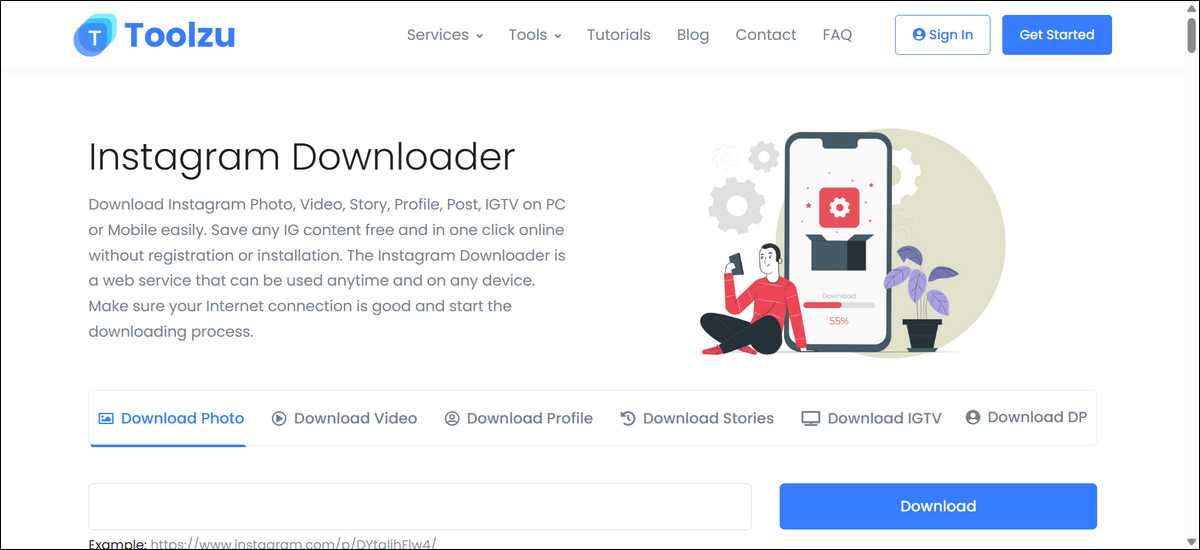
7. Toolzu.com Can Give You Extra Utilities Along with Downloads
Toolzu.com can give you extra utilities along with downloads for Stories, videos, photos, and profiles. It includes additional Instagram tools like profile analysis and hashtag research, which many users find helpful beyond basic saving.
How it works:
- You can paste the Instagram link for downloading.
- Use the extra tools on the same site if needed.
- Save the content directly to your device.
The downloader part stays free and works without login for public content.
Pros of Toolzu.com:
- Extra Instagram utilities in one place.
- Decent performance on standard posts.
- No login required for basic downloads.
Cons of Toolzu.com:
- The extra features can make the site feel cluttered.
- Bulk download support is limited.
- Success rate can vary after Instagram updates.
Toolzu.com can work better than InDown.io if you sometimes need more than just downloading. However, the extra tools may feel unnecessary if you only want simple saves. You can try the downloader part first to see if it fits.
Best for: Users who want a downloader plus light Instagram utilities in one place. It suits people who occasionally check profiles or hashtags.
Troubleshooting tip: If the main download fails, you can try clearing your browser cache or using the site in incognito mode.
8. SaveFrom.net Can Work Across Multiple Platforms Besides Instagram
SaveFrom.net works across multiple platforms besides Instagram, including YouTube, TikTok, and others. This makes it useful if you download from more than one site regularly.
How it works:
- You can paste the Instagram link (or link from other supported sites).
- Let the site process it.
- Choose the format and download.
It supports videos, photos, and Reels from public Instagram accounts in most cases.
Pros of SaveFrom.net:
- Works on many platforms in one place.
- Simple interface for basic downloads.
- No login needed for public content.
Cons of SaveFrom.net:
- Instagram performance is sometimes slower than dedicated tools.
- Ads appear frequently.
- Fewer Instagram-specific features than some alternatives.
SaveFrom.net can be more versatile than InDown.io when you need downloads from different sites. However, for Instagram-only use, dedicated tools often perform better. You can test it if you regularly save content from multiple platforms.
- Best for: Users who download from Instagram along with YouTube or TikTok. It suits people who want one tool for several sites.
- Troubleshooting tip: If Instagram links fail, you can try pasting them again or switching to a different browser.
9. SnapSave.app Can Focus Strongly on Videos and Reels
SnapSave.app can focus strongly on videos and Reels from public Instagram accounts. Many users find it reliable for video content and appreciate the straightforward results.
How it works:
- You can paste the video or Reel link.
- Let the site process it.
- Download the file in your chosen quality.
It often removes watermarks on Reels and works directly in your browser.
Pros of SnapSave.app:
- Strong performance on videos and Reels.
- Clean output in most cases.
- Simple and fast for video-focused users.
Cons of SnapSave.app:
- Less broad support for Stories and photos compared to some tools.
- Ads are present on the site.
- Performance can vary after Instagram updates.
SnapSave.app can work better than InDown.io when your main need is saving videos and Reels. It is more limited if you also frequently save Stories or photos. You can try it if video content is your priority.
- Best for: Users who mainly save Instagram videos and Reels. It suits people with video-heavy saving habits.
- Troubleshooting tip: If a Reel fails to download, you can try using the link in incognito mode or waiting a short while before trying again.
10. DownloadGram Offers a Long-Standing and Simple Experience
DownloadGram offers a long-standing and simple experience for basic Instagram downloads. It has been around for years and focuses on straightforward saving of public content without extra complexity.
How it works:
- You can paste the Instagram link.
- Let the site process it.
- Download the file.
It supports common formats like videos, photos, and Reels from public accounts.
Pros of DownloadGram:
- Simple and familiar interface.
- Reliable for basic public content in many cases.
- No login required.
Cons of DownloadGram:
- Interface feels dated compared to newer tools.
- Ads appear on the site.
- Fewer format options and features than some alternatives.
DownloadGram can serve as a simple backup to InDown.io for basic needs. It lacks the polish and speed of newer tools but remains functional for straightforward downloads. You can use it when you want something basic and familiar.
- Best for: Users who prefer simple, no-frills tools. It suits people who just need occasional basic downloads.
- Troubleshooting tip: If downloads are slow, you can try a different browser or clear your cache before pasting the link again.
Desktop and Command-Line Options Can Add Power for Frequent Users
Desktop apps and command-line tools can handle bigger workloads better than most web options. They support bulk downloads and subscriptions in some cases.
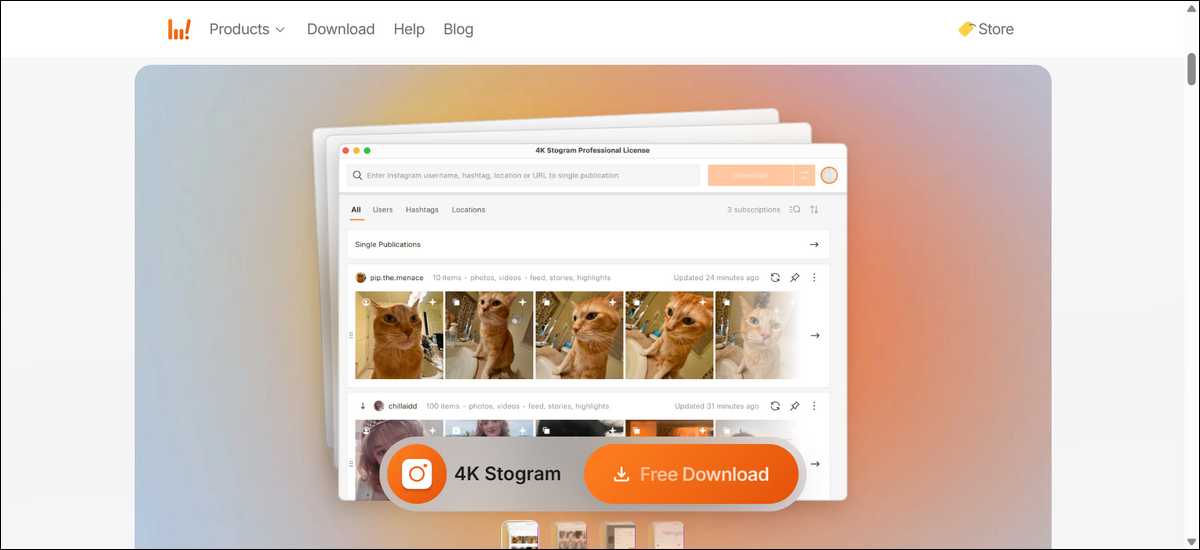
11. 4K Stogram
4K Stogram works as a desktop program for photos, videos, Stories, and Reels. It allows bulk pulls from public profiles and hashtags. Users can set up automatic downloads for followed accounts.
Note on 4K Stogram: Official updates stopped due to Instagram restrictions. The existing version still runs for many people. Results vary, and compatibility can decline over time.
Pros of 4K Stogram:
- Strong bulk and backup features.
- High-quality output with captions.
- Subscription options for ongoing saves.
Cons of 4K Stogram:
- No new updates or official support.
- Private account access carries risks.
- Setup takes more time than web tools.

12. yt-dlp
yt-dlp runs from the command line or with simple interfaces. It downloads from Instagram and over 1,800 other sites. No ads or trackers appear. Batch scripts and format choices give full control.
How to start with yt-dlp:
- You can install the tool following official guides.
- Paste an Instagram link in the terminal.
- Add flags for format or batch lists as needed.
Pros of yt-dlp:
- Highest reliability among tested options.
- Completely free and open source.
- Works offline after setup and supports automation.
Cons of yt-dlp:
- Requires initial setup and basic terminal comfort.
- Steeper learning curve than web tools.
- Needs updates when Instagram changes.
These options suit power users who save often or need bulk features. They carry fewer ad risks but demand more technical comfort than InDown.io.
Safety and Privacy Considerations Matter with Every Tool
Safety and privacy considerations matter with every tool because ads and trackers appear on most free web downloaders. These elements can collect data or slow your experience. Some sites show pop-ups that feel intrusive.
Key safety points:
- You can stick to well-known tools from recent reviews.
- Use an ad blocker if the site feels heavy with ads.
- Avoid entering Instagram login details on any downloader.
- Scan downloads with antivirus software as a habit.
Private account claims on many tools, including some versions of InDown.io, rarely work reliably. They can expose your account or fail. Public content stays the safest target.
Desktop tools like 4K Stogram and yt-dlp can reduce web-based tracking. They still require caution with any Instagram-related automation. Instagram terms limit automated access in most cases.
You might want to test new tools on small downloads first. Watch for unusual behavior or extra permissions. Privacy-focused users often prefer yt-dlp for its minimal footprint.
How to Choose the Right Alternative for Your Needs
How to choose the right alternative depends on how often and what you download. Casual users benefit from simple web options. Frequent savers may prefer desktop or command-line choices.
Decision guide by situation:
- Need fast single Reels or videos: You can try FastDL.app or SnapInsta.to first.
- Want broad format support with Stories: Consider SaveInsta or SSSInstagram.com.
- Save in bulk or back up profiles: Look at 4K Stogram or yt-dlp.
- Prefer minimal ads and maximum control: Use yt-dlp.
- Need extra Instagram tools: You can test Inflact on its free plan.
Here’s a visual decision flowchart for choosing an InDown.io alternative based on user needs; it should help you:
How to Choose the Right InDown.io Alternative
→ FastDL.app or SnapInsta.to
→ SaveInsta or SSSInstagram
→ 4K Stogram or yt-dlp
→ yt-dlp
Start with 2–3 tools and test them on your usual content.
You can start with two or three web tools and compare results on your typical posts. Switch to desktop options if volume grows. Update your chosen tool regularly since Instagram changes affect performance.
Troubleshooting Common Download Issues
Troubleshooting common download issues often starts with simple steps because Instagram updates break tools periodically. Links that worked yesterday may fail today.
Common fixes that help across tools:
- You can refresh the page and paste the link again.
- Try a different browser or incognito window.
- Clear browser cache and cookies.
- Check that the account is public.
- Wait a few hours and try again after Instagram changes settle.
For Stories or Reels that fail, confirm the link comes from a public post. Some tools handle certain post types better than others. You can test the same link in two tools to compare results.
Desktop tools like 4K Stogram may need reinstall or manual updates when issues appear. yt-dlp users should pull the latest version from official sources regularly.
Keep notes on which tool works best for your content type. This saves time during temporary outages.
Legal and Ethical Considerations for Downloads
Legal and ethical considerations for downloads focus on personal offline use only. Respect original creators and do not repost or sell material without permission. Instagram terms limit automated scraping in most situations.
Public posts remain the ethical and practical target for these tools. Private content requires direct permission from the account owner. Claims of private downloading often involve risks or unreliable methods.
Many tools operate in a gray area around Instagram’s rules. You can use them responsibly and avoid high-volume automated pulls. When in doubt, ask permission or save content through official Instagram features like collections.
These guidelines help protect both users and creators. Responsible use keeps tools available longer for everyone.
Final Thoughts
FastDL.app and SnapInsta.to often serve as strong starting points for most people replacing InDown.io. They balance speed and ease for public Reels and videos. Desktop options like 4K Stogram or yt-dlp can add power when volume or reliability matters more.
You can test a couple of tools on your own posts to see what fits best. Results depend on current Instagram settings and the specific content. Combine a simple web tool for daily use with yt-dlp for important or bulk saves.
Stay aware of privacy and legal limits with any downloader. Update your chosen option and watch for changes from Instagram. This approach keeps your saving process smooth and low-risk over time.