How Remote Desktop Works: A High-Level Guide for Business Owners
Discover how remote desktop works, its key features, and why it's essential for business owners seeking secure and flexible access.
Introduction to Remote Desktop
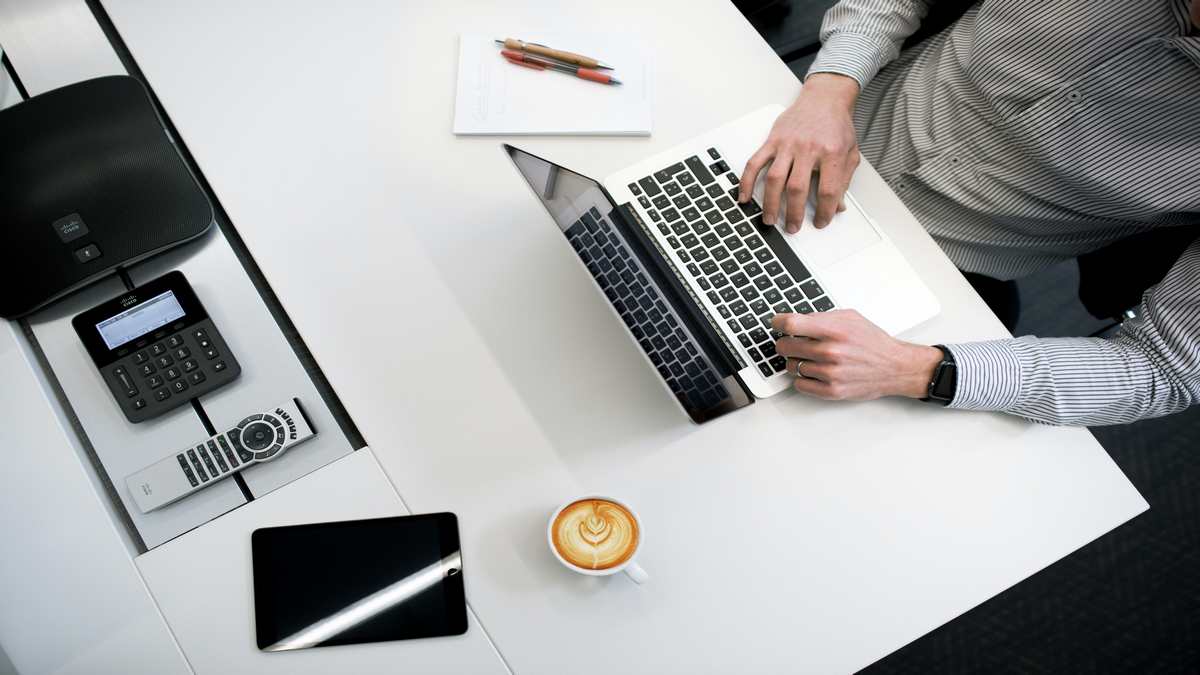
Remote desktop technology allows users to access a computer or server from a different location. This means employees can work on office files, run applications, and perform tasks as if they were sitting right in front of their workstation, all while being miles away. For business owners, remote desktop solutions offer flexibility and support modern work environments. In recent years, these technologies have become more important as organizations embrace remote and hybrid work models. By enabling secure access to office systems from anywhere, companies can support employees’ needs and maintain productivity even when teams are distributed.
Understanding the Benefits of Remote Desktop
One of the main reasons businesses turn to remote desktop is the ability to provide secure and efficient access to resources from anywhere. To learn more about the benefits of remote desktop technology, it is important to consider how it supports productivity, collaboration, and continuity. Additionally, remote desktop can help reduce costs by minimizing the need for physical infrastructure and allowing for centralized management, especially when combined with AI for remote offices to further streamline operations and decision-making.
Businesses can manage software installations, updates, and security protocols from a single point, streamlining IT operations. This centralization also means better control over company data, reducing the risk of data loss or unauthorized access. The flexibility offered by remote desktop enables businesses to attract talent from a wider geographic area, since location is no longer a barrier to employment.
How Remote Desktop Works
Remote desktop systems function by transmitting the image of a desktop environment over the internet or a private network to another device. The user’s keyboard and mouse inputs are sent back to the remote system. This process is secured through encryption protocols, ensuring that sensitive data remains protected during transmission. For a technical overview, the U.S. CISA offers guidance on secure remote access.
The communication between the host and client is typically managed by remote desktop protocols, such as RDP (Remote Desktop Protocol), VNC (Virtual Network Computing), or proprietary solutions. These protocols are designed to optimize performance and security, balancing the need for responsive interaction with the requirement to keep data confidential. Compression and caching techniques are often used to provide a smooth experience, even over slower connections. Some systems also allow file transfers, printer redirection, and audio streaming, making it possible to use remote desktops almost as if they were local machines.
Key Components of Remote Desktop Solutions
A remote desktop setup typically involves two main components: the host (the computer being accessed) and the client (the device used to connect). The host runs special software that allows incoming connections, while the client uses an application to create a secure link. Both devices must authenticate with each other before access is granted. User authentication can include passwords, smart cards, or multi-factor methods. For more on authentication, see the NIST’s recommendations.
In addition to authentication, many remote desktop solutions support role-based access control, so business owners can determine which users have access to specific systems or data. Network configuration is also important: firewalls and VPNs are often used to restrict remote desktop access to authorized users. Some solutions are cloud-based, while others require on-premises infrastructure. Whichever option is chosen, regular monitoring and logging of remote sessions help detect suspicious activity and support compliance with security policies.
Use Cases for Business Owners
Remote desktop technology is useful in many business scenarios. Employees can work from home, access critical files during travel, or provide technical support to colleagues remotely. Companies often use remote desktop to manage servers or access specialized software that is only installed on office computers. These use cases support business continuity during emergencies and enable a more flexible workforce. For further reading, the Harvard Business Review discusses remote work trends and productivity.
In industries like healthcare, finance, and education, remote desktop enables professionals to access sensitive applications and data securely from different locations. IT support teams can troubleshoot issues on employee devices without being physically present, reducing downtime and improving service. For organizations with multiple offices, remote desktop makes it easier to centralize IT resources and standardize processes. Even when onboarding new employees, remote desktop allows quick access to necessary tools, regardless of where the new hire is located.
Security Considerations
Security is a top priority when enabling remote desktop access. Business owners should ensure that all remote connections use strong encryption, and that employees follow best practices for password management. Limiting remote desktop access to trusted devices and networks is also recommended. Regular software updates and monitoring can help prevent unauthorized access or cyberattacks.
Establishing clear policies and providing employee training are key steps in maintaining a secure environment. It is also wise to restrict access to sensitive data based on user roles and responsibilities. Using network segmentation, enforcing session timeouts, and enabling multi-factor authentication add further layers of protection. According to the Federal Trade Commission, businesses should also consider regular security audits and penetration testing to uncover vulnerabilities. Finally, keeping logs of all remote sessions helps with forensic analysis in case of an incident.
Choosing the Right Remote Desktop Solution
When selecting a remote desktop solution, consider factors such as ease of use, compatibility with existing systems, and the level of security offered. Some solutions are designed for small teams, while others can support large organizations with advanced features like session recording and access control. Evaluate the provider’s reputation, support options, and compliance with industry regulations before making a decision.
Scalability is important if your business expects to grow, as is the ability to integrate with other tools you use. Look for solutions that offer robust customer support and clear documentation. If your business deals with regulated data, such as healthcare or financial information, make sure the remote desktop solution meets relevant compliance standards. Consulting independent reviews, such as those from PCMag or TechRadar, can help you compare options and make an informed choice.
Steps to Implement Remote Desktop in Your Business
To implement remote desktop for your business, start by identifying which systems and users require remote access. Install the necessary software on both host and client devices, configure security settings, and test connections. Ensure that all users understand how to connect securely and know who to contact for support. Regularly review your setup to address any new risks or requirements as your business grows.
Training sessions and clear documentation can help reduce errors and ensure a smooth transition. It’s also helpful to set up a pilot program with a small group before rolling out remote desktop company-wide. Collect feedback from users to identify any issues and make adjustments. Finally, keep communication open between IT staff and end users to quickly resolve any technical problems and maintain high levels of security.
Best Practices for Maintaining Remote Desktop Security
Once remote desktop access is set up, maintaining security is an ongoing effort. Regularly update all remote desktop software to patch vulnerabilities. Require strong, unique passwords for every remote user and encourage the use of password managers to reduce the risk of weak credentials. Multi-factor authentication should be mandatory wherever possible. Restrict remote desktop access to only those employees who need it for their work, and disable accounts promptly when users leave the company.
Monitor remote sessions for unusual activity, such as logins from unexpected locations or at odd hours. Educate employees about phishing scams and social engineering tactics, which are common ways attackers try to gain access. Periodically review and update your remote desktop policies to reflect changes in your business or the security landscape. If you use a VPN, ensure it is configured securely and kept up to date.
The Future of Remote Desktop Technology
Remote desktop technology is evolving as businesses continue to embrace flexible work arrangements. Cloud-based solutions are gaining popularity, offering easier scalability and less reliance on local infrastructure. Advances in network speed and reliability make remote desktop more practical for a wider range of tasks, including graphic design and video editing. Security features are also improving, with more providers offering zero-trust access models and advanced threat detection.
Artificial intelligence may soon play a role in monitoring remote sessions for signs of compromise. As regulations around data privacy become stricter, remote desktop solutions will likely offer more granular controls and auditing features. Business owners should stay informed about these trends to make the most of remote desktop technology and keep their organizations secure and productive.
Conclusion
Remote desktop technology provides business owners with a practical way to support flexible and secure work environments. By understanding how it works, its benefits, and the steps required for safe implementation, companies can stay productive and maintain continuity in a changing world. Ongoing attention to security and regular reviews of your remote access setup will help ensure your business reaps the full advantages of remote desktop while keeping risks under control.
FAQ
You can use computers, laptops, tablets, and smartphones to connect to a remote desktop, as long as the necessary software or app is installed.
Yes, if you use strong encryption, secure authentication methods, and follow best practices for network security, remote desktop can be safe for business use.
Some solutions allow multiple users to connect, but it depends on the software and how it is configured. Check your solution’s documentation for details.
A stable and reasonably fast internet connection improves the remote desktop experience, especially for tasks that require high-quality visuals or large file transfers.
First, check your internet connection and make sure both devices are online. If problems persist, contact your IT support or review your software’s troubleshooting guide.