5 Best Free English to Japanese Translation Apps [2026 List]
The right translation app can make or break your experience with Japanese — here are the five free ones actually worth using in 2026.
![here's a list of 5 Best Free English to Japanese Translation Apps [2026 List]](https://techshali.com/wp-content/uploads/2026/03/English-to-Japanese-Translation-Apps.webp)
We know the truth: Japanese is one of the hardest languages to learn and translate well.
It’s not just about swapping words. Japanese has three writing systems — hiragana, katakana, and kanji. It has layers of formality. It has honorifics that change completely based on who you’re talking to.
And it has cultural expressions that have no direct English equivalent at all.
So when you’re looking for a translation app, you need one that actually understands the language — not just one that guesses.
We went through the most widely used free options out there. We looked at user reviews, accuracy comparisons, and real-world performance.
Then we narrowed it down to five apps that are genuinely worth your time in 2026. No paid tools, no fluff — just the best free apps available right now.
Why Most Translation Apps Struggle With Japanese
Before we get into the list, it helps to understand why Japanese trips up so many translation apps.
Most apps are built around European languages first. French, Spanish, German — these share roots with English. Japanese doesn’t.
The sentence structure is completely different. Verbs come at the end. The subject is often dropped entirely. And the same word can mean very different things depending on context and tone.
Then there’s the politeness layer. Japanese has a deeply embedded culture of formality. There’s a specific way to speak to your boss, a casual way to speak to friends, and a very different way to speak to customers.
Get those wrong, and you don’t just sound awkward — you can actually cause offense.
So a good Japanese translation app needs to handle all of that. Not just word-for-word substitution. Real contextual understanding.
That’s a high bar — and not every app clears it.

1. Naver Papago — The Best Pure Japanese Translator You’re Probably Not Using
If you’ve never heard of Papago, you’re not alone. It’s massively popular across Asia but still underused in English-speaking markets. That’s a mistake worth fixing.
Papago is built by Naver, a South Korean tech company that’s been deeply invested in Asian language technology for years. And it shows.
Papago is specifically designed for Asian language pairs — Japanese, Korean, and Chinese. It doesn’t try to do everything for everyone. It focuses on what it’s best at, and the results are noticeably better because of it.
So what makes it stand out? It’s how Papago handles nuance. Japanese honorifics, informal slang, cultural expressions — Papago processes all of these with a level of accuracy that general-purpose apps simply can’t match. When you type a casual Japanese phrase, it doesn’t spit out a robotic translation. It gives you something that actually sounds natural.
There’s also a feature most users love. Basically, the app breaks down your translation in detail — it explains word choices and gives you context so you can actually understand what’s being said.
That makes it genuinely useful for people who are also trying to learn Japanese, not just translate it.
And the practical features are solid too. Offline mode, voice translation, camera translation, and handwriting input are all built in and completely free.
So whether you’re in a restaurant in Tokyo trying to read the menu, or messaging a Japanese colleague from your desk, Papago handles it well.
The only real limitation is scope. Papago isn’t your app if you need to translate between, say, English and Italian. European pairs are noticeably weaker. But for English to Japanese specifically — nothing beats it in the free category.
Platform: iOS & Android | Cost: 100% free
2. Google Translate — Still the Most Practical All-Rounder
Google Translate has been around so long that people sometimes forget how good it’s actually gotten.
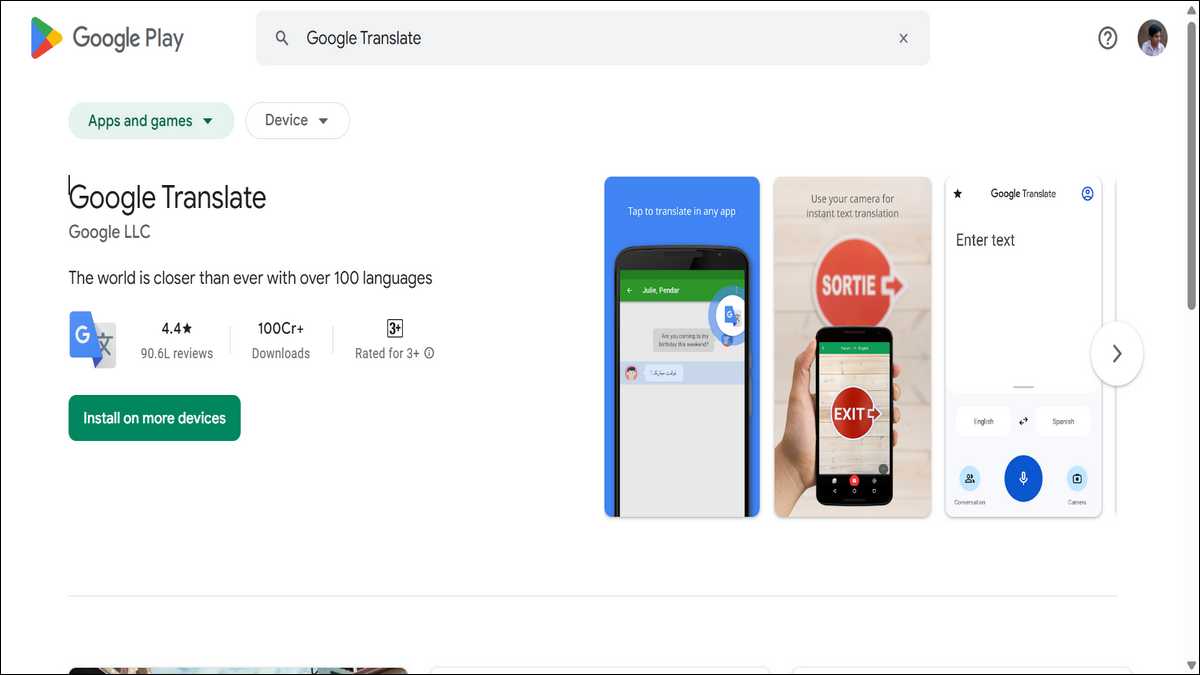
It’s not perfect for Japanese. We’ll get to that in a moment. But for sheer versatility and day-to-day practicality, nothing comes close. According to Google’s official language support page, it’s fast, reliable, and covers 249 languages as of 2026 — more than any other free app on this list.
The camera mode is where Google Translate really earns its keep, especially for travelers. Point your phone at a Japanese sign, a menu, or a product label, and it overlays the English translation in real time. No typing required.
The translation appears right on top of the original text, right on your screen. When you’re navigating a subway system you’ve never used or ordering food in a restaurant with no English menu, that feature is genuinely invaluable.
Then there’s offline mode. You can download the Japanese language pack and use the app without any internet connection. That’s a big deal when you’re traveling and don’t want to rack up data charges.
Voice translation works well too. You speak in English, it translates to Japanese — and vice versa. There’s even a conversation mode where two people speaking different languages can talk through the app in near-real-time.
It’s not flawless, but it works well enough for most situations.
Now, the honest limitation. A professional accuracy study comparing major translation tools by WeGlot, found that Google Translate produced roughly 25 translation errors versus DeepL’s 10 in professional-level evaluations.
For casual use, that gap barely matters. But for nuanced or formal Japanese content — business emails, professional communication, anything where tone really counts — Google Translate can miss the mark.
Still, for travel, casual conversation, and quick lookups, it remains the default choice for a reason.
Platform: iOS & Android | Cost: 100% free
Feature Comparison — 5 Best Free English to Japanese Translation Apps
| App | Japanese Accuracy | Offline Mode | Camera Translation | Voice Input | Best For |
|---|---|---|---|---|---|
| Naver Papago | Excellent | ✅ Yes | ✅ Yes | ✅ Yes | Nuance, honorifics, learners |
| Google Translate | Good | ✅ Yes | ✅ Yes | ✅ Yes | Travel, all-round daily use |
| DeepL | Very High | ❌ No (free) | ❌ No | ❌ No | Written & business text |
| Microsoft Translator | Good | ✅ Yes | ✅ Yes | ✅ Yes | Group conversations |
| Google Lens | Good | ✅ Yes | ✅ Yes | ❌ No | Signs, menus, printed text |
3. DeepL — The One to Use When Quality Actually Matters
DeepL doesn’t do everything. But what it does, it does better than almost anyone else.
If you’re translating a business email, a formal document, or any written content where sounding natural is important — DeepL is the tool you want. Its AI engine is built specifically for quality written translation, and it shows. The sentences flow well. The tone holds. It doesn’t sound like a machine translated it.
Here’s a specific example worth mentioning. A Japanese business translation comparison published by Tomedes found that where most apps would literally translate the Japanese phrase “恐縮ですが” — a formal expression of modesty — as something stiff and awkward, DeepL converts it into “Thank you for your time.” That’s the correct cultural equivalent in professional English. That kind of cultural intelligence is rare in a free tool.
And the numbers back it up. The same professional accuracy study referenced above found DeepL produced roughly 10 translation errors — versus 25 for Google Translate. For written Japanese, that gap is meaningful.
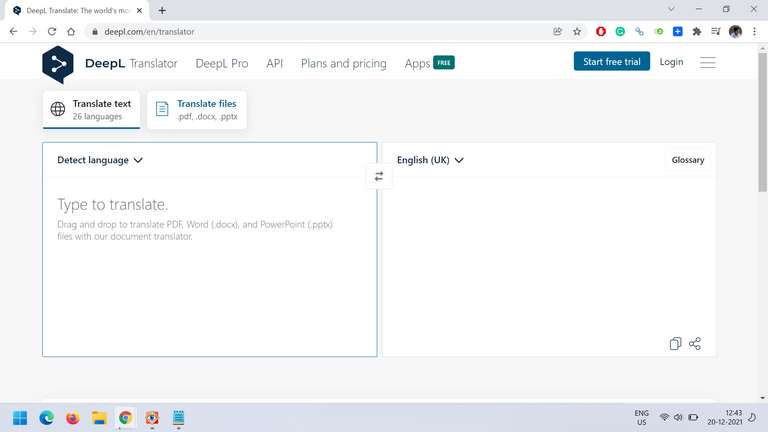
The interface is also refreshingly clean. No ads, no distractions, no pop-ups pushing you to upgrade. You paste text in, you get a translation out. That’s it.
So where does it fall short? The free version has no camera translation or voice input. That makes it a poor choice for travelers or anyone who needs on-the-go functionality. And with only 36 supported languages, it’s nowhere near Google Translate’s breadth. DeepL’s own supported language list confirms this trade-off clearly.
But here’s the thing — if you’re translating serious written content from English to Japanese, those limitations don’t matter. DeepL is the right tool for that job, and it does it well.
Platform: iOS, Android & Web | Cost: Free with character limits; Pro from $8.74/month
Also read: 10 Best Mehndi Design Apps That Are Worth Downloading

4. Microsoft Translator — The Underdog With One Unique Trick
Microsoft Translator doesn’t get as much attention as Google Translate or DeepL. But it has one feature that no other free app offers — and it’s genuinely useful in the right situations.
That feature is multi-person group conversation translation. As Microsoft’s official Translator page explains, you can have up to 100 people join a single conversation, each on their own device, each speaking or typing in their own language — and everyone sees real-time translations in their language simultaneously.
So a Japanese speaker and an English speaker can have a full back-and-forth conversation through the app, at the same time, with no lag.
For teachers, event organizers, tour guides, or anyone managing multilingual group communication — that’s a powerful tool. And it’s completely free.
Outside of that, Microsoft Translator holds up well across the basics. Camera translation works for signs and menus. Offline mode is available with a downloadable Japanese pack. Voice translation handles simple conversations smoothly.
And according to its Google Play listing, it’s rated 4.4 out of 5 stars based on over 779,000+ user ratings on Android — a strong vote of confidence from a large user base.
The honest limitation, though, is depth. Microsoft Translator doesn’t handle emotional tone or nuanced Japanese expression particularly well. For basic, practical translation it’s reliable. But for anything that requires cultural sensitivity or tonal accuracy — formal Japanese, polite speech, complex expressions — it can fall flat.
Think of it this way. If Papago is the specialist and DeepL is the writer’s tool, Microsoft Translator is the practical team player. It may not be the best at any one thing, but it handles a wide range of situations competently and for free.
Platform: iOS, Android & Web | Cost: 100% free
5. Google Lens — The Camera-First Option Built for the Real World
Strictly speaking, Google Lens isn’t a standalone translation app. But in practice, it’s one of the most useful Japanese translation tools you can have on your phone — especially if you’re in Japan.
Google Lens is built directly into Google Photos and the camera on most Android phones. iPhone users can access it through the Google app. Point it at any Japanese text — a sign, a newspaper, a product label, a restaurant bill — and it overlays an English translation directly on top of the original text. Google’s own Lens support page confirms it works offline with the downloaded language pack, and the accuracy for printed Japanese text is genuinely impressive.
Now, what makes it different from Google Translate’s camera mode? It’s more seamlessly integrated into your device’s camera and photo library. You can translate text in an existing photo — not just live through your camera. So if someone sends you a photo of a Japanese document or menu, you open it in Google Photos, tap Lens, and get an instant translation without copying anything.
For travelers, this is the app you’ll find yourself reaching for constantly. Navigating train stations, reading menus, understanding product ingredients, deciphering handwritten signs — Lens handles all of it quickly and without fuss.
That said, it’s not the right tool for translating a business email or having a full conversation. For those, Papago or DeepL will serve you far better. But as a camera-first, real-world translation tool, Google Lens sits in a category of its own.
Platform: iOS & Android (via Google app or Google Photos) | Cost: 100% free
Also read: Top 10 Instagram Lite Tricks You’re Missing
So, Which App Should You Use? — Quick Decision Guide
| Your Situation | Best App to Use |
|---|---|
| Translating casual conversation or text messages | Naver Papago |
| Traveling in Japan — reading signs and menus | Google Lens or Google Translate |
| Writing a professional email or formal document | DeepL |
| Quick, general-purpose daily translation | Google Translate |
| Multilingual group meeting or conversation | Microsoft Translator |
| Learning Japanese and want explanations | Naver Papago |
| Translating a photo you already have | Google Lens |
| No internet access | Google Translate or Papago (offline pack) |
What None of These Apps Can Fully Replace
We want to be straight with you here. Every app on this list has a ceiling.
Japanese is a language where context, tone, and cultural awareness matter enormously. For casual use, travel, and day-to-day communication, these apps are excellent. But for anything high-stakes — a formal business proposal, a sensitive personal letter, an important legal document — a human translator is still the right call.
Also worth knowing: none of these apps handle spoken regional dialects particularly well. Japanese has strong regional dialects — Kansai, Osaka, Kyushu — that differ significantly from standard Tokyo Japanese. So if you’re traveling outside major cities, even the best app can come up short.
But for the vast majority of everyday situations, these five apps are more than capable. The technology has improved dramatically over the past few years — and it keeps getting better.
So, Which One Should You Actually Download?
If you only want one app — go with Naver Papago. It’s the most accurate free English-to-Japanese translator available right now. It handles the parts of Japanese that other apps fumble — honorifics, cultural expressions, informal speech — and it does it well. The translation breakdown feature also means you actually learn something while using it.
If you travel to Japan regularly, pair Papago with Google Lens. Between those two, you’ll handle almost every real-world situation you run into — from reading a restaurant menu to sending a polite message to your host.
And if your work involves formal written Japanese — contracts, emails, business documents — add DeepL to the mix. Use it specifically for written content where quality matters. The difference in output is noticeable.
You don’t need all five. Start with Papago. Add the others based on what you actually need. All of them are free, all of them work well, and together they cover more ground than any single app can on its own.


![Anime Salt: What It Is & Best Legal Alternatives [2026]](https://techshali.com/wp-content/uploads/2023/04/Android-Apps-To-Watch-Anime-Online-390x220.jpg)