10 Best English to Marathi Translation Apps (Free & Paid)
Marathi is spoken by over 73 million people worldwide. Finding the right translation app shouldn't take that long.
Not all translation apps handle Marathi well. Some get it right. Others mangle it badly enough to make a native speaker cringe.
That gap matters — especially when you’re using these apps for work, travel, or actually learning the language.
We went through the official Google Play Store and Apple App Store listings, dug into user reviews, and checked feature sets to build this list. No filler. No dead apps. Just ten tools worth your time.
Let’s go, and discuss these 10 best English to Marathi Translation Apps available on official app stores:
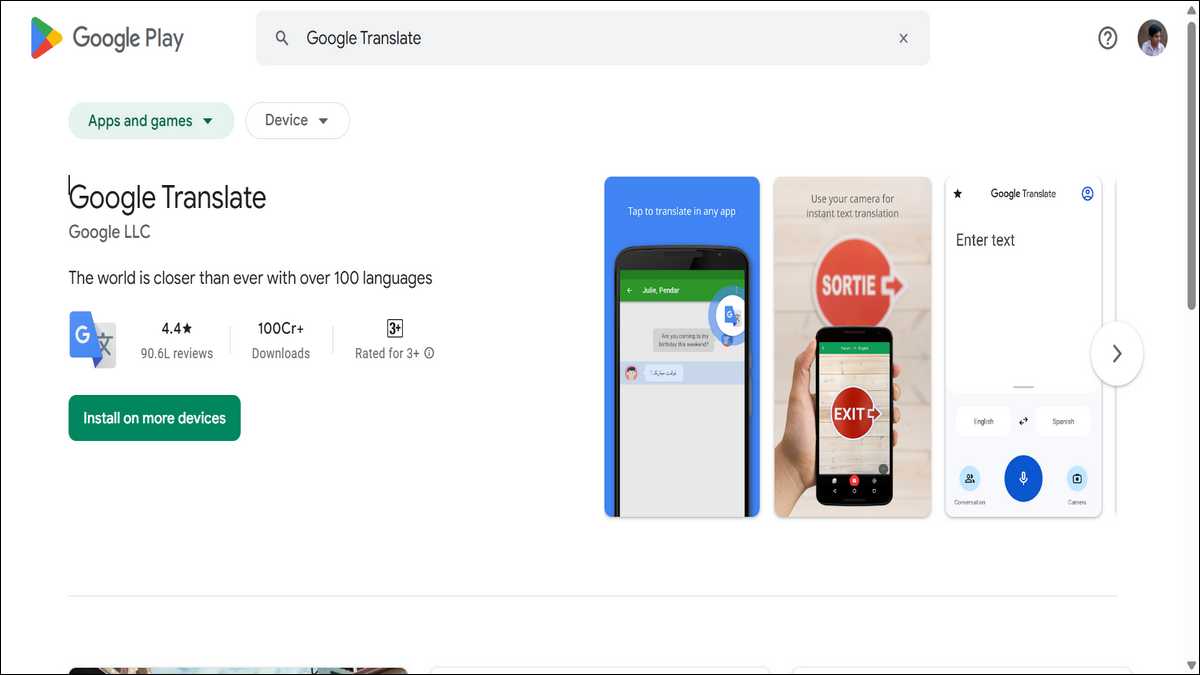
1. Google Translate — The One That Does Everything
One app. One download. This is it.
Google Translate supports over 108 languages — and Marathi is fully covered. Text, voice, offline, camera, handwriting, conversation mode. All free.
The camera feature alone makes it worth it. Point your phone at a Marathi sign, a menu, or a printed page, and it translates in real time. No typing needed.
Google upgraded to Neural Machine Translation for Marathi back in 2017, and accuracy has climbed steadily since. It’s still the benchmark everything else gets compared to.
Available on: Google Play | Apple App Store
Best for: Everyone. Start here.
Also read: 5 Best English to Tamil Translator Apps

2. Microsoft Translator — The Smart Pick for Work
Google wins for everyday use. But for professional settings, Microsoft Translator is hard to beat.
It covers 100+ languages including Marathi — text, voice, image, and live conversation, all free. What tips the scales is the Microsoft integration. It plugs directly into Word, PowerPoint, and Teams. If you’re handling Marathi documents at work, that’s a real edge.
The multi-person conversation mode is also genuinely useful. Several people can join from different devices, each reading translations in their own language, live.
Available on: Google Play | Apple App Store
Best for: Business users and anyone already living in the Microsoft ecosystem.
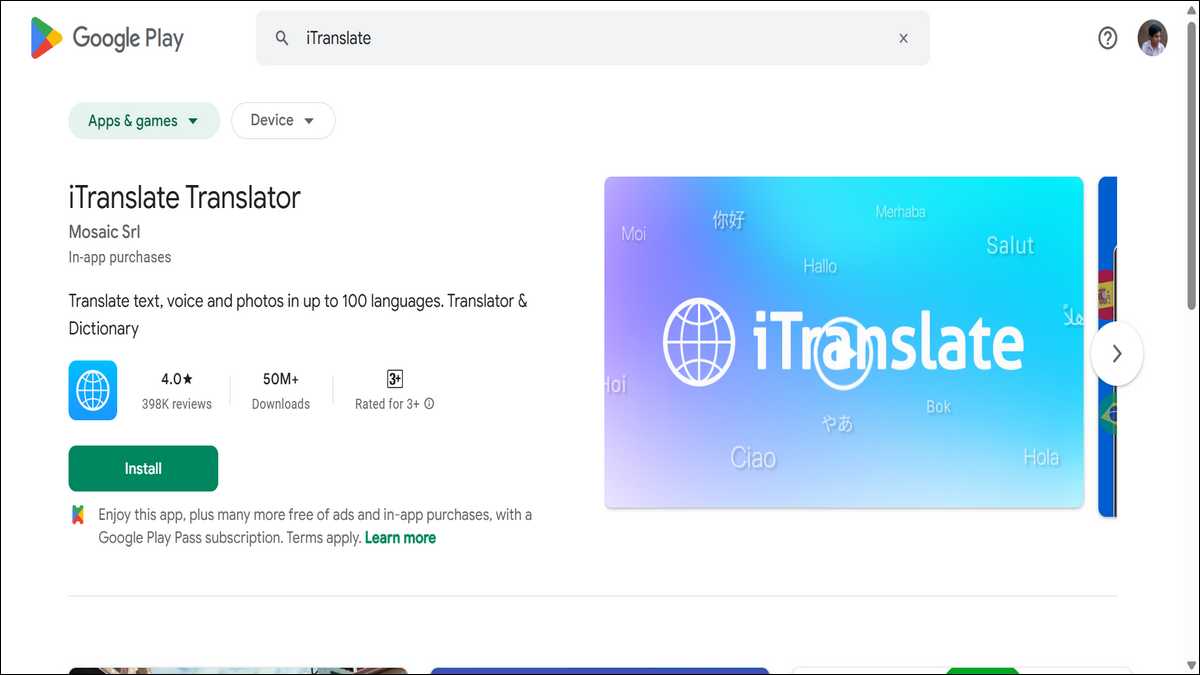
3. iTranslate Translator — 150 Million Downloads for a Reason
150 million downloads and 250,000+ reviews. That kind of reach doesn’t happen by luck.
iTranslate covers 100+ languages including Marathi — text, voice-to-voice, camera, offline mode, and verb conjugations. That last one gets overlooked, but it’s a big deal if you’re learning Marathi seriously. Most apps skip verb forms entirely.
One catch: the best features require a paid subscription. The free version is decent, but offline mode and camera translation are locked behind Pro.
Available on: Google Play | Apple App Store
Best for: iOS users who want a polished, premium experience.
4. English-Marathi Translator — Full Features, No Compromise
This one punches well above its weight for a dedicated translation app.
It covers the full stack: text, voice, camera, offline mode, and conversation mode — all in one place. The camera translation uses OCR to read printed Marathi text from photos, signs, and documents accurately. Voice input works in both directions with natural speech recognition, not just keyword matching.
What makes it stand out from similar apps is the dictionary layer. You get multiple translation options per word, not just one — which matters in Marathi, where a single English word can shift meaning depending on context.
There’s also a flashcard system built in for anyone learning the language properly. Save words to favourites, study them later. It’s a small feature, but it adds genuine long-term value beyond one-off lookups.
The interface is clean, the app is lightweight, and recent Play Store updates have added support for the latest Android versions and improved the image translation module.
Available on: Google Play
Best for: Android users who want a full-featured, dedicated English-Marathi app with camera translation and a built-in learning tool.
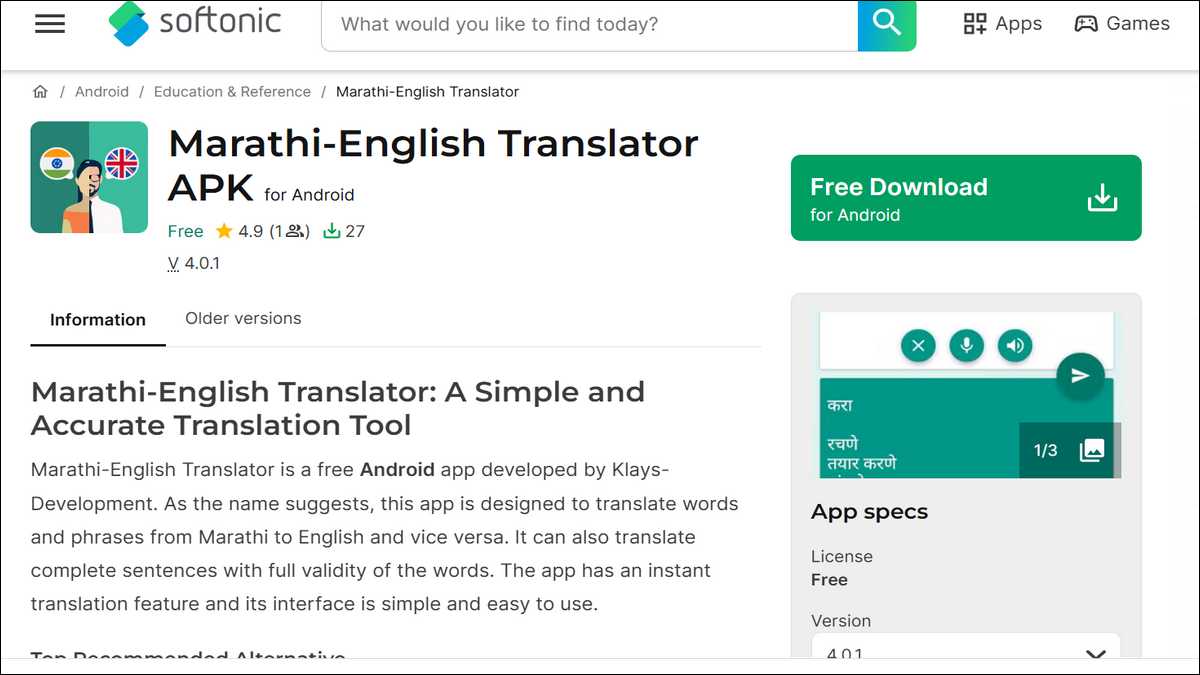
5. Marathi-English Translator by Klays — AI-Powered and Ad-Free
Most free translation apps come stuffed with ads. This one doesn’t — and users love it for that.
Klays covers text, voice, camera, and offline translation in a clean interface. The OCR camera reads printed Marathi text accurately, which is rare at this price point (free). And it gives you multiple meanings per word — which matters in Marathi, where context shifts meaning fast.
One user put it well: “Simple without ads. Multiple meanings of words are remarkable. Most useful than others.”
That says it all, really.
Available on: Softonic
Best for: Anyone who wants clean, AI-driven translation without the ad interruptions.
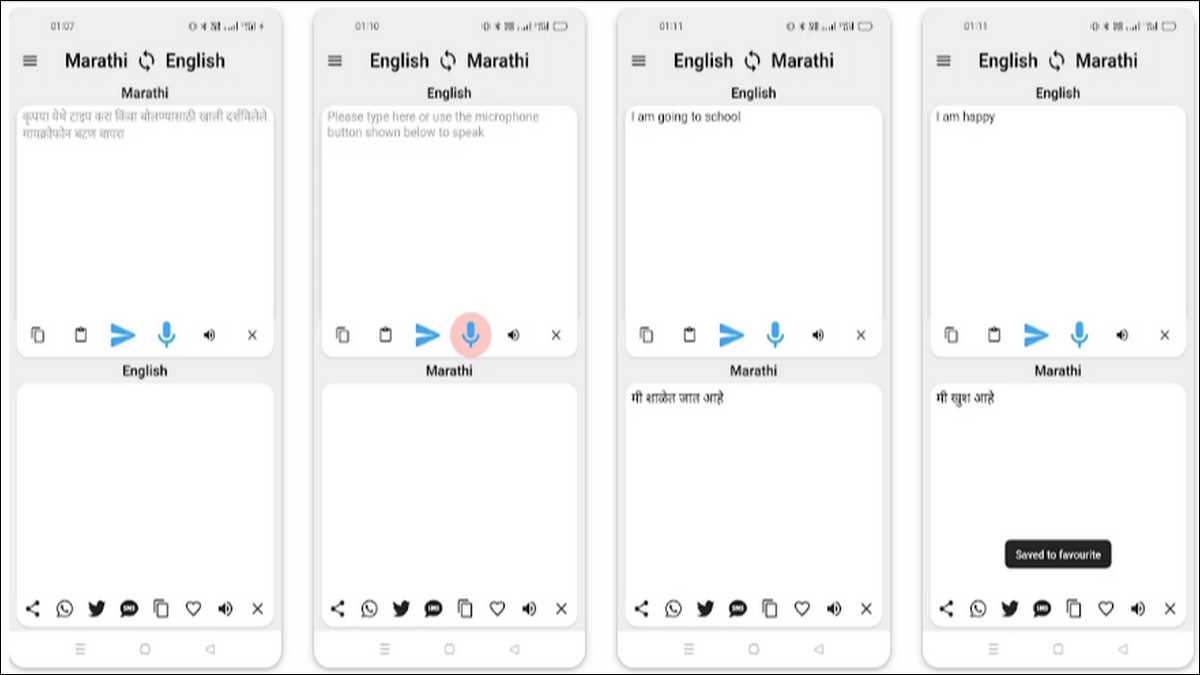
6. Marathi To English Translator — Voice First, Learning Second
Some people learn by listening, not reading. This app was made for them.
It handles voice translation in both directions in under a second. Text-to-speech comes with adjustable pitch, so you can slow the audio down while your ear catches up to the sounds.
There’s also a learning module with interactive lessons built right in — so it doubles as a light language learning tool.
Dark mode is there too. Sounds minor, but if you’re translating late at night, you’ll thank yourself for having it.
Available on: Google Play
Best for: Voice learners and anyone building basic conversational Marathi skills.
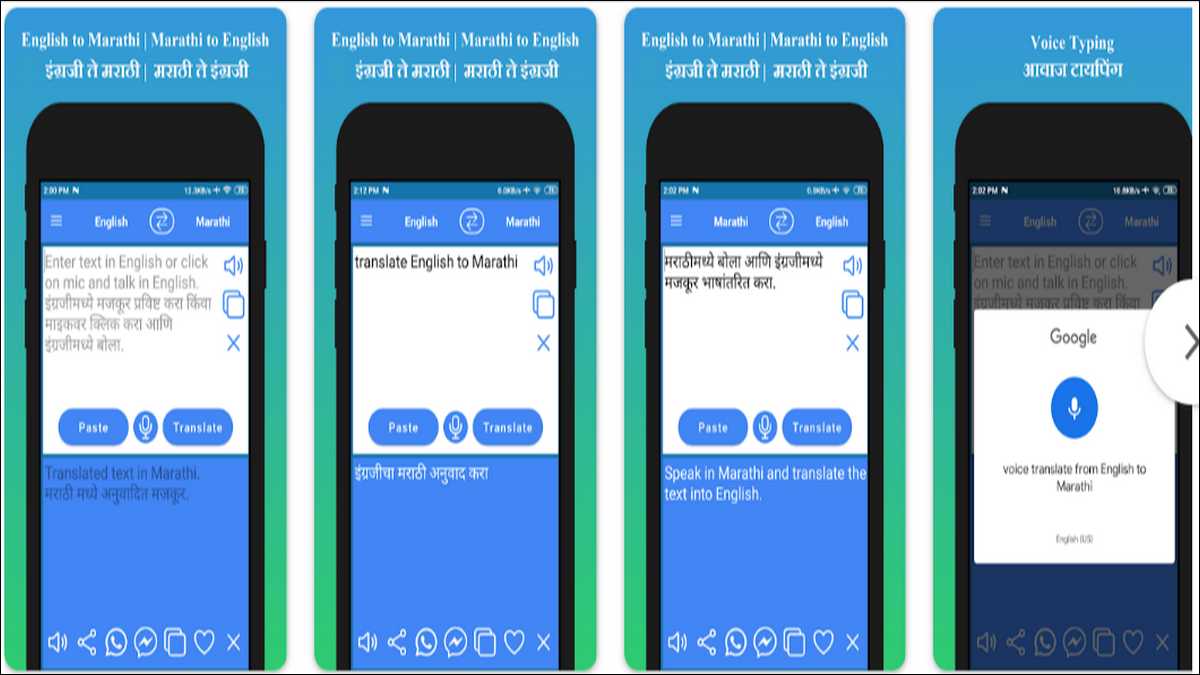
7. HoneySha English to Marathi Translator — Simple and Reliable
HoneySha is one of the most consistently well-reviewed dedicated Marathi apps on the Play Store.
It covers the essentials: bidirectional translation, voice typing, pronunciation playback, and direct sharing to WhatsApp and Messenger. No bloated menus. No feature overload. Just clean, straightforward translation.
The app is also very light on memory — a solid pick for older or budget Android devices that choke on heavier apps. And user reviews keep coming back to the same word: accurate. At the end of the day, that’s what counts.
Available on: Google Play
Best for: Beginners and students who want something reliable from day one.
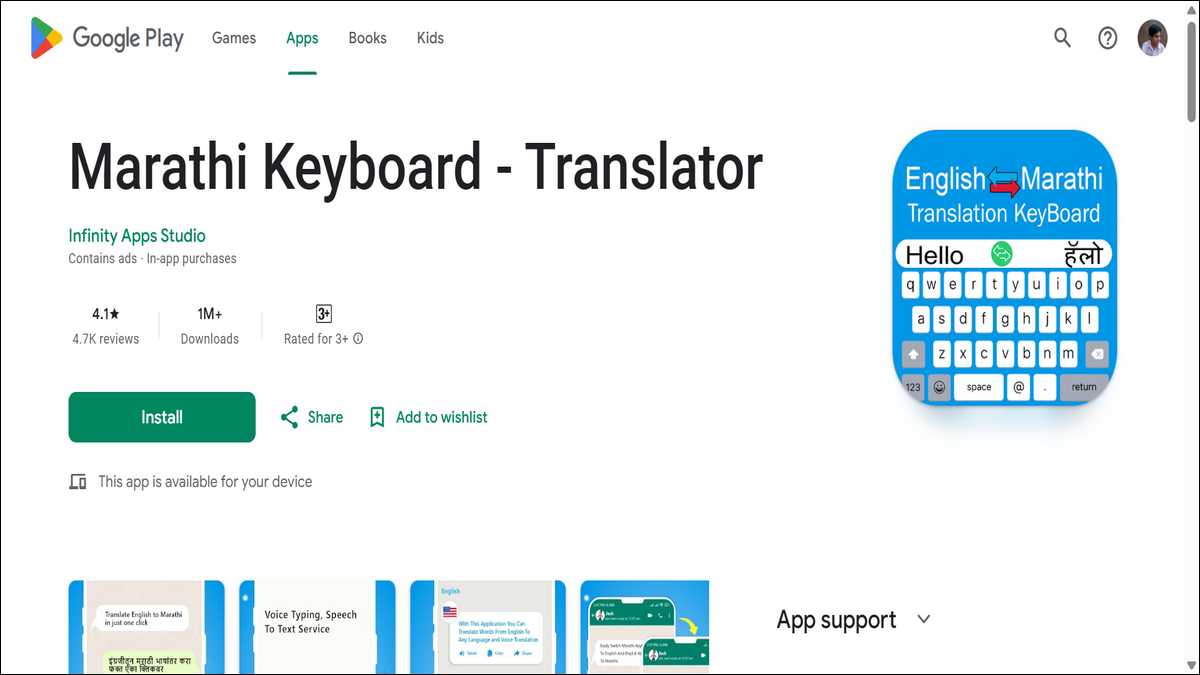
8. Marathi Keyboard by Infinity Apps — Type in English, Get Marathi
This one works differently from everything else here. And that difference solves a very specific problem.
Most people who want to type in Marathi don’t know the Marathi script keyboard layout. So they avoid it, or rely on messy workarounds. This app fixes that cleanly.
You type in regular Roman English. The app converts it to Marathi script on the fly. It runs as a full keyboard replacement, so it works in WhatsApp, Instagram, Gmail — anywhere you type. A built-in translator handles the reverse direction when you need it.
Available on: Google Play
Best for: Android users who want to type in Marathi daily without learning a new script layout.
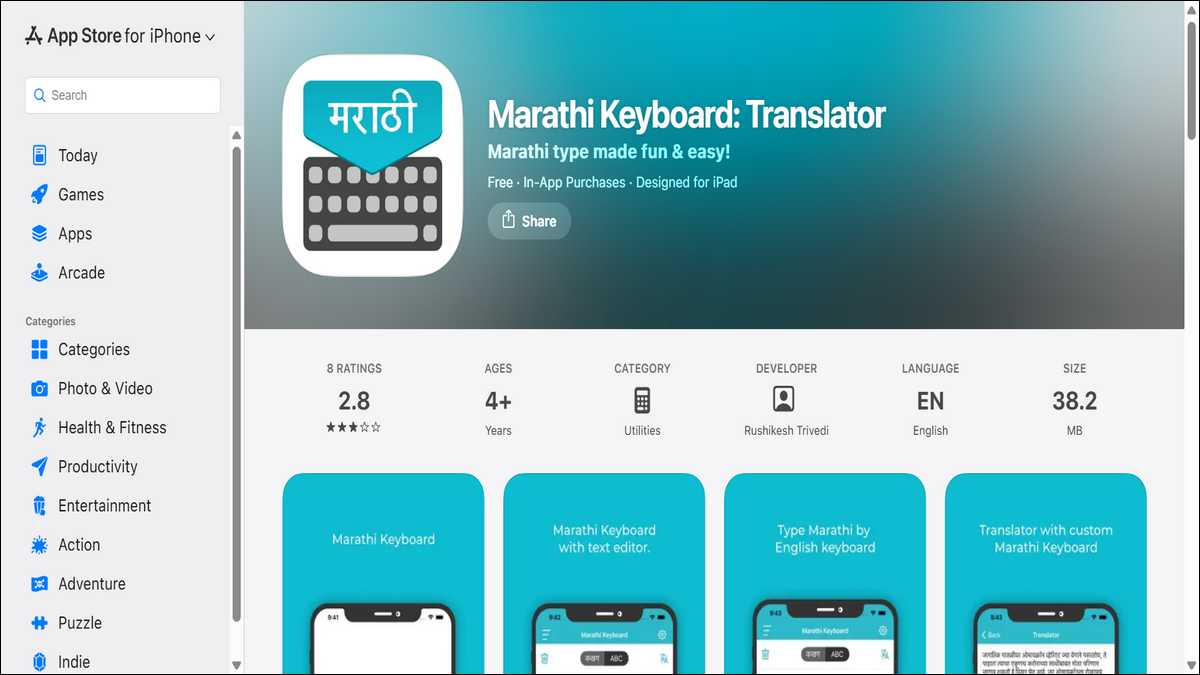
9. Marathi Keyboard: Translator (iOS) — The iPhone Typing Fix
The Infinity app above handles Android. This one handles iPhone — and does it well.
It’s a keyboard app with translation built in, built for iOS. Write in Marathi with auto-suggestions, translate straight from the keyboard, and customise the look with fonts, skins, and backgrounds if you want. Keypress sounds and vibration are toggleable for when you’re still building muscle memory.
The real win here is not having to jump between apps. You translate from within the keyboard, right where you’re already typing.
Available on: Apple App Store
Best for: iPhone and iPad users who want Marathi typing and translation in one place.
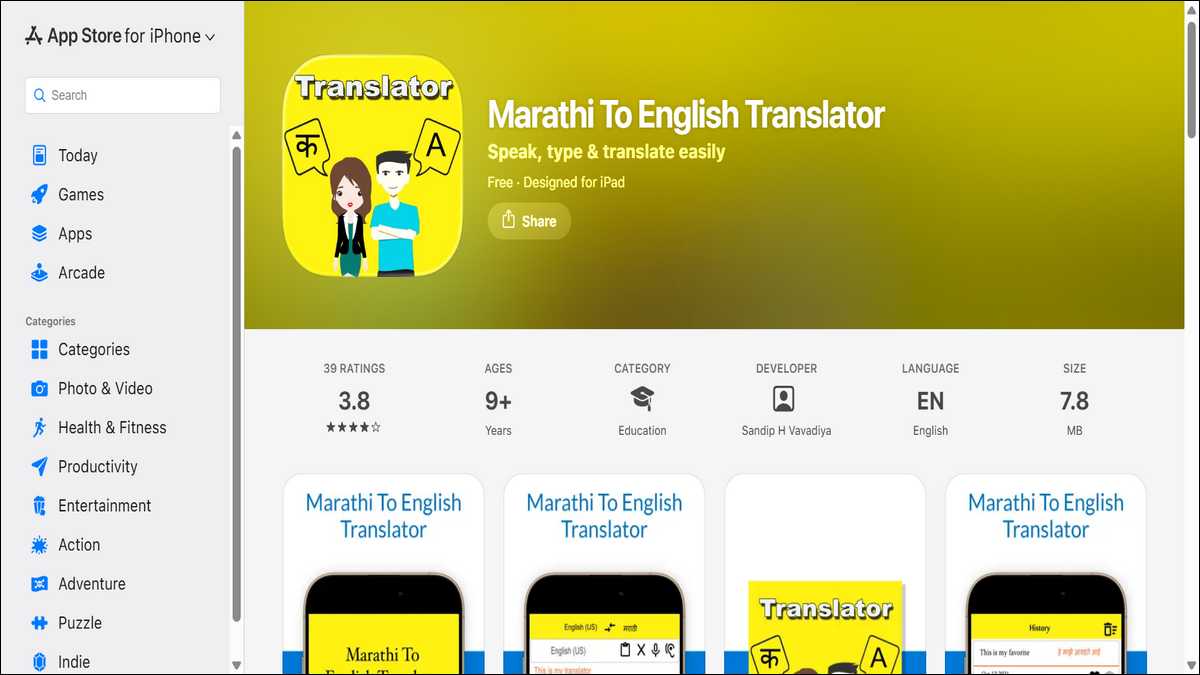
10. Marathi to English Translator by Sandip H Vavadiya — Clean iOS Option
To close the list, here’s a straightforward iOS app that quietly does its job well.
Instant Marathi-English translation, text-to-speech for pronunciation, and a minimal interface with no learning curve. Open it, type or paste text, get your translation with audio. That’s the whole experience.
What’s worth noting: the developer actively pushes updates focused on translation accuracy and bug fixes. For Marathi — a language where accuracy gaps are still common in smaller apps — a developer who stays on top of that is genuinely worth something.
Available on: Apple App Store
Best for: iPhone users who want a clean, well-maintained Marathi translation tool.
Which App Is Right for You? Here’s A Quick Comparison:
| App | Platform | Free | Offline | Voice | Camera | Best For |
|---|---|---|---|---|---|---|
| Google Translate | Android + iOS | ✅ | ✅ | ✅ | ✅ | Everyone |
| Microsoft Translator | Android + iOS | ✅ | ✅ | ✅ | ✅ | Business users |
| iTranslate | Android + iOS | Partial | Pro | Pro | Pro | iOS power users |
| EngMarEng | Android | ✅ | ✅ | ✅ | ❌ | Beginners |
| Klays AI Translator | Android | ✅ | ✅ | ✅ | ✅ | Ad-free users |
| Marathi Voice Translator | Android | ✅ | ✅ | ✅ | ❌ | Voice learners |
| HoneySha | Android | ✅ | ✅ | ✅ | ❌ | Students |
| Infinity Marathi Keyboard | Android | ✅ | ✅ | ❌ | ❌ | Marathi typists |
| Marathi Keyboard iOS | iOS | ✅ | ✅ | ❌ | ❌ | iPhone typists |
| Vavadiya Translator | iOS | ✅ | ❌ | ✅ | ❌ | Clean iOS option |
So, Which One Should You Download And Install?
Want one app that handles English to Marathi translations well? Google Translate. Free, always updated, covers every scenario you’ll run into.
On Android and want something built only for Marathi? Go with English-Marathi Translator (4th number) or the Klays AI Translator. Both are solid, both are free.
On iPhone? iTranslate is the most polished pick, though the free version has limits. For a dedicated Marathi-only tool, Vavadiya’s translator is clean and well-maintained.
And if typing in Marathi is your main problem rather than reading it — jump to apps 8 or 9. They solve that issue directly, without asking you to learn a new script from scratch.
Pick what fits your situation. All ten are live on their official stores right now.