30 Best Apps for Samsung Galaxy S26 Ultra
Just unboxed your Galaxy S26 Ultra? Here are 30 apps that actually make the most of it — S Pen tools, 200MP camera editors, privacy apps, productivity tools, and more. All third-party. All worth installing.
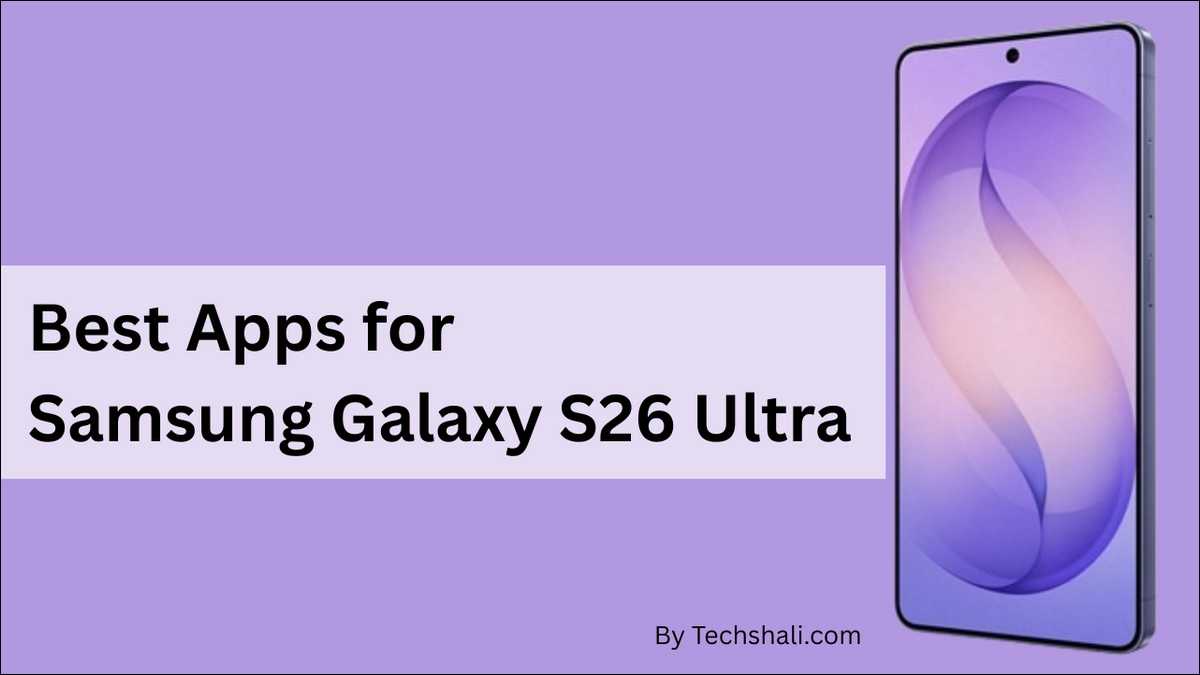
You just spent serious money on one of the most capable smartphones ever made.
The Galaxy S26 Ultra has a 200MP camera, a built-in S Pen, a 6.9-inch display, and hardware that most laptops from three years ago can’t match. It runs cooler, processes faster, and lasts longer than anything Samsung has shipped before it.
But here’s the honest truth about any new phone — the hardware is only half the story. The apps you put on it determine whether you’re actually using what you paid for, or just carrying an expensive camera around in your pocket.
In this list, we gather about 30 apps that genuinely help you make most out of this new Samsung Galaxy S26 Ultra can do. We’ve organized them by category so you can work through the ones that matter to your life first.
None of these are pre-installed by Samsung or Google. Every single one is something you choose to add — and every one earns its place on this list.
Let’s start with the feature that separates the Ultra from every other phone in Samsung’s lineup.
✏️ S Pen Apps — Start Here First
The S Pen isn’t a gimmick. It’s the reason the Ultra exists as a product category. But without the right apps, it’s mostly useful for tapping things more precisely than your finger.
These four apps change that completely.
1. Concepts — The Infinite Canvas for S Pen
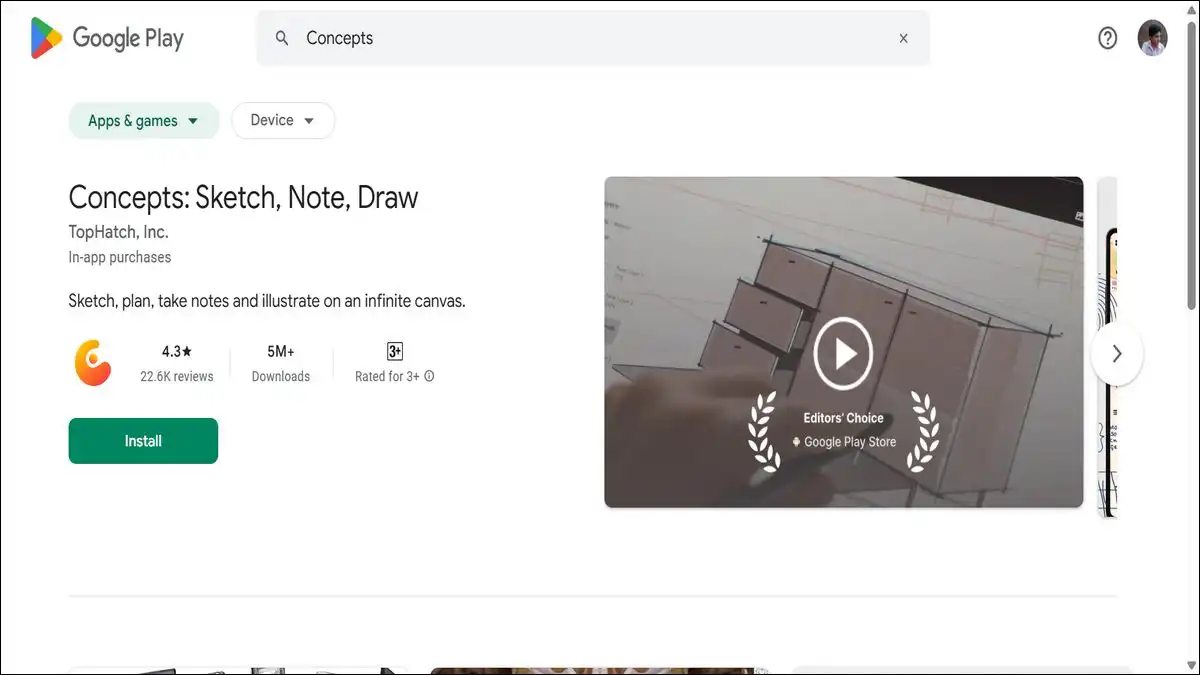
Concepts is the first app you should download after unboxing your S26 Ultra. It’s a professional-grade sketching and design app built around the idea of an infinite canvas — one that never runs out of space regardless of how much you draw.
Every stroke you make responds to the S Pen’s pressure sensitivity. Light touch, thin line. Press harder, the stroke thickens. Tilt the pen and it behaves like a real pencil.
Concepts supports vectors, which means you can zoom into any part of your sketch at any scale without losing quality. It’s used by product designers, architects, illustrators, and anyone who thinks visually.
The free version gives you a solid foundation. Unlocking the full professional tool set costs $4.99 per month or a one-time purchase of $39.99.
For regular users, the one-time purchase pays for itself quickly.
| Best For | Artists, designers, visual thinkers |
| Price | Free / $4.99 per month |
| S Pen | ✅ Fully optimized |
| Download | Play Store |
2. Noteshelf — Handwriting That Feels Like Paper
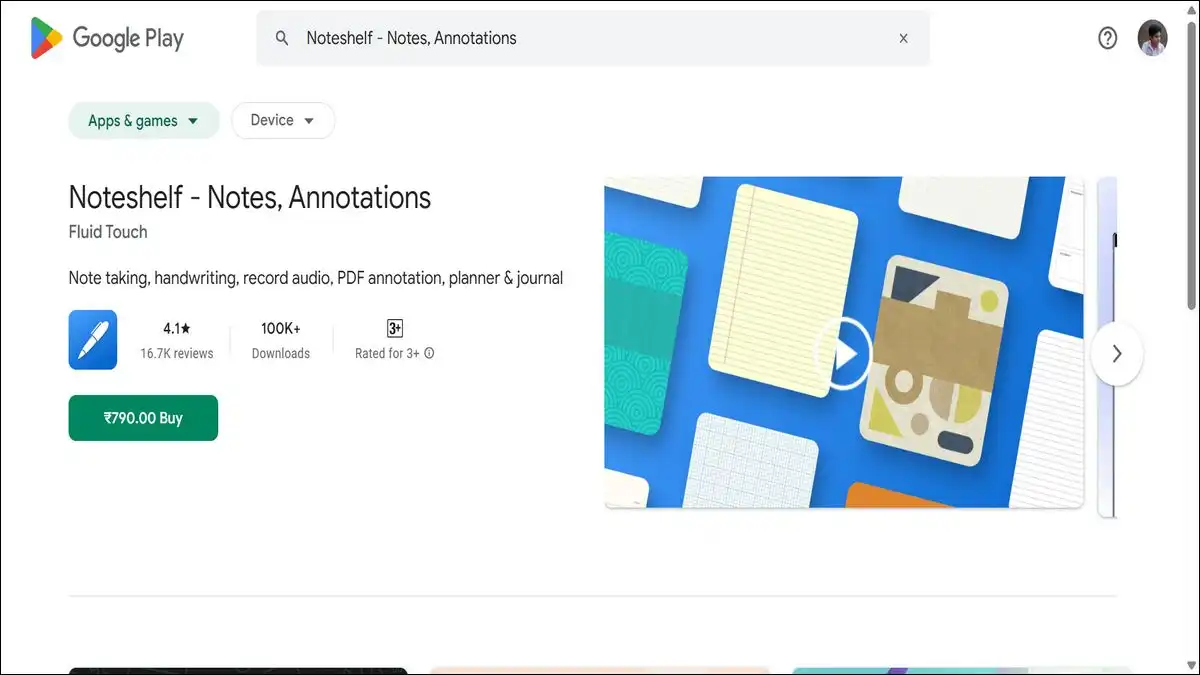
If Concepts is for creative work, Noteshelf is for everything else you’d normally write down. Meeting notes, lecture notes, journal entries, PDF annotations — Noteshelf handles all of it with a writing experience that comes closer to actual paper than any other app on Android.
The pressure sensitivity and low latency of the S26 Ultra’s S Pen make a visible difference here. Slow strokes pick up more ink. Fast strokes stay thin and controlled.
You can organize everything into notebooks, record audio alongside your handwriting, and convert your notes to text when you need to share them digitally.
Students and professionals who carry their phone as their primary note-taking device will find this app transforms how they use the Ultra.
It’s the app that makes the S Pen feel essential rather than optional.
| Best For | Students, note-takers, PDF annotation |
| Price | Free / Premium from $3.99 |
| S Pen | ✅ Fully optimized |
| Download | Play Store |
3. DocuSign — Sign Anything, Anywhere
Noteshelf handles your own notes. DocuSign handles the documents other people need you to sign.
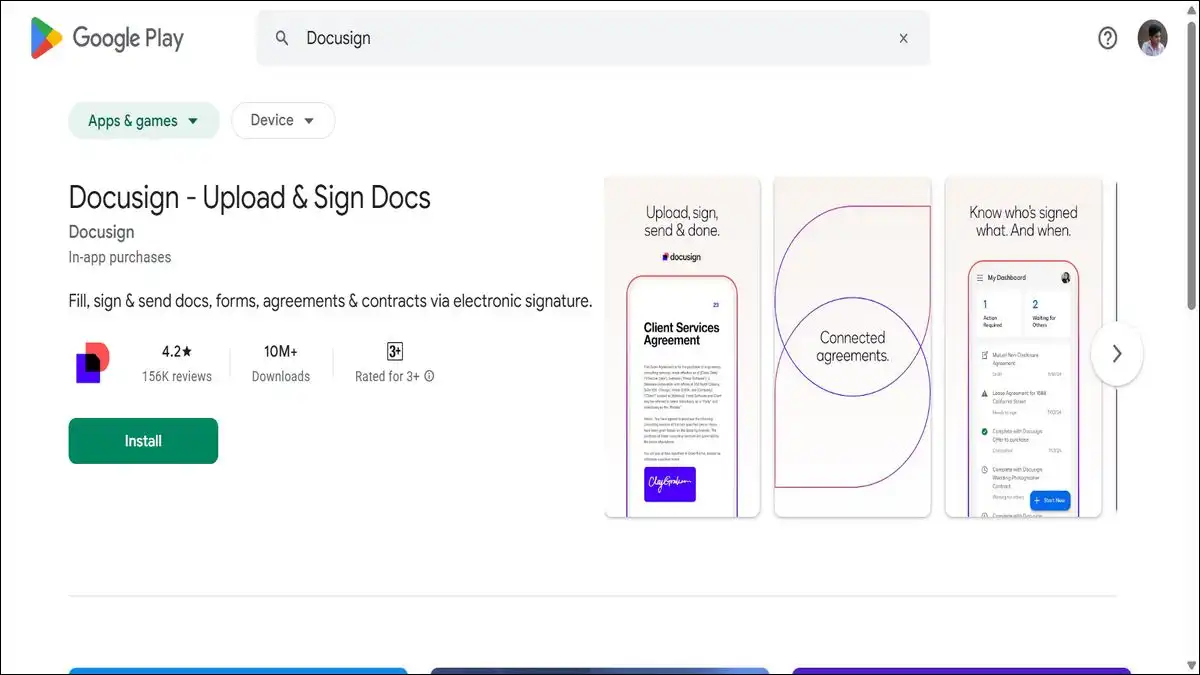
The S Pen makes DocuSign genuinely useful on a phone in a way touchscreen-only devices never quite managed. You scan or import a document, position your signature field, and sign naturally with the S Pen stylus.
The result looks like an actual signature rather than the shaky scrawl that finger-signing on glass produces. DocuSign keeps everything encrypted and legally binding — it’s accepted by banks, legal firms, real estate agencies, and employers worldwide.
For anyone who regularly receives contracts, agreements, or official forms, this is one of those apps that pays for itself the first time you use it. The free tier handles a limited number of documents per month. Paid plans start at $15/month for unlimited use.
| Best For | Business users, remote workers, freelancers |
| Price | Free (limited) / From $15/month |
| S Pen | ✅ Fully optimized |
| Download | Play Store |
4. Readwise Reader — The S Pen Reading App Nobody Talks About
Most people think of reading apps as simple — you open a book, you read. Readwise Reader is not that kind of app.
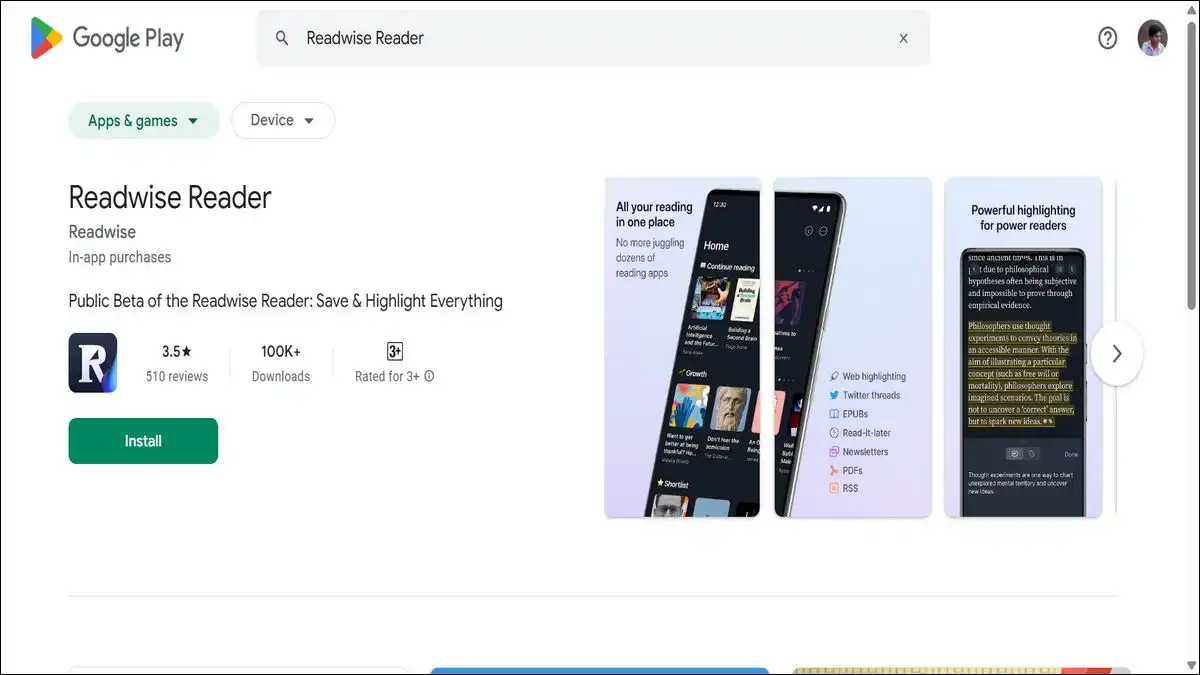
It pulls together articles saved from the web, PDFs, ePub files, newsletters, and RSS feeds into a single clean reading environment. It strips out ads and clutter from web articles automatically.
On the Samsung Galaxy S26 Ultra’s large high-resolution display, the reading experience is genuinely beautiful with this app!
And the S Pen integration is where things get interesting — you can highlight passages with the stylus, and Readwise’s built-in AI tool called Ghostreader can summarize what you’ve highlighted, define complex terms, or give you more context on any concept with a single tap.
It’s an app that makes the S26 Ultra feel like a premium reading device — which, given its display specs, it absolutely should be. The free trial runs for 30 days.
After that, it costs around $9.99 per month.
| Best For | Researchers, students, heavy readers |
| Price | Free 30-day trial / ~$9.99 per month |
| S Pen | ✅ Fully optimized |
| Download | Play Store |
🎨 Creative Apps — For the Camera and Beyond
The S26 Ultra’s 200MP camera produces files that most mobile editing apps struggle to handle properly. These apps were built for serious creative work, and they handle the Ultra’s output without compromise.

5. Adobe Lightroom — Edit the Way Your Photos Deserve
If you’re shooting in RAW on the S26 Ultra — and you should be, at least occasionally — Adobe Lightroom is the only mobile editor worth using for those files.
Lightroom handles full-resolution RAW files from the S26 Ultra’s 200MP sensor without downsampling. You get non-destructive editing, which means every adjustment you make can be reversed without losing your original.
The AI-powered masking tools let you select the sky, the subject, or specific objects in a photo with one tap and adjust them independently. Color grading, lens corrections, noise reduction — it’s a full professional workflow on a phone.
The free version is genuinely capable. The Premium tier at $4.99 per month adds AI denoise, selective editing tools, and cloud storage. For photographers who take the S26 Ultra’s camera seriously, this is a non-negotiable install.
| Best For | Photographers, content creators |
| Price | Free / Premium from $4.99/month |
| S Pen | ✅ Partial |
| Download | Play Store |
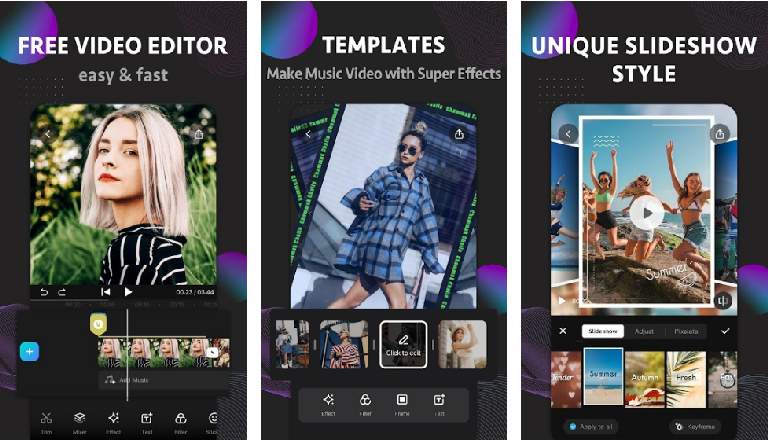
6. CapCut — 8K Video Editing on Your Phone
While, Lightroom handles photos, whereas CapCut handles the video — including the S26 Ultra’s 8K footage, which most editing apps can’t even import cleanly.
CapCut is the most capable free video editor on Android right now. It handles high-resolution timelines, offers AI-powered features like automatic captions, background removal, and beat sync.
Also, includes a template library that makes professional-looking edits achievable without any prior editing experience. The interface is clean and fast on the S26 Ultra’s processor.
One important note: CapCut is owned by ByteDance, the same company behind TikTok. If you have privacy concerns about that relationship, that’s worth factoring in.
For users who are comfortable with it, the free feature set is hard to match at any price point.
| Best For | Video creators, social media content |
| Price | Free / CapCut Pro available |
| S Pen | ❌ No |
| Download | Softonic |
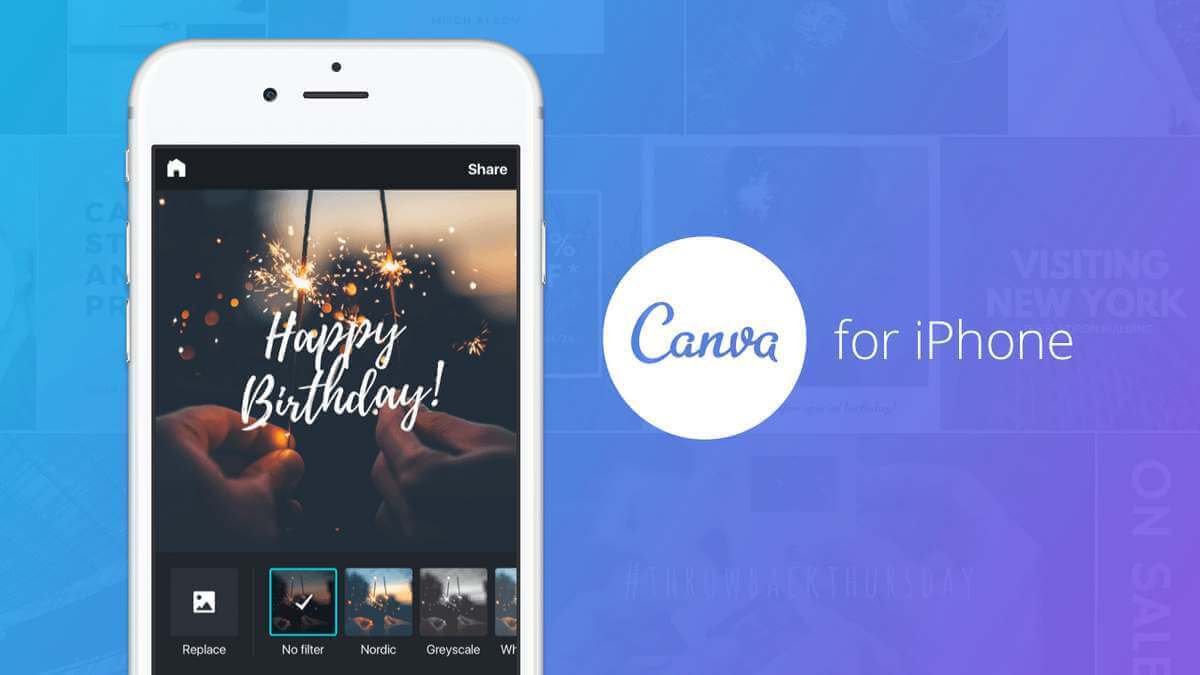
7. Canva — Design Everything From Your Phone
Not every creative project needs a professional tool. Canva fills the gap between “I need a polished design” and “I don’t have time to learn design software.”
Canva covers social media graphics, presentations, flyers, invitations, resumes, and dozens of other design formats through a drag-and-drop interface that anyone can use in minutes.
Its photo editing tools — background removal, contrast adjustments, photo effects, collage creation — are surprisingly capable for a design-first app. On the S26 Ultra’s large display, Canva’s canvas-based interface is noticeably more comfortable to work with than on smaller screens.
The free tier covers most casual use cases. Canva Pro at $14.99 per month adds brand kits, premium templates, and a Magic Studio AI suite that’s worth exploring if you create content regularly.
| Best For | Content creators, marketers, casual designers |
| Price | Free / Pro from $14.99/month |
| S Pen | ✅ Partial |
| Download | Play Store |
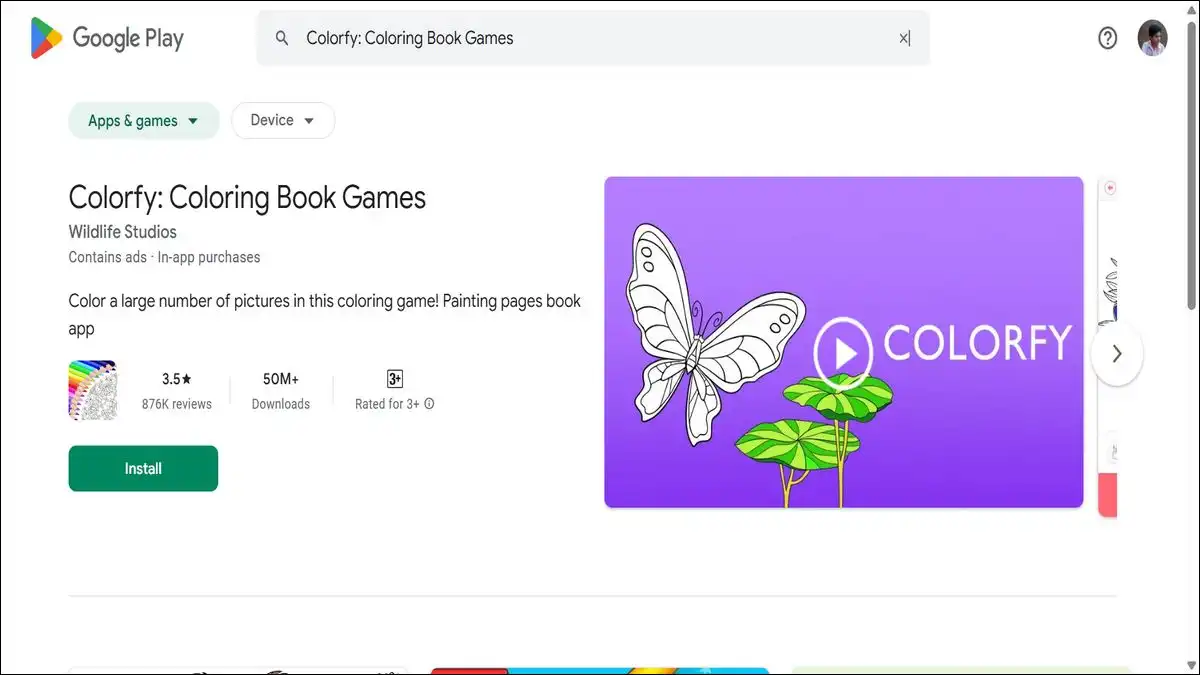
8. Colorfy — Wind Down With the S Pen
Creativity doesn’t always mean productivity. Colorfy is a coloring app — and it’s one of the most genuinely relaxing things you can do with the S Pen after a long day.
The app offers hundreds of intricate coloring designs, from simple geometric shapes to complex mandalas and animal illustrations. You fill them in with digital color using the S Pen, adjusting brush size and color palettes as you go.
There’s no wrong answer and no timer. It’s deliberately meditative — the kind of app that gives your hands something to do while your mind slows down.
It sounds simple because it is. But on a 6.9-inch display with a pressure-sensitive stylus, it’s a genuinely satisfying experience that most S Pen owners never think to try.
| Best For | Stress relief, creative relaxation |
| Price | Free / Premium available |
| S Pen | ✅ Fully optimized |
| Download | Play Store |
Also read: 10 Most Addictive Games for Samsung Galaxy Users
🔧 Customization Apps — Make the S26 Ultra Yours
The S26 Ultra ships with Samsung’s One UI skin on top of Android. It’s good — genuinely one of the better manufacturer skins available.
But these apps let you go much further.
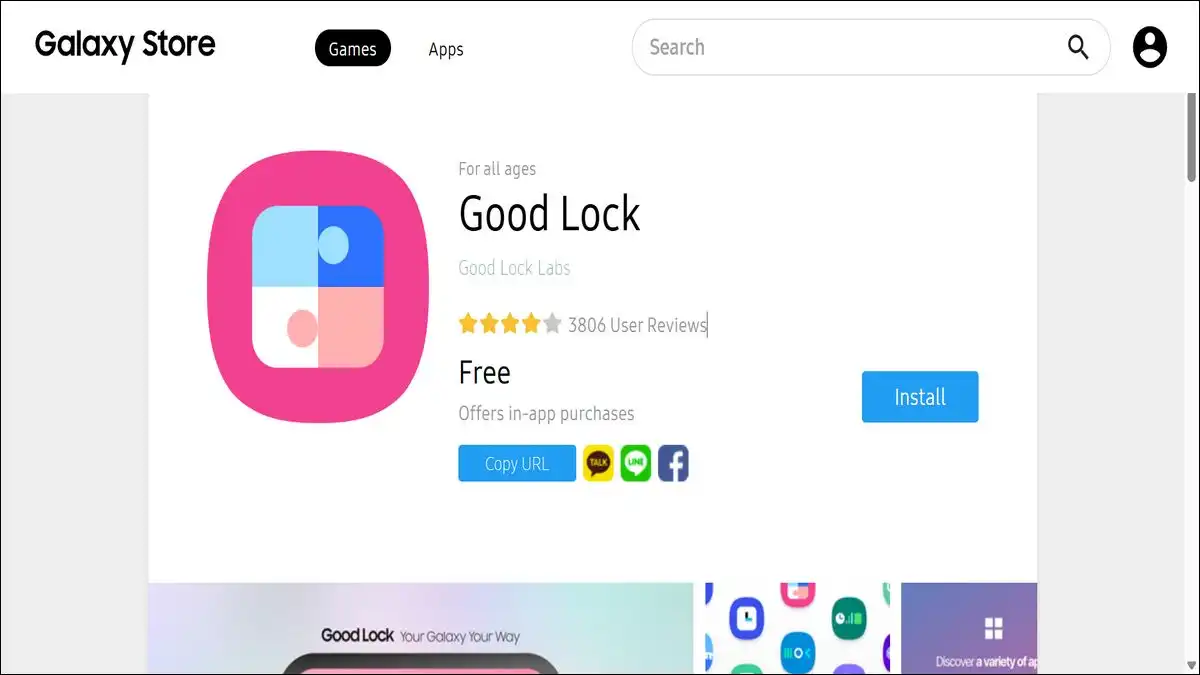
9. Good Lock — Samsung’s Hidden Customization Powerhouse
Good Lock is technically a Samsung app, but it’s not pre-installed and it’s not available on the Google Play Store — you have to actively find it on the Galaxy Store. Most new Galaxy owners never do, which is a genuine shame.
Good Lock is a modular customization framework. Each module targets a different part of One UI — the lock screen, the status bar, the quick settings panel, the keyboard, the recent apps screen, the always-on display.
Installing the modules you want gives you a level of visual and functional control over your phone that stock Android and even other custom Android skins simply don’t offer.
Start with the LockStar module for lock screen customization and the QuickStar module for the notification shade. From there, explore based on what bothers you about the default UI.
Most users find two or three modules that completely change how their phone feels to use daily.
| Best For | Power users who want full UI control |
| Price | Free |
| S Pen | ❌ No |
| Download | Galaxy Store |
10. Screencraft — 4K Wallpapers for a 4K Display
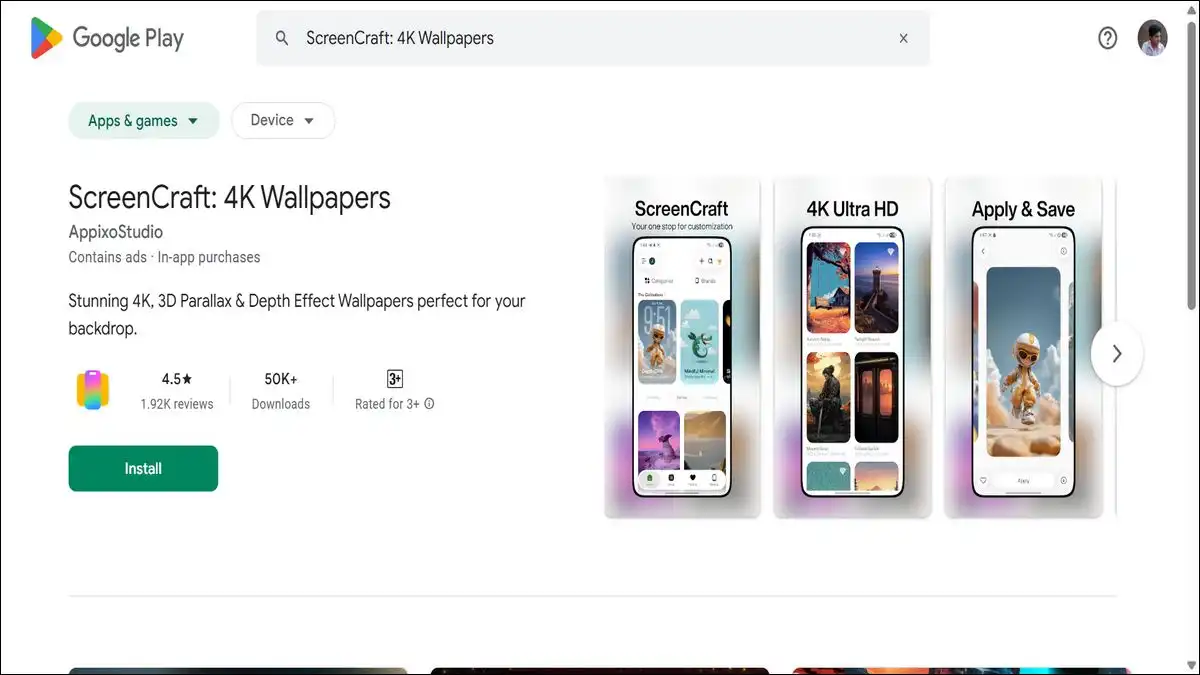
Good Lock personalizes the interface. Screencraft handles the wallpaper — and on the S26 Ultra’s display, the wallpaper matters more than most people realize.
The S26 Ultra runs a 6.9-inch Dynamic AMOLED display at a resolution that makes low-quality wallpapers genuinely look bad.
Screencraft offers true 4K wallpapers without aggressive advertising or misleading resolution claims — a problem that plagues most wallpaper apps on the Play Store. The interface is clean and browsable, and the content quality is consistently high across categories.
If your home screen doesn’t look as good as your phone’s display is capable of producing, Screencraft is the fastest way to fix that.
| Best For | Anyone who wants premium wallpapers |
| Price | Free / Premium available |
| S Pen | ❌ No |
| Download | Play Store |

11. Nova Launcher — Total Home Screen Control
Screencraft makes the wallpaper look great. Nova Launcher controls everything around it.
Nova Launcher is the most stable and feature-complete third-party launcher for Android. It gives you complete control over home screen grid size, icon appearance, app drawer behavior, gesture shortcuts, animation speed, and folder layout.
On the S26 Ultra’s large display, increasing the home screen grid density to fit more apps per page is a small change that makes a big daily difference.
The free version covers most customization needs. Nova Prime at $4.99 is a one-time purchase that adds gesture shortcuts, custom drawer tabs, and scroll effects. One of the few paid apps on Android where the one-time cost feels entirely fair.
| Best For | Users who want a fully personalized home screen |
| Price | Free / Prime from $4.99 one-time |
| S Pen | ❌ No |
| Download | Play Store |
12. Cursor for Android — Unlock What the S Pen Can Really Do
Basically, Cursor for Android handles something entirely different — it turns the S Pen into a full precision cursor controller.
The free version of the app lets you customize trigger areas, adjust cursor speed, and includes a specific feature for Galaxy S25 and S26 Ultra devices that automatically disables cursor mode when the S Pen is detached from the phone.
The paid version adds floating tracker mode, edge trigger actions, and advanced cursor customization that power users will find genuinely useful for navigating the Ultra’s interface with surgical precision.
For anyone who uses the S Pen for more than occasional note-taking, this app surfaces capabilities that most Galaxy Ultra owners don’t know their device supports.
| Best For | S Pen power users, precision navigation |
| Price | Free / Paid version available |
| S Pen | ✅ Built specifically for S Pen |
| Download | Play Store |
🔒 Privacy & Security Apps
The S26 Ultra handles sensitive information — work emails, banking apps, personal photos. These two apps protect what the phone’s built-in security can’t.

13. Bitwarden — The Password Manager You Actually Need
Most people still reuse passwords. Most people know they shouldn’t. Bitwarden makes the right behavior easier than the wrong one.
It’s an open-source password manager that stores all your credentials in an encrypted vault — accessible across every device you own through a single master password.
The Android app integrates with the autofill system, so logging into apps and websites requires one biometric authentication rather than remembering which password variation you used for which site.
The free tier covers unlimited vault entries on unlimited devices — which is genuinely unusual for a free password manager.
Premium adds emergency access, encrypted file attachments, and health reports for $10 per year. It’s one of the best value paid upgrades in the entire app ecosystem.
| Best For | Everyone — essential digital security |
| Price | Free / Premium from $10/year |
| S Pen | ❌ No |
| Download | Play Store |
14. ProtonVPN — A VPN With No Data Cap
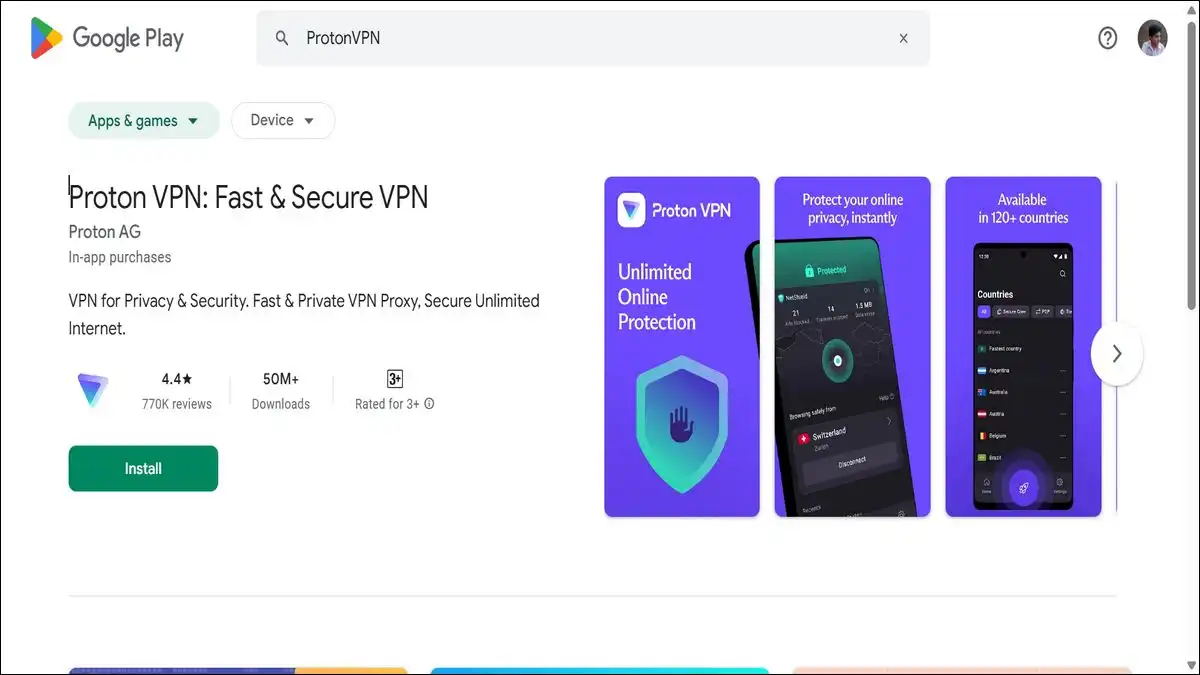
ProtonVPN helps you keep your internet connection safe and secure.
ProtonVPN is built by the same team behind ProtonMail — a company with a strong, documented commitment to privacy and transparency.
The free tier offers something almost no other free VPN provides: no data cap. You can run it all day on public Wi-Fi without being cut off or throttled after a few hundred megabytes.
It uses a no-log policy verified by independent audits, which means even ProtonVPN can’t see what you’re doing while connected.
The Plus plan at $4.99 per month adds faster servers, streaming-optimized servers, and multi-hop connections for higher security.
But the free version is enough for most users who want their S26 Ultra protected on public networks.
| Best For | Public Wi-Fi security, privacy-conscious users |
| Price | Free / Plus from $4.99/month |
| S Pen | ❌ No |
| Download | Play Store |
💬 Communication Apps
15. WhatsApp — Still the Global Standard
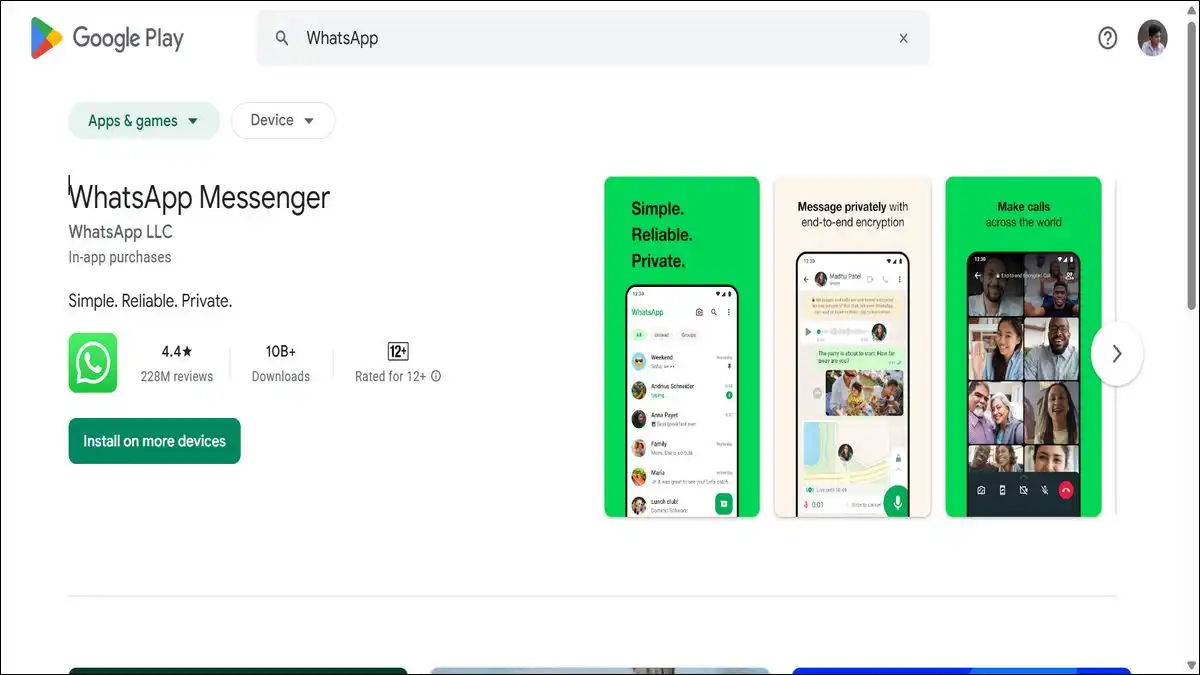
WhatsApp needs little introduction — but it’s worth noting how the S26 Ultra improves the experience specifically.
The S26 Ultra’s improved front camera makes WhatsApp video calls noticeably clearer. The spatial audio processing handles background noise better than on previous Samsung flagships.
And the large display makes multi-person video calls — which WhatsApp now supports for up to 32 participants — genuinely comfortable to follow rather than a squinting exercise.
It’s free, end-to-end encrypted for all messages and calls, and available across every platform your contacts might be on.
| Best For | Personal and professional communication |
| Price | Free |
| S Pen | ❌ No |
| Download | Play Store |
Also read: Top 10 Instagram Lite Tricks You’re Missing

16. Telegram — When You Need More Than WhatsApp Offers
While, WhatsApp handles most communication, Telegram handles everything WhatsApp can’t.
The key difference is file handling. Telegram supports file transfers up to 2GB — which matters directly when you’re sharing the S26 Ultra’s 8K video clips or 200MP full-resolution photos with collaborators or clients.
It also supports channels, large group chats up to 200,000 members, bot integrations, and a desktop client that stays in sync instantly. Telegram Premium at $4.99 per month removes limits further and adds exclusive stickers and faster download speeds.
For creative professionals sharing large files from the S26 Ultra’s camera, Telegram is the most practical free option available.
| Best For | Large file sharing, communities, power users |
| Price | Free / Premium from $4.99/month |
| S Pen | ❌ No |
| Download | Play Store |
17. Slack — Keep Work Communication Organized
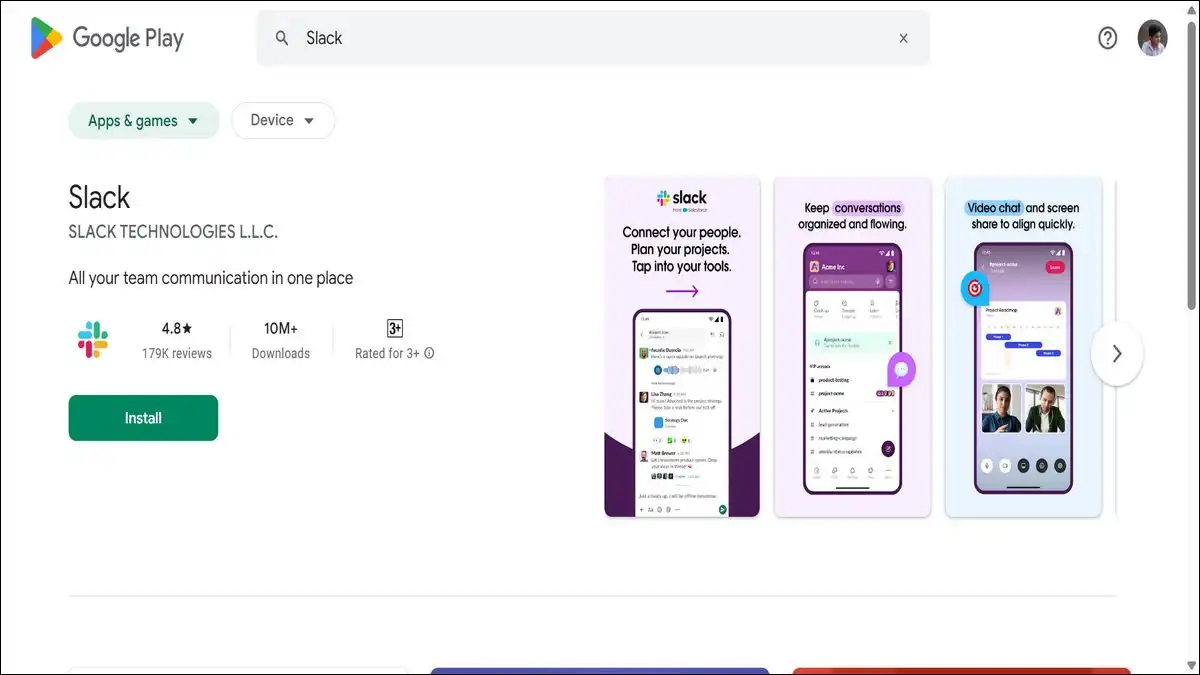
If you’re looking for an app to boost your business productivity on your Galaxy S26 Ultra, then this app is for you. For work, Slack keeps communication organized in a way that group chats simply can’t.
Slack organizes conversations into channels by project, team, or topic — keeping work discussions separate from the noise of personal messaging apps. It supports voice and video calls, file sharing, and integrates with most productivity tools including Google Drive, Notion, and Microsoft 365.
On the Galaxy S26 Ultra’s large display, switching between channels and scanning unread messages is noticeably more comfortable than on smaller phones.
The free tier covers most small team needs. Slack Pro at $7.25 per month per user unlocks full message history, larger file storage, and screen sharing in calls.
| Best For | Teams, remote workers, professionals |
| Price | Free / Pro from $7.25/month |
| S Pen | ❌ No |
| Download | Play Store |
📊 Productivity Apps — Work Smarter on a Big Screen
The S26 Ultra’s 6.9-inch display and S Pen make it genuinely capable as a work device. These apps take that capability seriously.
18. Microsoft 365 — Full Office Suite on Your Phone
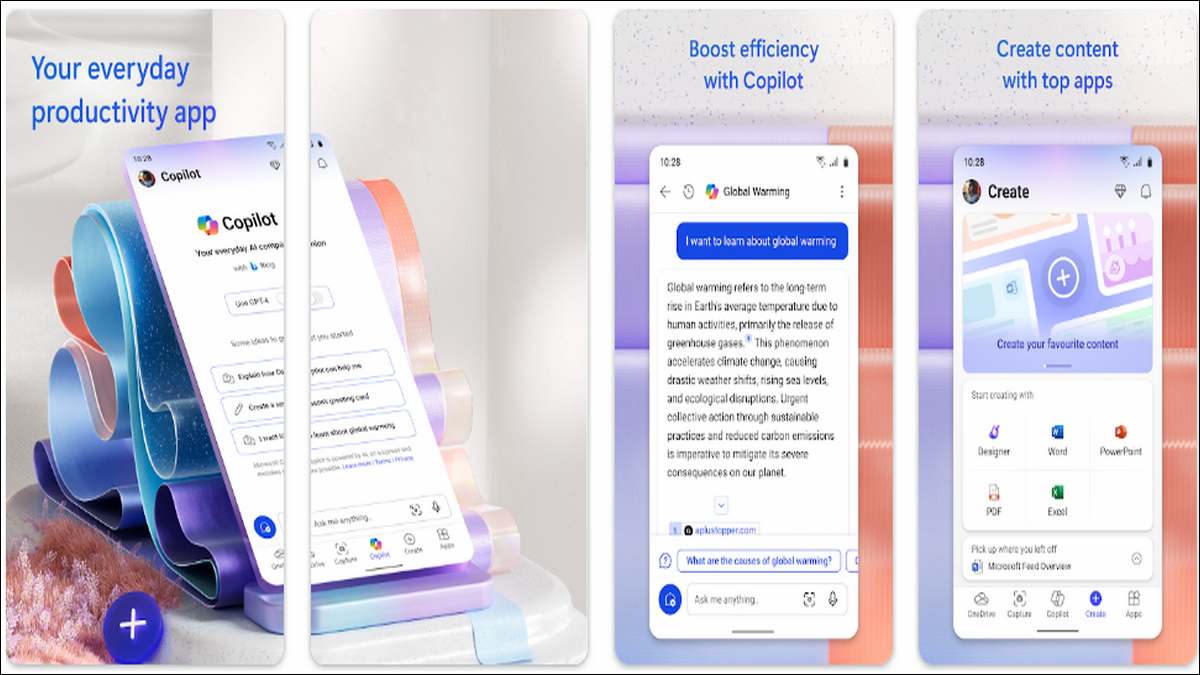
Microsoft 365 on the Samsung’s S26 Ultra is a different experience from Microsoft 365 on a standard phone — and the difference is the screen size.
Word documents are readable without squinting. Excel spreadsheets are navigable without constant zooming. PowerPoint presentations can be edited with the S Pen for annotations and slide adjustments that feel natural rather than frustrating.
The free tier covers basic viewing and editing. A Microsoft 365 subscription from $6.99 per month unlocks the full feature set, including advanced Excel functions and cloud storage integration.
For anyone using the S26 Ultra as a productivity device, having full Office capability in your pocket eliminates the need to carry a laptop to every meeting.
| Best For | Professionals, students, document work |
| Price | Free (limited) / From $6.99/month |
| S Pen | ✅ Partial |
| Download | Play Store |
19. Notion — Your Second Brain
Notion helps you organize your own thinking.
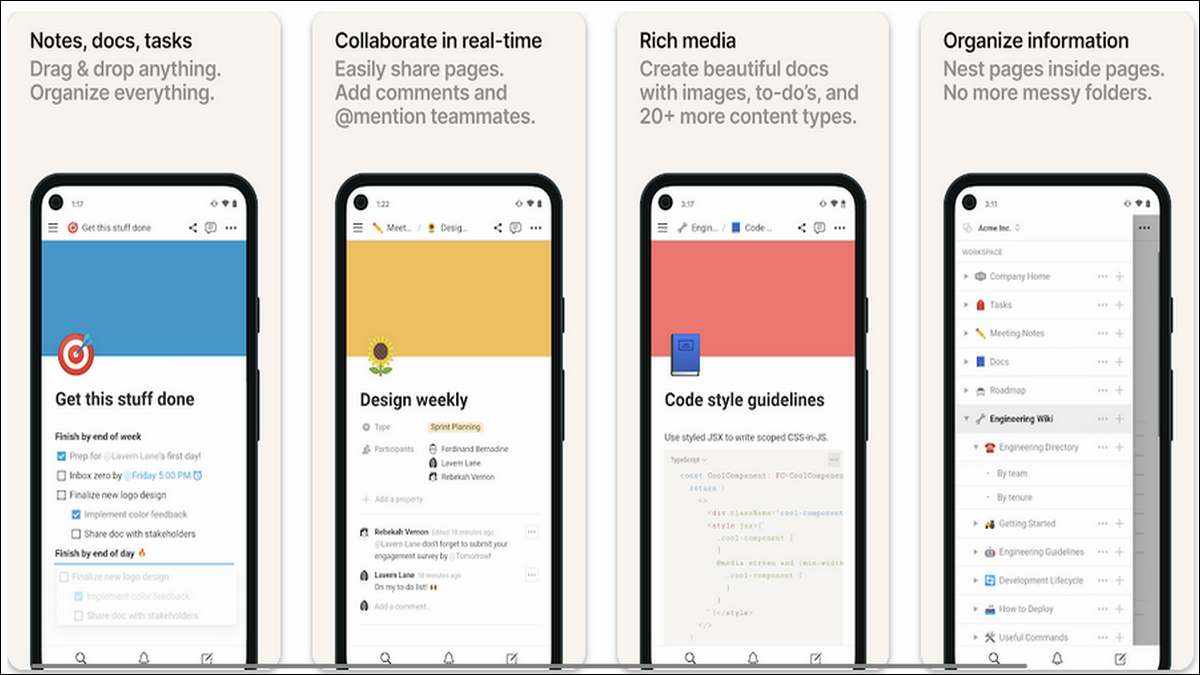
Notion combines notes, databases, task lists, project wikis, and content calendars in one flexible workspace.
On the Galaxy S26 Ultra’s large screen, Notion’s multi-panel layout and table views become genuinely comfortable to navigate — the kind of experience that feels cramped on a 6.1-inch phone but natural on a 6.9-inch one.
Everything syncs instantly across devices, and the AI assistant built into Notion can draft content, summarize notes, and generate task lists from meeting notes.
The free tier covers personal use generously. Notion Plus at $10 per month adds unlimited blocks, unlimited file uploads, and version history.
| Best For | Students, professionals, project management |
| Price | Free / Plus from $10/month |
| S Pen | ✅ Partial |
| Download | Play Store |

20. Todoist — The Task Manager That Actually Gets Done
Todoist handles the daily task list — and it does it better than any other app in this category.
The interface is deliberately simple. Add a task, set a priority level and due date, and it appears in your Today view when it’s due.
Recurring tasks work exactly as you’d expect. Natural language date entry — “every Monday at 9am” — is parsed correctly without any fuss. The app syncs across every device you own and has a widget that works well on the S26 Ultra’s home screen.
The free tier covers most personal task management needs. Pro at $4 per month adds reminders, comment threads on tasks, and productivity stats for users who want to track their output over time.
| Best For | Anyone who wants to stay organized |
| Price | Free / Pro from $4/month |
| S Pen | ❌ No |
| Download | Play Store |
21. Adobe Acrobat Reader — The S Pen PDF Experience
Todoist keeps your tasks organized. Adobe Acrobat Reader handles the documents those tasks are built around.
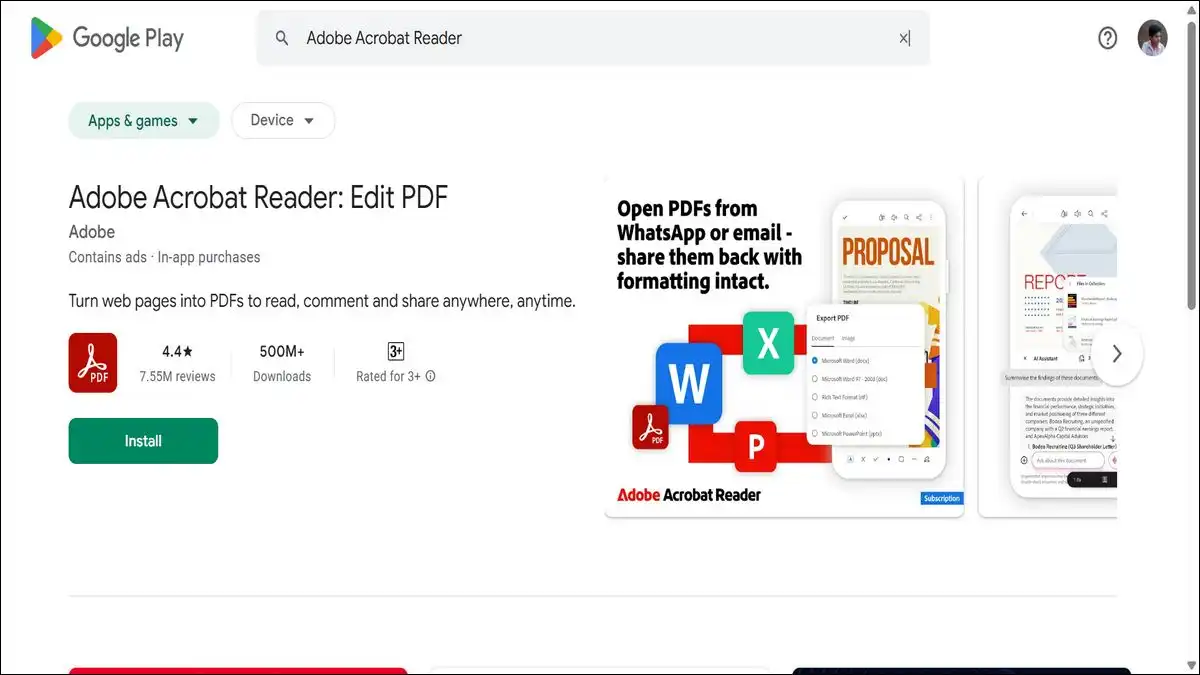
Most people use Acrobat Reader as a passive viewer — open a PDF, read it, close it. On the Samsung Galaxy S26 Ultra with the S Pen, it becomes an active annotation tool.
You can highlight text, draw freehand annotations, add sticky notes, fill in forms, and add legally recognized signatures — all using the S Pen as naturally as you would a real pen on paper.
The free version covers viewing and basic annotation. Premium at $9.99 per month adds editing, compression, and conversion tools.
Combine Acrobat Reader with DocuSign and you have a complete document workflow that handles any professional paperwork your job produces.
| Best For | Professionals, students, document work |
| Price | Free / Premium from $9.99/month |
| S Pen | ✅ Fully optimized |
| Download | Play Store |
🎵 Entertainment Apps

22. Spotify — Your Entire Music Library in One Place
Spotify is the most comprehensive music platform available on Android — over 100 million songs, podcasts, and audiobooks in one app.
The free tier works with ads and shuffle-only playback on mobile. Premium at ₹119 per month in India removes ads, enables offline downloads, and unlocks the highest audio quality setting — which pairs noticeably well with the Galaxy S26 Ultra’s audio output.
The Spotify widget on the home screen gives you playback control without opening the app, which works well alongside the Ultra’s always-on display.
| Best For | Music and podcast listeners |
| Price | Free (ads) / Premium from ₹119/month |
| S Pen | ❌ No |
| Download | Play Store |
Also read: 10 Free YouTube Premium Alternatives
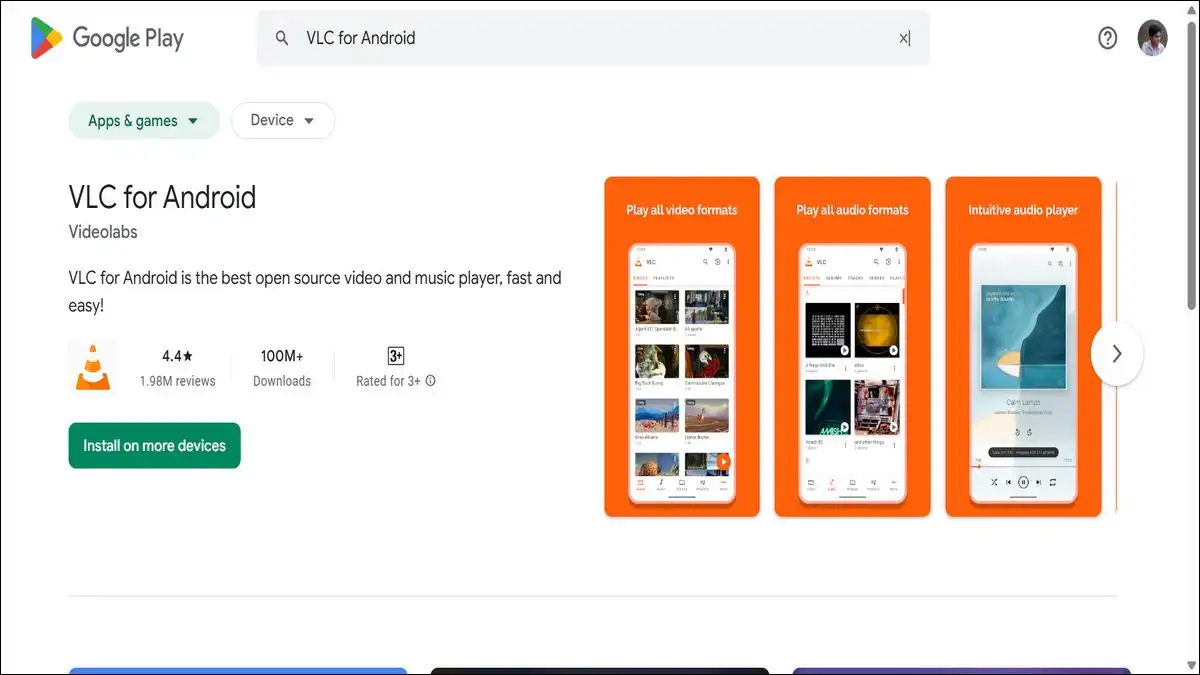
23. VLC Media Player — Play Any File You Throw at It
Without a doubt, this is a must-have app for all Samsung Galaxy S26, S26 Plus, and S26 Ultra users.
VLC is completely free, open-source, and supports virtually every video and audio format in existence. It plays 8K files, handles HDR content, supports external subtitles in any format, and doesn’t require any codec installations or additional purchases.
There are no ads. There are no in-app purchases. You install it, it works, and it never stops working.
For anyone who downloads or transfers video files to the S26 Ultra, VLC is the only local media player worth having.
| Best For | Local video playback, 8K files |
| Price | Free |
| S Pen | ❌ No |
| Download | Play Store |
🏃 Health & Fitness Apps
The S26 Ultra’s accurate GPS, heart rate sensor integration, and large display make it a capable fitness companion.
These two apps make the most of that hardware.
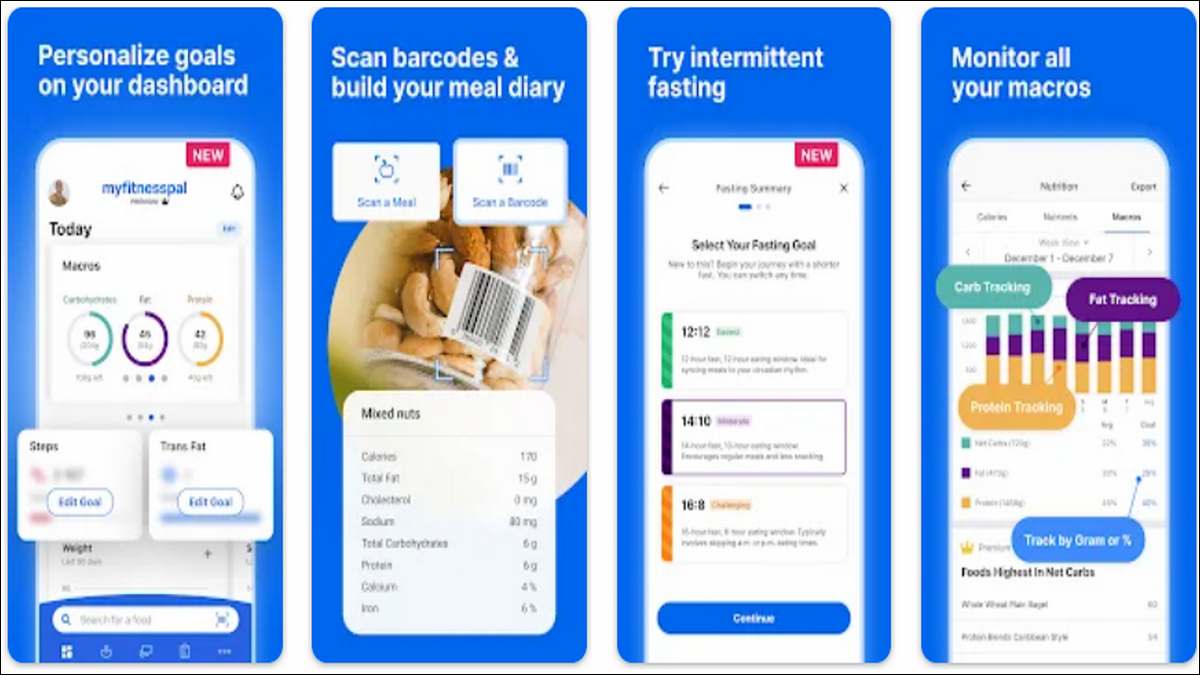
24. MyFitnessPal — Nutrition Tracking That Actually Works
MyFitnessPal has the largest food database of any nutrition tracking app — over 14 million foods, including restaurant items, branded products, and home-cooked meals. You log what you eat, it calculates your calories and macros, and over time it builds a clear picture of your eating habits.
The barcode scanner speeds up logging dramatically — point the Samsung S26 Ultra’s camera at any packaged food and the nutritional information appears automatically.
The free tier covers basic calorie and macro tracking. Premium at $19.99 per month adds food analysis features, nutrient charts, and a meal planning tool.
For users who take nutrition seriously, the free version is genuinely enough to start.
| Best For | Weight management, nutrition tracking |
| Price | Free / Premium from $19.99/month |
| S Pen | ❌ No |
| Download | Play Store |
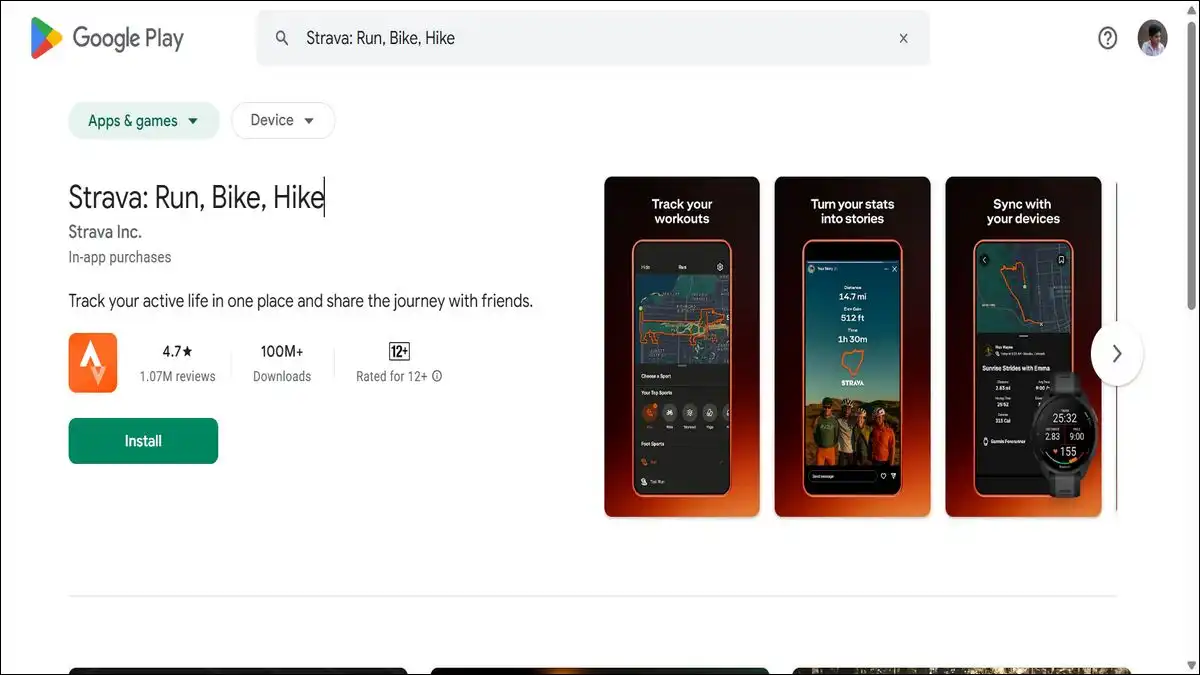
25. Strava — Run and Ride Tracking With a Social Layer
While, nutrition handled by MyFitnessPal, physical activity tracked by Strava.
Strava uses GPS to map every run, cycle, or walk with detailed route visualization, pace data, elevation graphs, and personal records.
The S26 Ultra’s GPS accuracy makes Strava’s route tracking noticeably more precise than on budget devices — particularly useful for trail running or cycling where accurate distance measurement matters.
The social layer — following other athletes, giving kudos, comparing segment times — adds genuine motivation for competitive users.
The free tier covers all the core tracking features. Subscription from $7.99 per month adds route planning, live feedback during activity, and detailed fitness trend analysis.
| Best For | Runners, cyclists, outdoor athletes |
| Price | Free / From $7.99/month |
| S Pen | ❌ No |
| Download | Play Store |
💰 Finance App
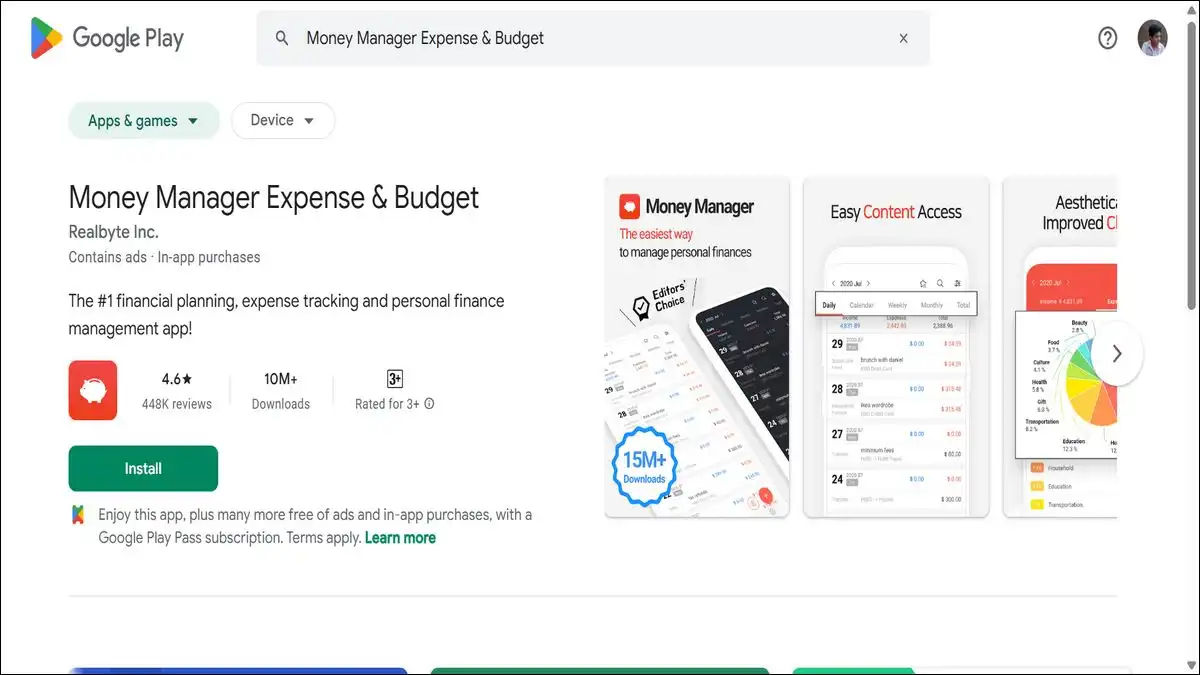
26. Money Manager — Personal Finance Without the Cloud
Most finance apps want your bank login. Money Manager doesn’t need those details at all.
It’s a local-first expense tracking app — meaning your financial data stays on your device rather than being sent to a third-party server.
You log income and expenses manually by category, set monthly budgets, and the app generates clear charts showing where your money actually goes. The S Pen can be used to navigate the detailed budget screens more comfortably than finger tapping on small numbers.
For anyone uncomfortable linking bank accounts to third-party apps, Money Manager provides most of the visibility you need without any of the privacy tradeoff.
| Best For | Personal budgeting, expense tracking |
| Price | Free / Premium available |
| S Pen | ✅ Partial |
| Download | Play Store |
🌐 Browser, Utilities & AI Apps
27. Firefox — Browse Without Being Tracked
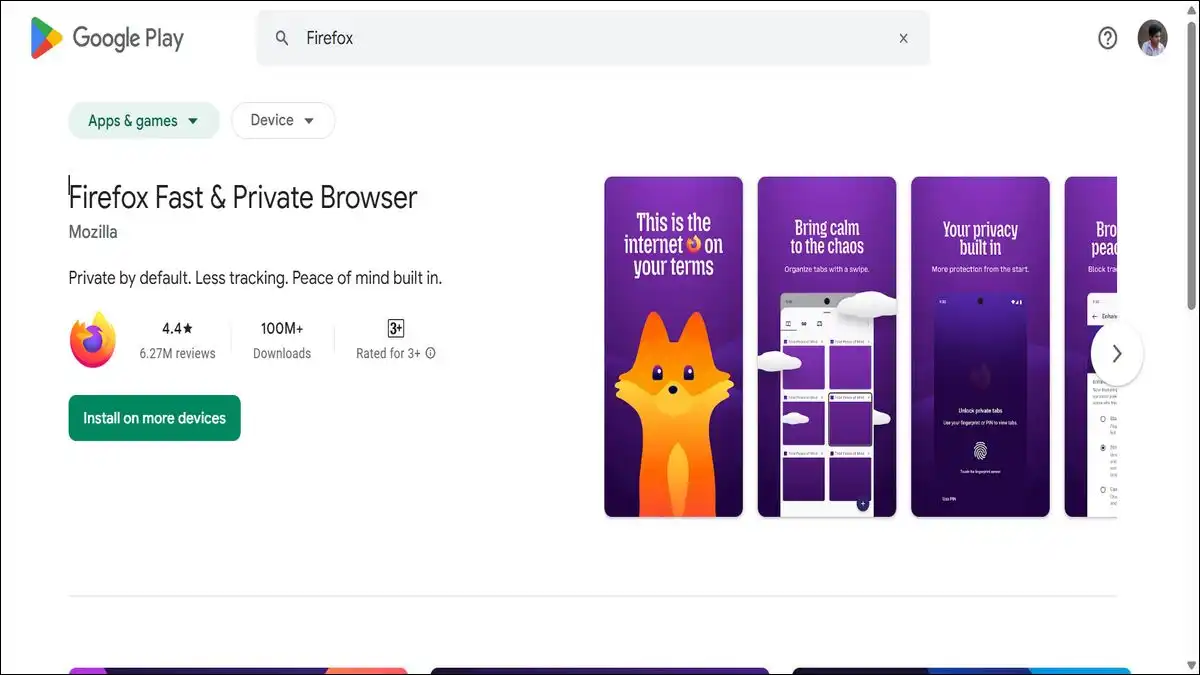
Firefox is the privacy-first browser choice for Android — and on the Samsung Galaxy S26 Ultra, it’s a noticeably better daily driver than Chrome for users who care about what happens to their browsing data.
Enhanced Tracking Protection blocks third-party trackers, fingerprinters, and cryptominers by default. The extension support — unique among mobile browsers — lets you install uBlock Origin for ad blocking, which makes a real difference to page load speed and battery life.
Syncing bookmarks, passwords, and open tabs across desktop and mobile works reliably through a Firefox account.
For users coming from Chrome, the transition takes about two days to feel natural. After that, going back feels like leaving your wallet in the car every time you browse.
| Best For | Privacy-focused browsing |
| Price | Free |
| S Pen | ❌ No |
| Download | Play Store |
28. Solid Explorer — The File Manager the S26 Ultra Deserves
The stock file manager on Galaxy S26 phones is functional, and really good. But, Solid Explorer is actually better!
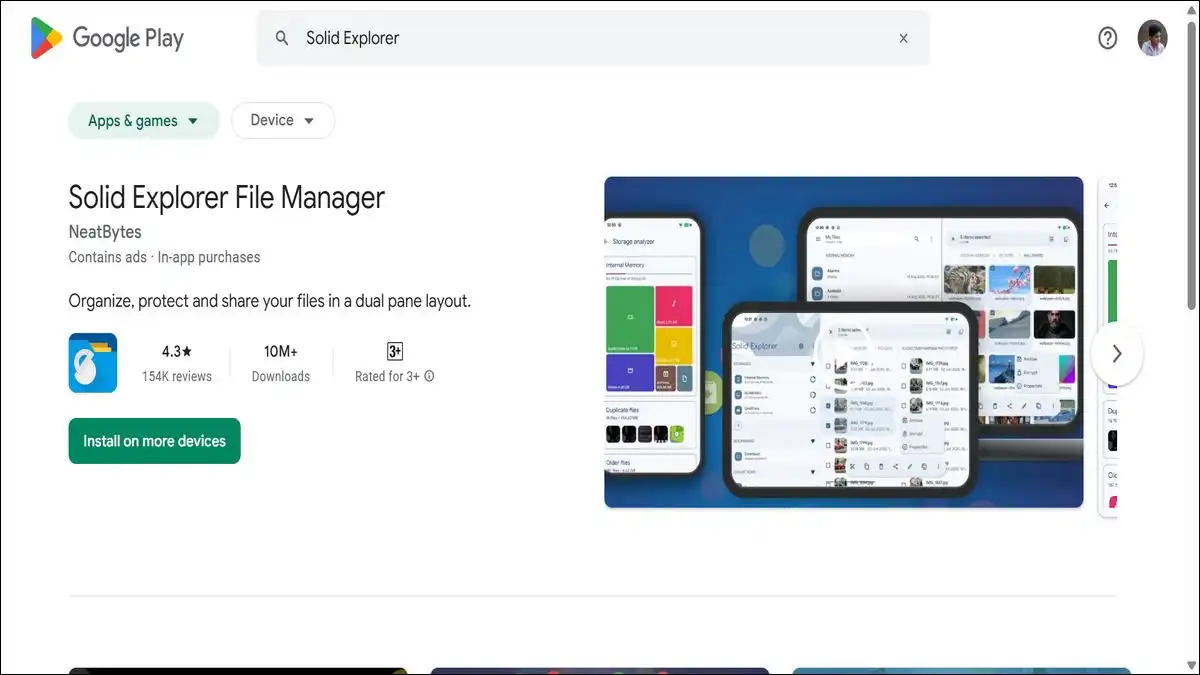
Its defining feature for S26 Ultra users is the dual-pane layout — two file browser panels side by side on the same screen. On a 6.9-inch display, this is genuinely comfortable and significantly faster than navigating between folders in a single-pane interface.
It supports cloud storage integration across Google Drive, Dropbox, OneDrive, and Box, handles FTP and SFTP connections for network storage, and supports encrypted archives for sensitive files.
The 14-day trial is fully featured. The permanent unlock costs $2.99 — one of the few outright paid apps on this list, and one that justifies the cost within the first week of regular use.
| Best For | Power users, file organization |
| Price | Free trial / $2.99 one-time |
| S Pen | ❌ No |
| Download | Play Store |
29. ChatGPT — AI That Works Alongside the S26 Ultra’s Own AI
The S26 Ultra ships with Galaxy AI — Samsung’s own suite of on-device and cloud AI tools. ChatGPT sits alongside that, not against it, covering the tasks Galaxy AI wasn’t designed for.
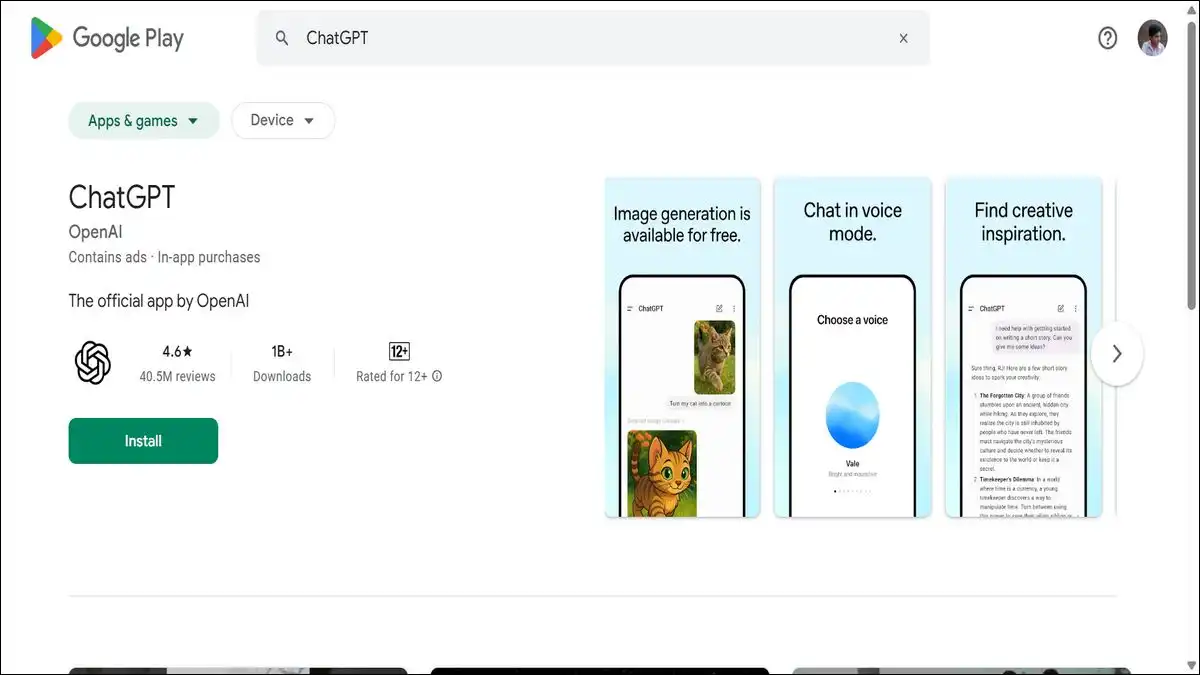
Writing assistance, document summarization, code debugging, research questions, brainstorming — ChatGPT handles conversational, open-ended AI tasks better than any built-in assistant currently available on Android.
The image analysis feature lets you point the Galaxy S26 Ultra’s 200MP camera at anything — a document, a whiteboard, a product label, a scene — and ask ChatGPT questions about what it sees.
The free tier uses GPT-4o. Plus at $20 per month adds priority access and higher usage limits.
| Best For | Writing, research, image analysis, productivity |
| Price | Free / Plus from $20/month |
| S Pen | ❌ No |
| Download | Play Store |
30. Tasker — Automate Everything Else
Tasker handles automation — and on the S26 Ultra, the automation possibilities go further than on any previous Android device.
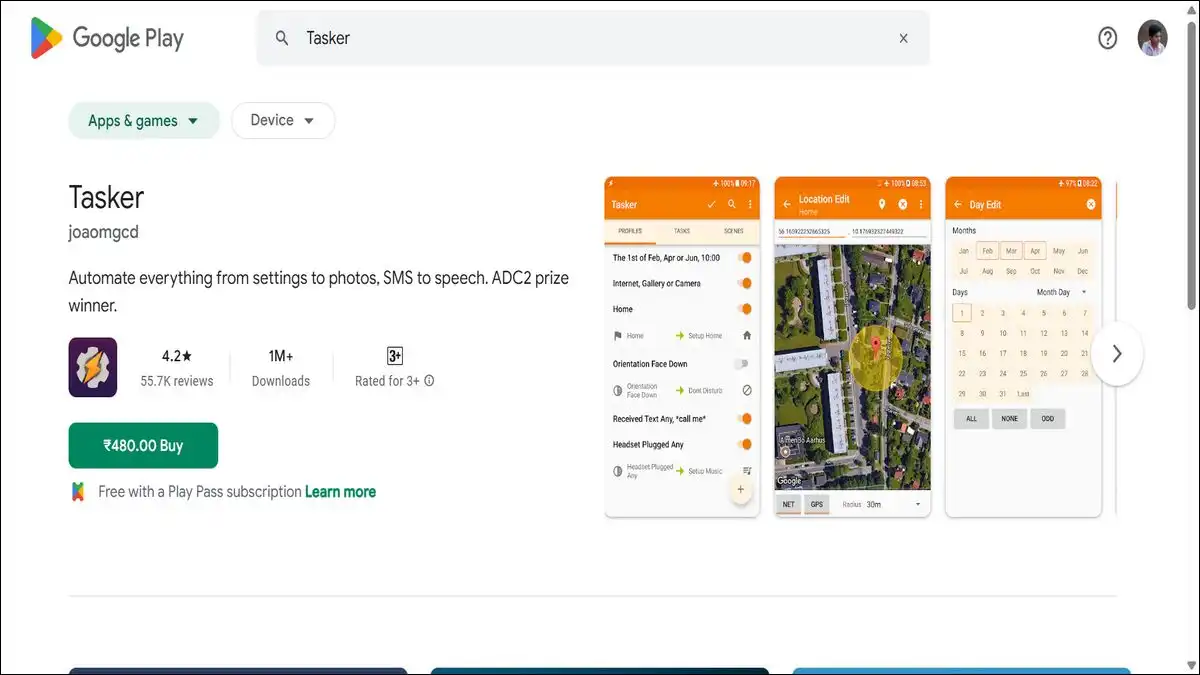
Tasker is a scriptable automation app that responds to triggers — location, time, app activity, device state, S Pen insertion and removal, screen orientation, battery level, and dozens more.
You create profiles that say: when this happens, do that.
- When the S Pen is removed from the phone, open Noteshelf automatically.
- When you arrive at work, switch to silent mode and turn on Wi-Fi.
- And When your battery hits 20%, reduce screen brightness and close background apps.
It costs $3.49 as a one-time purchase — no subscription. The learning curve is real. The payoff, for users who invest in it, is a phone that behaves exactly the way you want it to in every context without requiring a single manual adjustment.
| Best For | Power users, automation enthusiasts |
| Price | $3.49 one-time |
| S Pen | ✅ Can automate S Pen events |
| Download | Play Store |
📋 Complete Reference Table — All 30 Apps
| # | App | Category | Free? | S Pen |
|---|---|---|---|---|
| 1 | Concepts | S Pen / Creative | Freemium | ✅ |
| 2 | Noteshelf | S Pen / Notes | Freemium | ✅ |
| 3 | DocuSign | S Pen / Documents | Freemium | ✅ |
| 4 | Readwise Reader | S Pen / Reading | Freemium | ✅ |
| 5 | Adobe Lightroom | Photography | Freemium | ✅ Partial |
| 6 | CapCut | Video Editing | Free | ❌ |
| 7 | Canva | Design | Freemium | ✅ Partial |
| 8 | Colorfy | Creative / Relaxation | Freemium | ✅ |
| 9 | Good Lock | Customization | Free | ❌ |
| 10 | Screencraft | Wallpapers | Freemium | ❌ |
| 11 | Nova Launcher | Customization | Freemium | ❌ |
| 12 | Cursor for Android | S Pen Utility | Freemium | ✅ |
| 13 | Bitwarden | Security | Freemium | ❌ |
| 14 | ProtonVPN | Privacy | Free | ❌ |
| 15 | Communication | Free | ❌ | |
| 16 | Telegram | Communication | Freemium | ❌ |
| 17 | Slack | Work / Communication | Freemium | ❌ |
| 18 | Microsoft 365 | Productivity | Freemium | ✅ Partial |
| 19 | Notion | Productivity | Freemium | ✅ Partial |
| 20 | Todoist | Task Management | Freemium | ❌ |
| 21 | Adobe Acrobat | PDF / Documents | Freemium | ✅ |
| 22 | Spotify | Music | Freemium | ❌ |
| 23 | VLC | Video Playback | Free | ❌ |
| 24 | MyFitnessPal | Health / Nutrition | Freemium | ❌ |
| 25 | Strava | Health / Fitness | Freemium | ❌ |
| 26 | Money Manager | Finance | Freemium | ✅ Partial |
| 27 | Firefox | Browser | Free | ❌ |
| 28 | Solid Explorer | File Management | Paid ($2.99) | ❌ |
| 29 | ChatGPT | AI Assistant | Freemium | ❌ |
| 30 | Tasker | Automation | Paid ($3.49) | ✅ |
Where to Start — A Practical Setup Order
Thirty apps is a lot to install at once. If you want a practical sequence that gets you up and running well without spending an afternoon on it, here’s a sensible order to work through:
- Day one — the essentials: Start with Bitwarden and ProtonVPN. Security and privacy first, before you log into anything else on a new device.
- Day one — the S Pen foundation: Install Noteshelf and Concepts. Open both, spend fifteen minutes with each. You’ll know within that time whether either one fits how you think and work.
- Day two — creativity and productivity: Adobe Lightroom for your photos. Adobe Acrobat for your documents. Notion or Todoist for your tasks — pick the one that matches how complex your project management needs are.
- Day three — communication and entertainment: Telegram alongside WhatsApp. Spotify for music. VLC for local video. That’s most of your daily usage covered.
- When you’re ready to go further: Good Lock for customization. Tasker for automation. Cursor for Android for S Pen precision. These reward the time you put into them — but they’re not urgent on day one.
The Samsung S26 Ultra is a genuinely remarkable device. The hardware justifies every premium penny of its price.
These 30 apps are what makes that hardware work the way it was always capable of — not just for the tasks every phone handles, but for the ones only the Ultra can.
We hope that our readers would like these must-have apps for Samsung S26 Ultra. If you do like this list, make sure to drop your comments, and recommendations, and feedback below.
We would love hear from you!