Blooket Login: Everything You Need to Know in 2026
Learn how to log in to Blooket, create an account, join a game, fix login errors, and compare Free vs. Plus plans: updated guide for 2026.
Learning doesn’t have to feel like a test. That’s the whole idea behind Blooket — a free, web-based platform that turns classroom quizzes into fast-moving, points-driven games kids actually want to play.
Whether you’re a teacher setting up your first game or a student trying to join a session your teacher just shared, getting into Blooket is simple. But there are a few things worth knowing before you start.
This guide covers it all: how to create an account, how to log in as a student or teacher, what to do when something goes wrong, and whether a paid plan is worth your money.
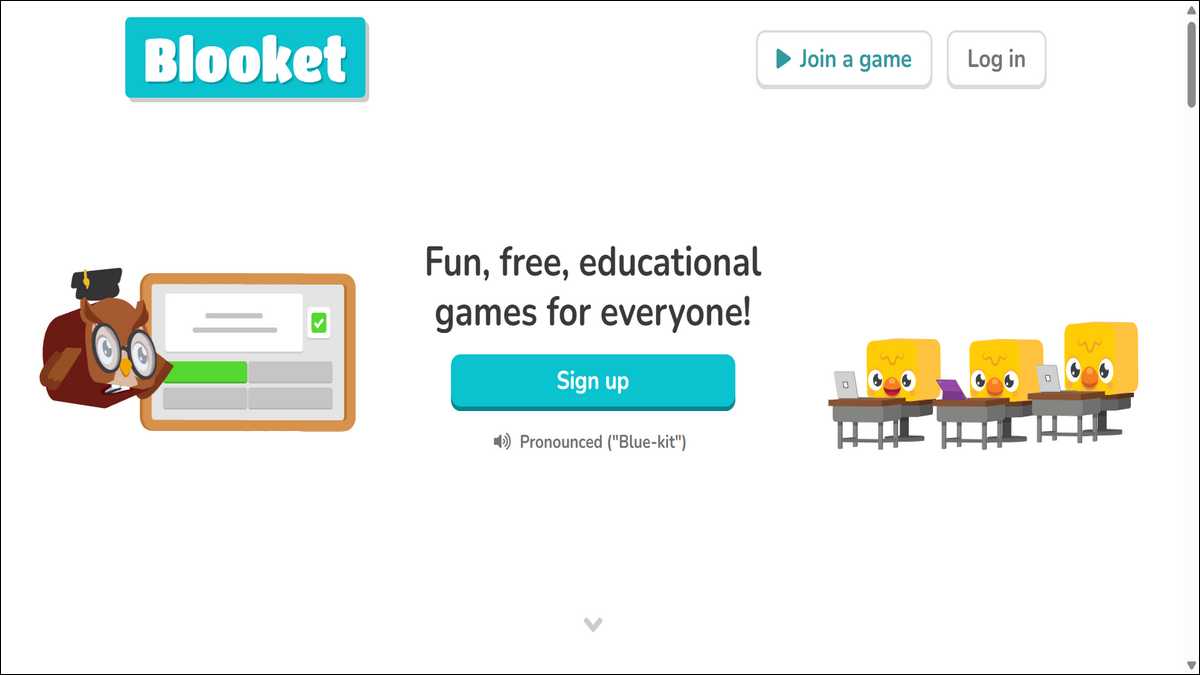
What Is Blooket, and Who Is It For?
Blooket is a web-based game platform built for classrooms. Brothers Tom and Ben Stewart launched it in 2018. They noticed students were tuning out from old-style quiz tools. Their fix? Make quizzes feel like video games.
It worked. Today, Blooket is used by millions of teachers and students around the world. Instead of just clicking answers, players collect characters called “Blooks,” earn coins, and battle each other across game modes like Tower Defense, Gold Quest, and Café Mode.
The platform makes studying engaging through interactive quizzes and captivating game formats.
“Learning feels less like a test and more like a game — which draws in even shy or less interested students.”
— blooket.it.com
Blooket works on any modern browser. There’s no app to install. You just go to blooket.com and you’re set.
Also read: Top 10 Blooket Cheats You Can’t Miss
The Three Ways to Use Blooket
Before you hit the login page, it helps to know which type of user you are. The platform at id.blooket.com/login is built around three distinct roles.
🎓 Teachers
Teacher accounts give you full control. You can create question sets from scratch, host live classroom games, assign homework for solo practice, and review analytics to spot where students are struggling. Everything is in one tidy dashboard.
🧑🎓 Students
Student accounts are lighter but still useful. With a login, you can join games, earn coins, unlock Blooks, and track your own stats over time. Your progress is saved across sessions — so that rare Blook you unlocked last week will still be there.
👻 Guests (No Account Needed)
You don’t need an account to play. Anyone can jump into a live game at blooket.com/play using a game code from the host. The catch is that guest progress doesn’t carry over. Once the game ends, your coins and stats are gone.
How to Create a Blooket Account
Signing up takes less than two minutes. Here’s how, based on Blooket’s own official help article:
- Go toblooket.comand click theSign Upbutton on the homepage.
- Choose your role —StudentorTeacher.
- Enter your date of birth. If you’re outside the US, check the relevant box.
- Fill in your email, username, and a strong password (8+ characters, mix of letters and numbers).
- Accept the terms of service and clickCreate Account.
- Check your inbox for a verification email and click the link inside.
💡 Tip: Students under 13 may need parental consent to sign up. If you’re setting up accounts for a whole class, check Blooket’s school privacy options first.
How to Log In to Blooket
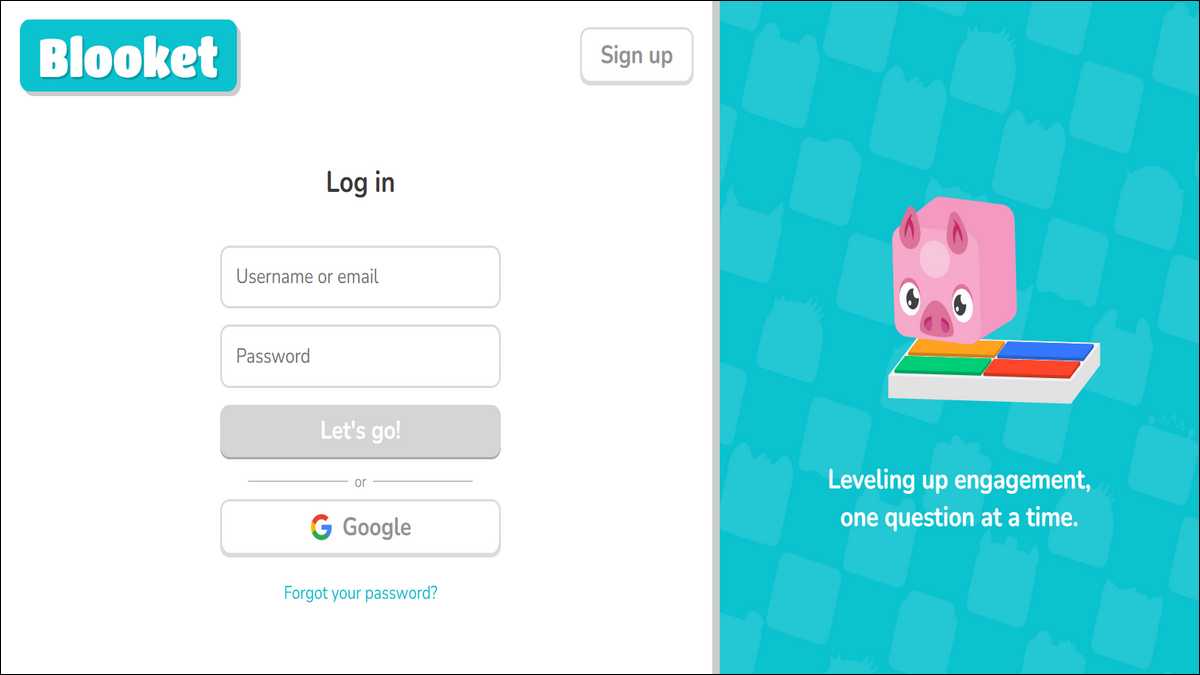
Already have an account? Head straight to id.blooket.com/login. The process is the same whether you’re a teacher or a student.
For Students
- Open any browser (Chrome, Safari, or Firefox all work).
- Go toblooket.comand clickLoginin the top-right corner.
- SelectStudent.
- Enter your username and password, then clickLogin.
- To join a game, use the Game ID your teacher shared.
For Teachers
- Visitblooket.comand clickLogin.
- ChooseTeacher.
- Enter your email and password.
- You’ll land on your teaching dashboard, where you can create sets, host games, or review reports.
You can also sign in with a Google account, which skips the password step entirely — handy for schools already on Google Workspace.

How to Join a Game (With or Without an Account)
Joining a live Blooket session is even easier than logging in. Once a teacher starts a game, students have three ways to join:
- Enter the code: Go to play.blooket.com and type the Game ID.
- Scan a QR code:Use your phone camera to scan the code the teacher shares.
- Click a direct link:If the teacher shares a link, just tap it.
After joining, you pick a nickname (or Blooket gives you a random one) and choose your Blook. Then you wait for the teacher to start the session.
⚠️ Quick note
Free accounts support up to 60 players per game. If you’re running a large session, you’ll need a Plus plan, which bumps that cap to 300.
Fixing Common Login Problems
Login issues are frustrating, but most are easy to fix. Here are the most common ones, along with solutions sourced from online reputable sources:
| Problem | Likely Cause | Fix |
|---|---|---|
| Wrong password error | Caps Lock on, or typo | Check Caps Lock; use “Forgot Password?” to reset |
| Invalid game code | Code expired or host hasn’t started yet | Ask the host for a fresh code |
| Page not loading | Browser cache issues | Clear cache and cookies, or switch browsers |
| No verification email | Email sent to spam folder | Check spam; resend from account settings |
| Can’t access dashboard | Using wrong login portal | Go directly to id.blooket.com/login |
If none of the above helps, try a different device. Blooket works best on updated versions of Chrome, Safari, or Firefox.
Blooket Free vs. Plus: Is It Worth Paying?
This platform is free to use, and most teachers get a lot done without spending a cent. But if you want extra tools, the Plus plan adds a meaningful upgrade.
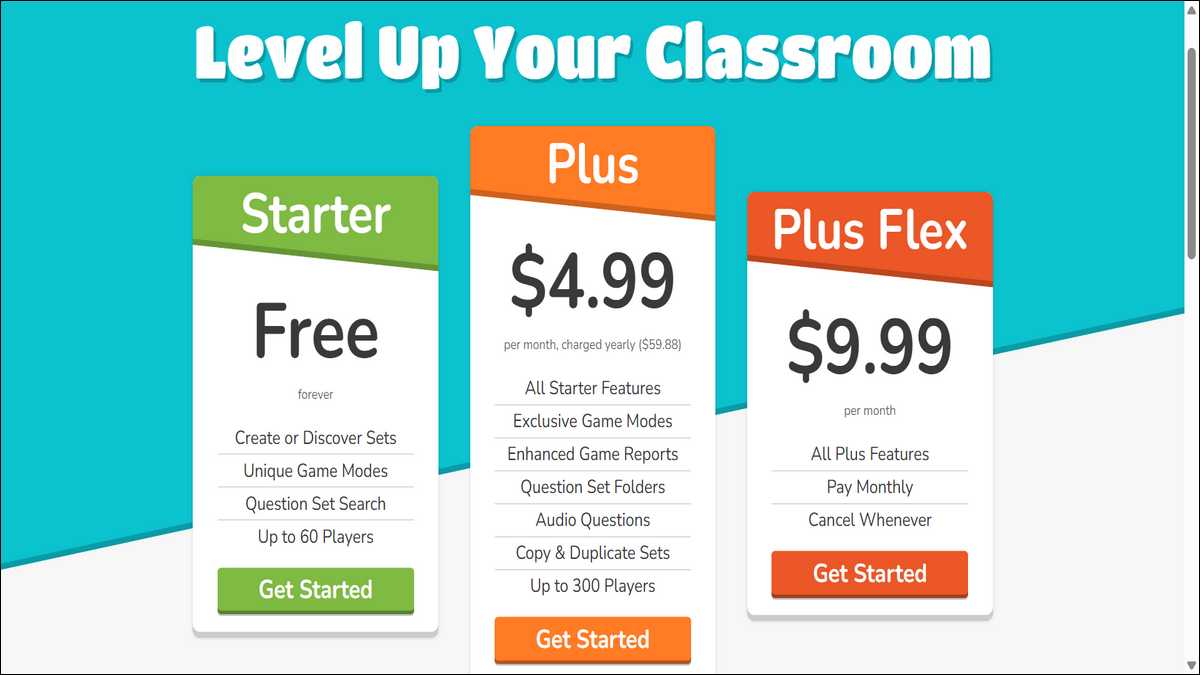
Here’s a breakdown based on pricing data:
| Feature | Free | Plus ($4.99/mo, billed yearly) | Plus Flex ($9.99/mo) |
|---|---|---|---|
| Max players per game | 60 | 300 | 300 |
| All game modes | ✗ Core only | ✓ All + exclusive | ✓ All + exclusive |
| Advanced analytics | ✗ | ✓ | ✓ |
| Homework deadline | 14 days | 365 days | 365 days |
| Audio questions | ✗ | ✓ | ✓ |
| Billing cycle | — | Annual | Monthly |
For schools buying in bulk, Blooket also offers group rates. A pack of 10 Plus plans runs $550/year, and prices drop further the more you buy — up to 80 plans for $3,000/year (a roughly 66% discount per seat).
💡 Refund policy: Blooket’s terms state that subscriptions are generally non-refundable. If you’re unsure about the Plus plan, start with Plus Flex — you can cancel month to month without being locked in.
Device Tips: Mobile vs. Desktop
You don’t need a computer to use Blooket. As blooket.it.com notes, the platform is fully responsive — meaning it adjusts to whatever screen size you’re on. That said, the experience differs a bit depending on the device.
- For students: A phone or tablet works great. Joining a game, picking a Blook, and answering questions are all quick on mobile. No app download needed — just open your browser and go.
- For teachers: A desktop or laptop is the better choice. Hosting games, managing settings, and reviewing detailed reports are all easier on a bigger screen. The analytics dashboard especially benefits from extra real estate.
Also read: How to Build a 10-Minute Gimkit Warm-Up That Works
A Quick Word on Privacy and Account Safety
Teachers and students should both keep their accounts secure. Use a strong, unique password. Never share your login details. Always sign out if you’re on a shared or public computer.
As Vocal Media’s guide points out, these simple habits prevent unauthorized access. For students under 13, Blooket requires school or parental oversight to meet educational privacy standards.
The End Note
Blooket is one of the easiest learning platforms to get started with. Signing up takes two minutes. Joining a game takes ten seconds. And once you’re in, it genuinely makes studying feel less like a chore.
Whether you’re a teacher looking to boost engagement or a student who just got a game code, the starting point is always the same: blooket.com. Everything else follows from there.
Frequently Asked Questions
Go to blooket.com, click Login in the top-right corner, choose Student or Teacher, and enter your username/email and password. You can also sign in with Google.
Yes. Go to blooket.com/play, enter the game code your teacher shared, and pick a nickname. No sign-up needed — but your progress won’t be saved.
The direct login page is id.blooket.com/login. To join a game, use blooket.com/play.
Check that Caps Lock is off and your email is correct. If it still fails, use “Forgot Password?” to reset. Clearing your browser cache or switching browsers also fixes most login issues.
Yes. The free plan covers core game modes and up to 60 players per game. The Plus plan ($4.99/month, billed annually) unlocks advanced features like 300-player games, audio questions, and detailed analytics.
Visit blooket.com, click Sign Up, select Student, enter your date of birth, choose a username and password, then verify your email. The whole process takes under two minutes.
It’s a short code the teacher shares when they host a live game. Students enter it at blooket.com/play to join the session. Codes can expire quickly, so use it right away.