Best Image to Video AI: Review of Media.io’s Creative Powerhouse
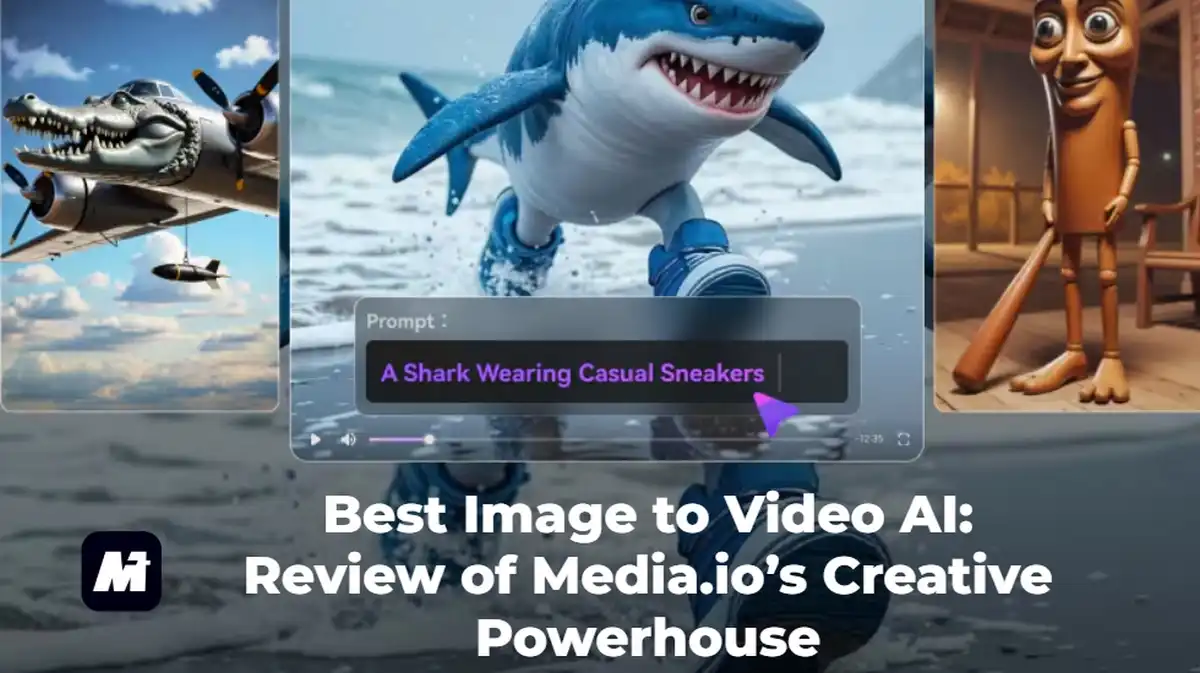
The quest to transform static photos into engaging videos is now central to digital storytelling. For creators and marketers, finding the best image to video AI means balancing quality, flexibility, and ease of use. This review examines Media.io’s image to video AI, a platform that aggregates leading AI models into a single, powerful hub for video creation.
Why Use an AI Image-to-Video Platform?
Traditional video production is resource-heavy. An AI video generator from image democratizes creation, allowing anyone to animate pictures in minutes. It interprets images and text prompts to add realistic motion and effects, solving the core question of “how to create video with images” efficiently for social media, marketing, or personal projects.
Media.io at a Glance: The Model-First Creative Hub
Media.io distinguishes itself as a comprehensive, model-first creative platform. It goes beyond being a single-model tool by integrating top AI video engines like Sora2, Veo 3, PixVerse, Vidu, and Runway into one dashboard.
This “one-stop-shop” approach provides unmatched creative choice. Coupled with a vast library of over 5,000 trending templates, it empowers you to experiment with countless visual styles and narratives instantly.
Head-to-Head: Media.io vs. Other Leading Platforms
When choosing a tool, comparison is key. Here’s how Media.io – free image to video AI generator, competes in the AI image to video generator free space:
| Media.io | Runway ML | Pika Labs | Kaiber | |
| Core Strength | All-in-One Suite with Multiple Top AI Models | Advanced Creative & Camera Controls | Fast, Stylized Video Clips | Artistic & Music-Synced Animations |
| Model Variety | Integrated access to Sora2, Veo, PixVerse, and more | Primarily proprietary models | Specialized proprietary model | Proprietary models focused on art |
| Template Library | Over 5,000+ trending templates | Limited | Very limited | Theme-based prompts |
| Free Tier | Daily free credits for registered users | Limited minutes per month | Limited generations | Limited generations |
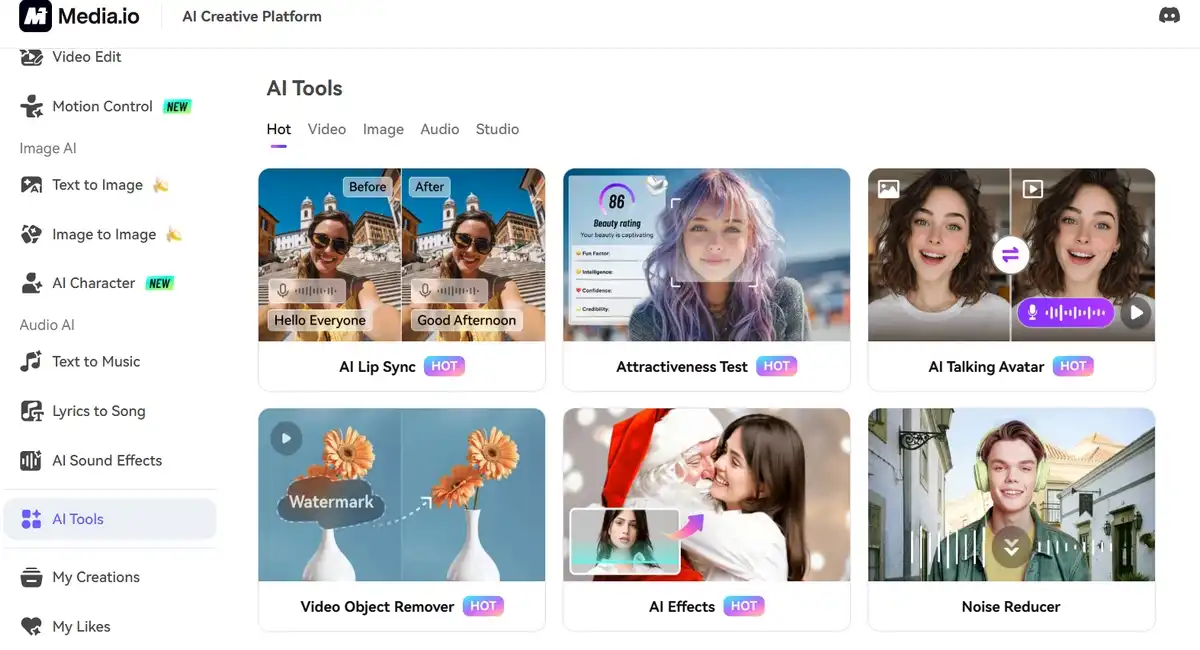
Media.io’s Key Advantage: Its multi-model strategy means you’re not limited by one AI’s style. You can generate clips using different backends to find the perfect fit. Its integrated suite also lets you edit, upscale, and add AI music in one place—a major efficiency boost.
Deep Dive: Media.io’s Image-to-Video Superpowers
1. Access to Cutting-Edge AI Models
Why settle for one? Media.io provides a gateway to several leading models. Test your image with the cinematic quality of Veo 3, the stylistic flexibility of PixVerse, or the narrative strength of other top-tier models, all from a single interface. This ensures higher quality and more tailored results for any project.
2. A Universe of Templates: 5,000+ and Growing
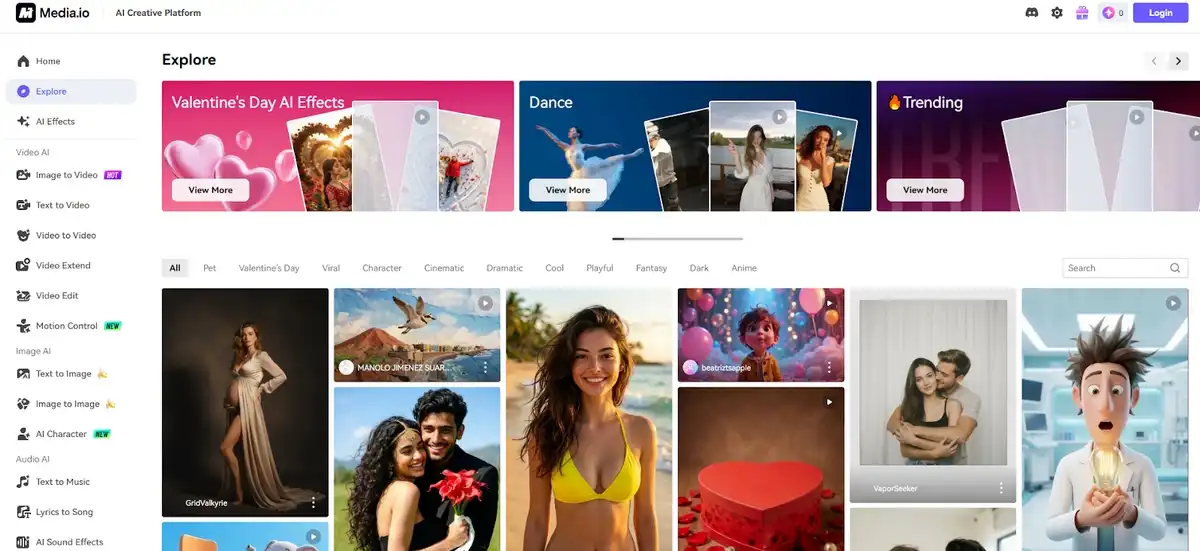
Facing a blank canvas? Browse the extensive template library for instant inspiration. Categories like “Viral,” “Cinematic,” or “Product Ad” provide a professional foundation. Apply a template to your image and customize it with your prompt to dramatically speed up creation, making it an ideal free AI video maker for quick, polished content.
3. Intuitive Creation Process
The workflow is straightforward, perfect for a free image to video AI trial: Upload your image, describe the desired motion in a text prompt (use the “Inspire Me” feature for ideas), select your preferred AI model, and generate. You then have tools for trimming, adding music, and upscaling before export.
H3: 4. The Creator-Friendly Credit System
Media.io operates on a transparent credit system. Registered users receive free daily credits, allowing for regular experimentation without upfront cost. This makes it an incredibly accessible platform to start with as an AI video content creator. Paid plans offer excellent value, with purchased credits valid for an extended period.
How to Create Your First AI Video in 3 Minutes
Wondering how to create video with images in practice? Here’s a quick guide to turn image into video AI free with Media.io:
Step 1. Upload & Describe: Go to the AI Image-to-Video tool. Upload your photo and write a clear prompt (e.g., “a tranquil lake at sunrise, with gentle waves”).
Step 2. Generate & Choose: Select an AI model and generate. Review multiple versions.
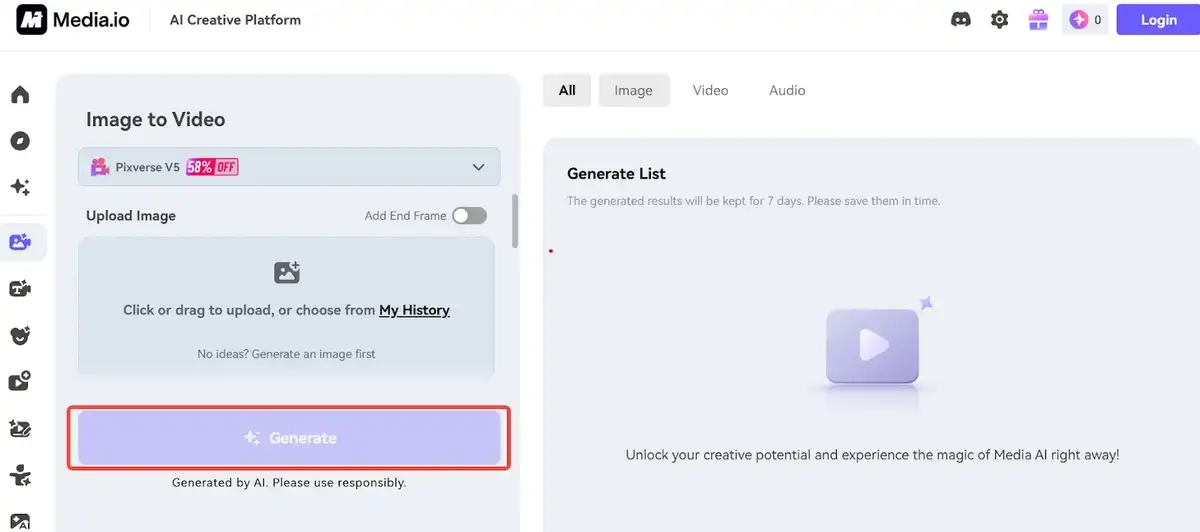
Step 3. Refine & Export: Use the built-in editor to add AI-generated background music or upscale the resolution. Download your final video.
Conclusion: The Verdict on the Best AI Tool
For creators seeking a powerful, flexible, and efficient solution, Media.io presents a compelling case as the best image to video AI. Its unique fusion of multiple top AI models, an enormous template library, and a unified editing suite removes creative friction. The daily free credits offer a risk-free start, and its integrated approach supports the entire workflow from inspiration to final export.