Stellar Repair for Photo Review: Can It Actually Save a Corrupted Photo?
If you shoot enough photos, sooner or later you’ll run into a file that simply refuses to cooperate.
You click on the photo and instead of seeing the image, you get an error. Or the picture opens but half of it is gray. Sometimes the thumbnail looks perfectly normal, but the full-size image won’t open at all.
It’s especially frustrating when it’s a photo you can’t recreate.
Maybe it’s from a family trip. Maybe it’s a wedding shoot. Maybe it’s one of those old RAW files you’ve kept for years because you knew you’d want to edit it again someday.
That’s the situation where I decided to try Stellar Repair for Photo.
What does Stellar Repair for Photo actually do?
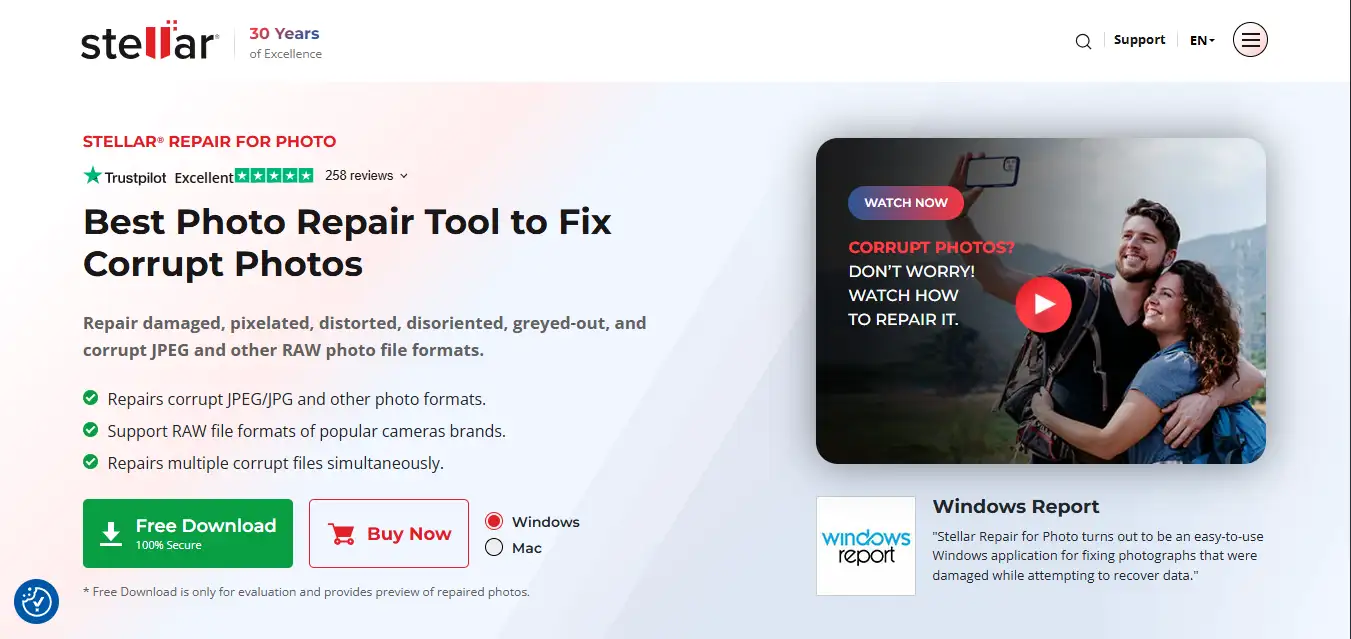
The name is pretty self-explanatory. This isn’t Lightroom, Photoshop or another image editor. You aren’t using it to brighten shadows or change the colors of your photos.
It’s meant for something much more specific: trying to repair image files that have become corrupted or won’t open properly.
And that’s an important distinction.
If your photo is simply badly exposed, this isn’t the software you need. If the file itself is damaged, that’s where Stellar Repair for Photo becomes interesting.
My first impression
I like software that doesn’t make me read a manual before I can figure out what to do. Stellar is pretty straightforward in that respect.
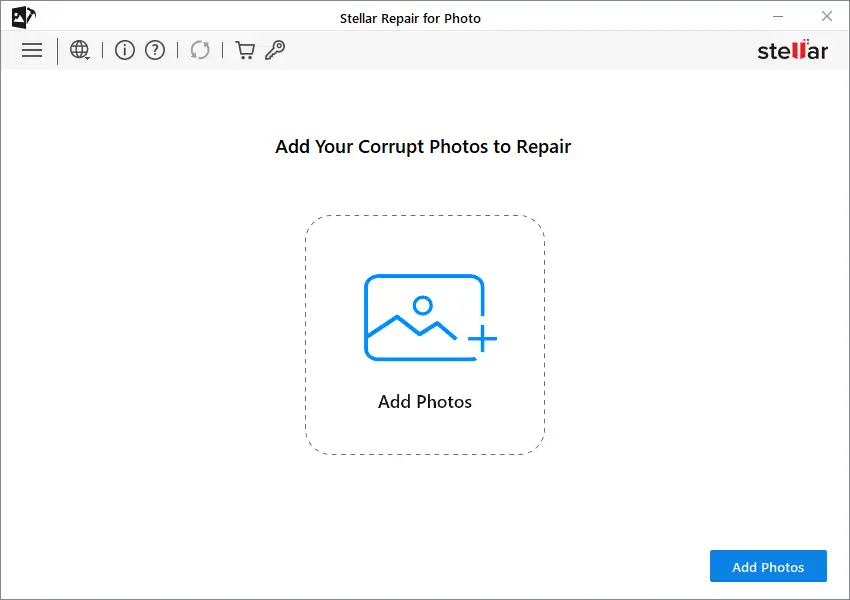
Open the program, add the damaged photos and start the repair. You can add individual images or multiple files at once. Once the process finishes, you can preview the results before saving them.
That last part matters more than it might sound.
You don’t have to buy it blindly
Imagine you’ve got ten photographs that won’t open and you’re wondering whether repair software can actually do anything with them.
The last thing you want is to pay for a license and then discover that none of your files can be recovered.
With Stellar, you can preview the repaired images first. I think that’s the sensible way to handle a product like this.
Look at the result. If the photo is usable, save it. If it’s still a mess, at least you know before spending money.
What about RAW photos?
This is where I’d pay a little more attention if you’re a photographer.
JPEG support is expected. What caught my attention was the support for different camera RAW formats.
If you’ve spent money on a decent camera and you’re shooting RAW, those files aren’t exactly disposable. Losing a JPEG from a random download is one thing. Losing a RAW from a wedding, trip or once-in-a-lifetime shoot is another.
Stellar supports a range of RAW formats alongside more common formats such as JPEG, JPG, TIFF, HEIC and HEIF.
The exact format support is worth checking against your particular camera before relying on it, though.
And if the photo is really badly damaged?
This is where the Advanced Repair option comes in.
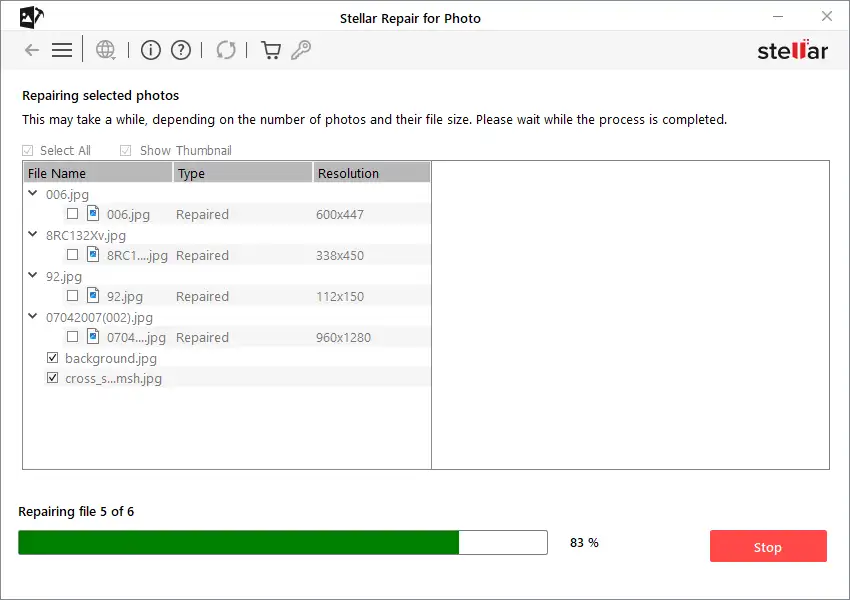
For more severely corrupted files, Stellar asks for a healthy sample photo. Ideally, this should come from the same camera and have similar settings to the damaged image.
Why?
Because the working photo gives the software something to use as a reference when trying to reconstruct the damaged file.
I’ve always found this approach more convincing than the idea that a program can simply “fix” any broken photograph with one click. There’s still a limit to what can be recovered, and the condition of the original file matters.
If important parts of the image data are completely gone, no repair program can magically recreate the original pixels.
One feature photographers will appreciate
Batch repair.
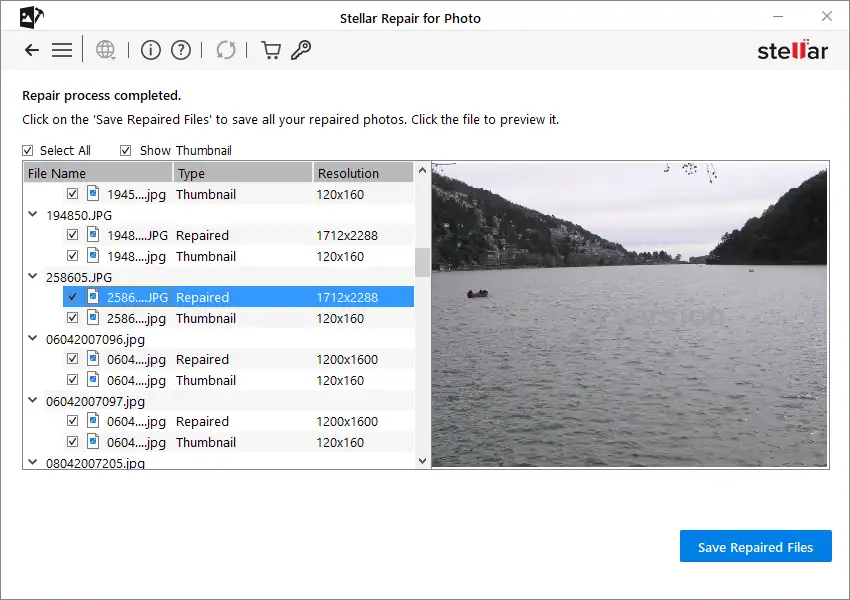
If you’ve got one damaged photograph, adding it individually isn’t a big deal.
But imagine coming back from a shoot and finding that 30 or 40 images on the card have problems.
That’s when batch processing starts making sense.
You can add multiple photos and let Stellar work through them rather than sitting there repairing each file individually.
It’s a small thing, but it’s probably the feature I’d appreciate most if I were dealing with a whole folder of damaged images.
Where could this actually happen?
There are plenty of ways to end up with a corrupted photograph.
An SD card can develop problems. A file transfer can get interrupted. A camera can lose power at the wrong moment. A storage drive can start behaving strangely.
And sometimes, honestly, you don’t even know what happened.
You just have a photo that worked yesterday and won’t open today.
If that happens, don’t start experimenting with the original file. Make a copy first. And if the problem is with the memory card itself, I’d stop shooting on it until you’ve figured out what’s happening. Continuing to write new photos to a questionable card is the last thing you want to do.
Is Stellar Repair for Photo worth buying?
This is where I’d be a little practical.
If you have one slightly damaged photo that isn’t particularly important, you probably don’t need to rush out and buy repair software.
But if you’ve got photographs that genuinely matter to you, it’s a different story.
The ability to test the repair and preview the result before saving gives you a pretty easy way to find out whether Stellar can help with your files.
The software isn’t free for saving the repaired photographs, and the price depends on the current license or offer, so I’d check the latest pricing before purchasing.
My take
I wouldn’t call Stellar Repair for Photo a miracle worker. No photo-repair software deserves that description.
What I do like is that it stays focused on a problem photographers actually encounter: the photograph is still sitting on the drive or memory card, but something has gone wrong with the file.
The interface doesn’t take much figuring out, the preview is useful, RAW support makes it relevant to camera users, and batch repair is handy when corruption affects more than one image.
So, would I recommend trying it?
Yes, especially if the photos you’re trying to recover are important.
I’d download the trial, add a few of the damaged files and see what the preview gives you. That’s a much better way to judge a repair tool than simply taking someone’s word for it.
And if Stellar manages to bring back that one photograph you thought you’d lost forever, well, that’s probably the only review you’ll need.